module-navigation
Module navigation images for a particular class, specifically the Java curriculum using CodeSpaces Motors. — 23 images
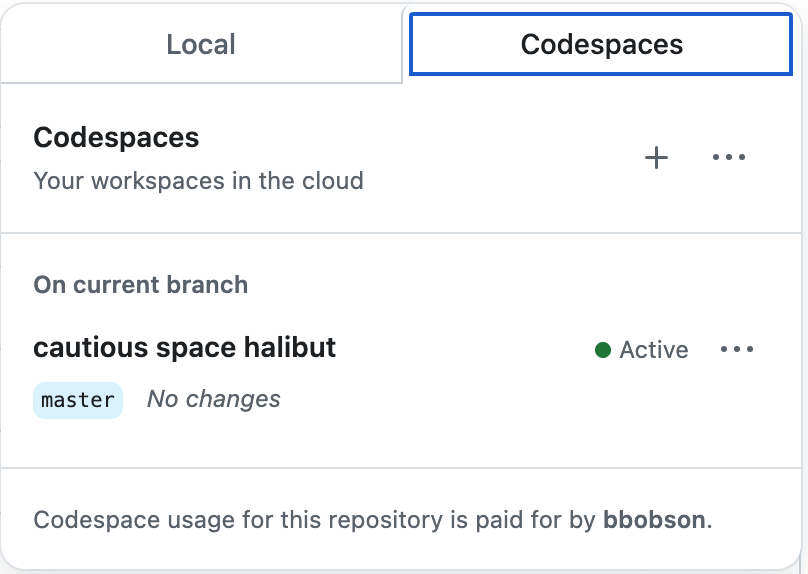
A screenshot of GitHub Codespaces interface showing cloud-based development workspaces. The interface displays tabs for 'Local' and 'Codespaces', with details about an active codespace named 'cautious space halibut' on the master branch with no changes.

A screenshot showing a navigation menu bar with multiple tabs including TERMINAL, PORTS, JUPYTER, PROBLEMS, OUTPUT, and DEBUG CONSOLE. The PORTS tab is highlighted with a blue underline and displays a notification badge with the number 5, indicating there are 5 active ports. This appears to be from a development environment interface.
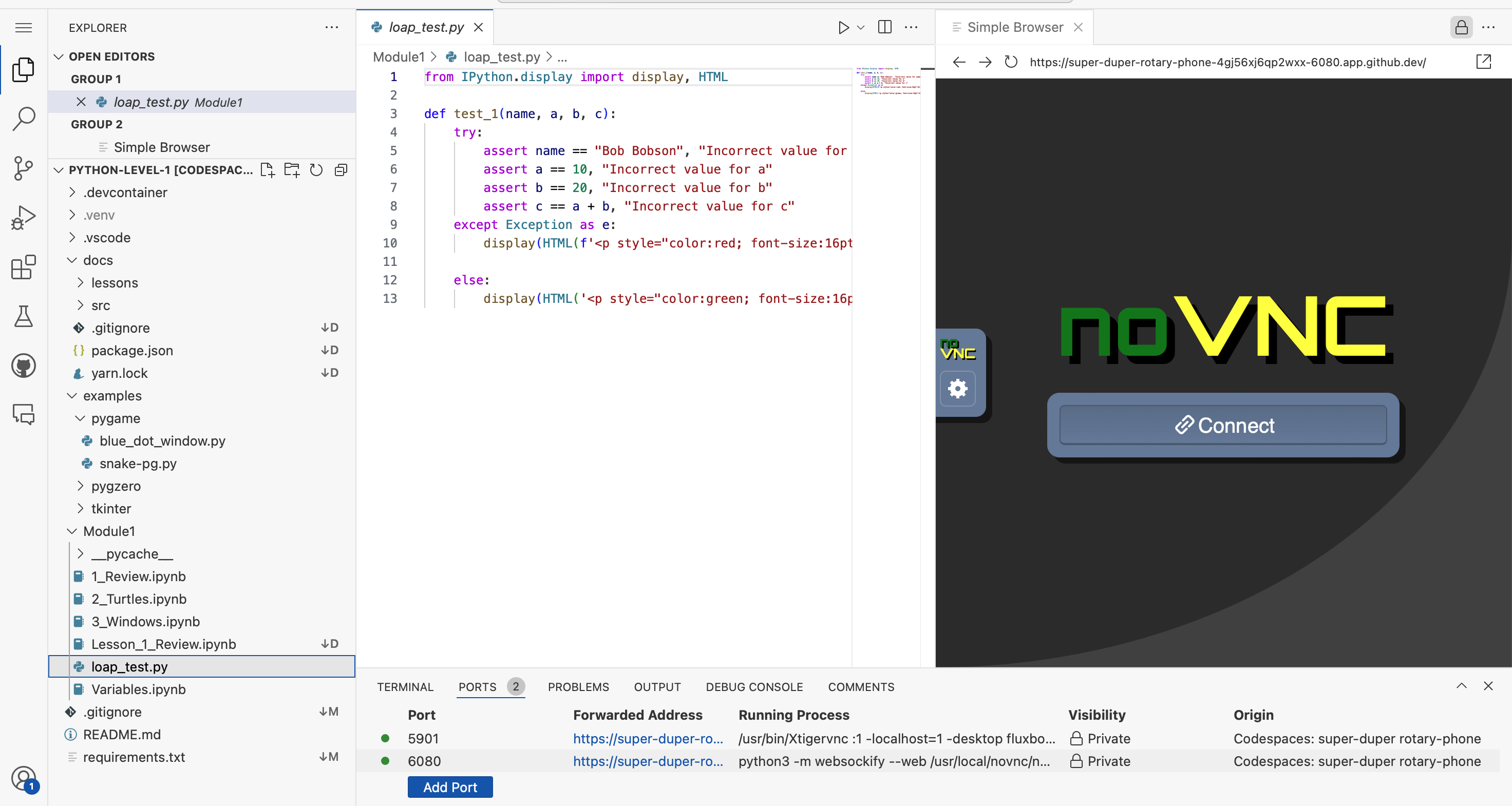
A screenshot of a Python development environment showing a coding editor on the left with file explorer displaying project structure, Python code in the center editor pane showing a test function with assertions and HTML display statements, and a browser preview on the right showing a noVNC interface with a Connect button. This appears to be a Codespaces development setup for a League of Amazing Programmers Python lesson.

A green button or navigation element featuring a code bracket icon and the word "Code" with a dropdown arrow, commonly used in programming interfaces and educational platforms.
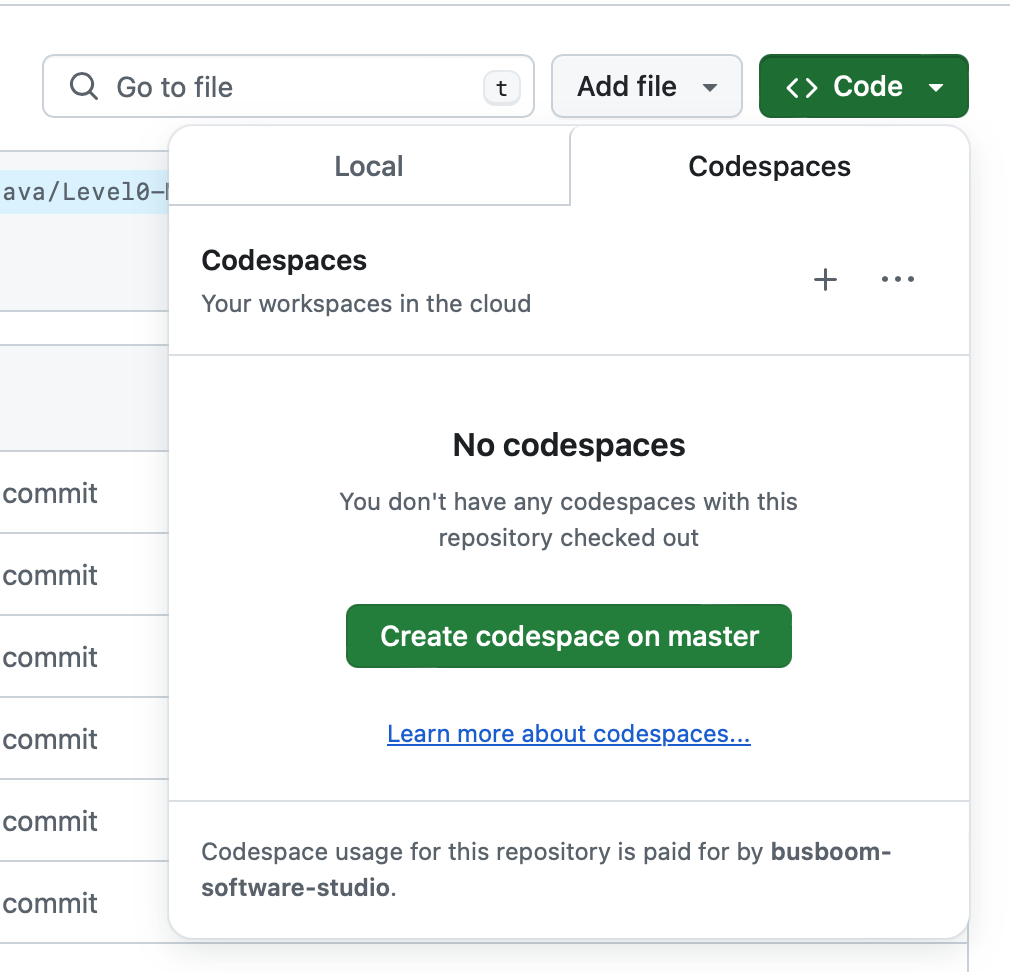
A screenshot of GitHub Codespaces interface showing the Codespaces tab for a repository. The page displays 'No codespaces' with a message indicating no codespaces are currently checked out, along with a green button to 'Create codespace on master' and a link to learn more about codespaces.

A simple line-drawn icon showing overlapping document or window frames, rendered in gray on a light background. This appears to be a user interface icon, likely representing file management, window management, or a module navigation element for a coding curriculum.

A navigation header displaying 'Fork Level0-Module0' with the GitHub logo on a green background. This appears to be part of a web interface for a coding curriculum module.
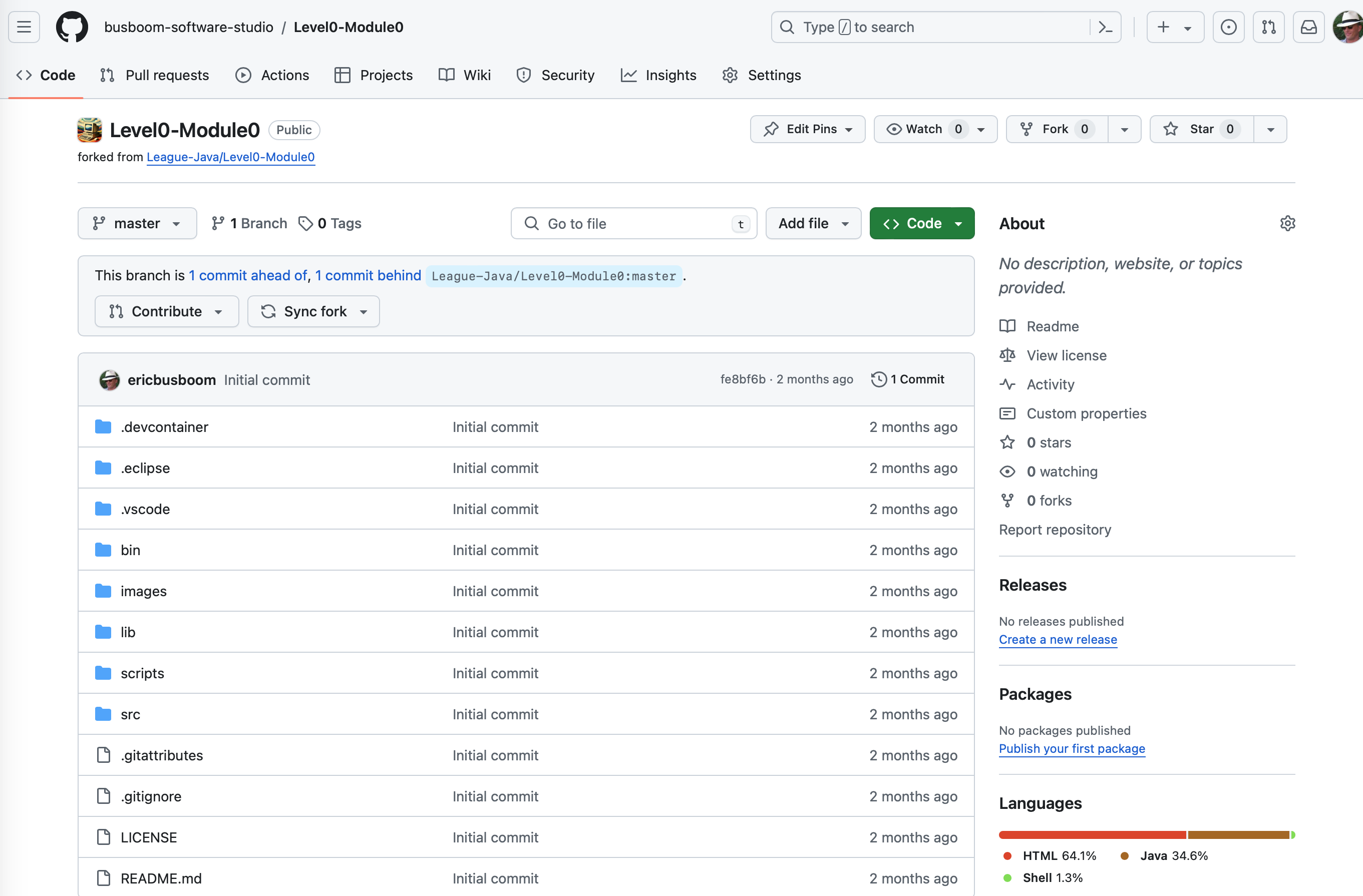
A GitHub repository page showing the Level0-Module0 project from The League's Java curriculum. The screenshot displays the repository structure with various folders (.devcontainer, .eclipse, .vscode, bin, images, lib, scripts, src) and configuration files, forked from League-Java/Level0-Module0. The page shows code repository management interface with branch information and project metadata.
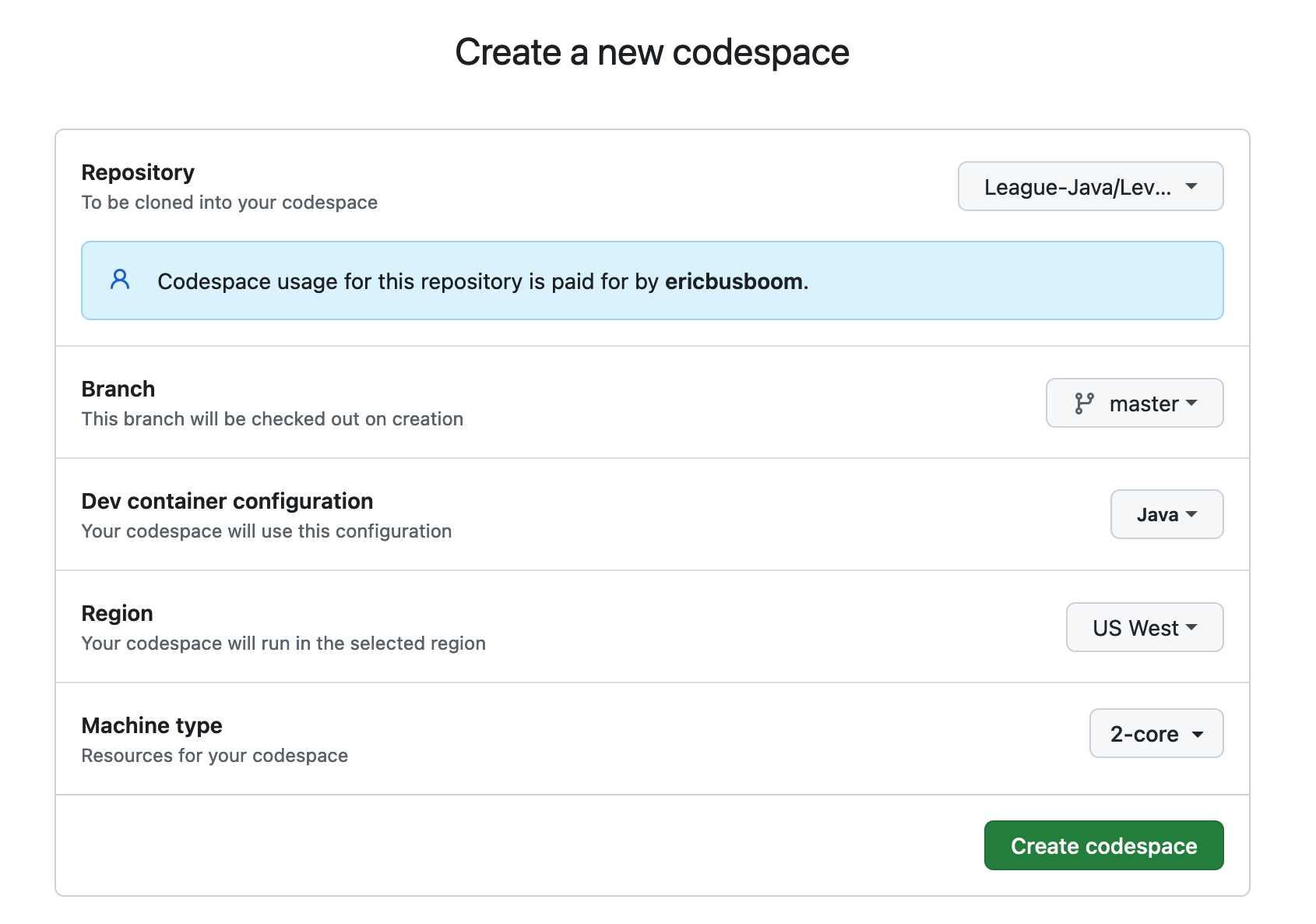
A screenshot of GitHub Codespaces configuration interface for creating a new development environment. The form shows settings for a League of Amazing Programmers Java repository, including repository selection, branch, dev container configuration, region, and machine type options.
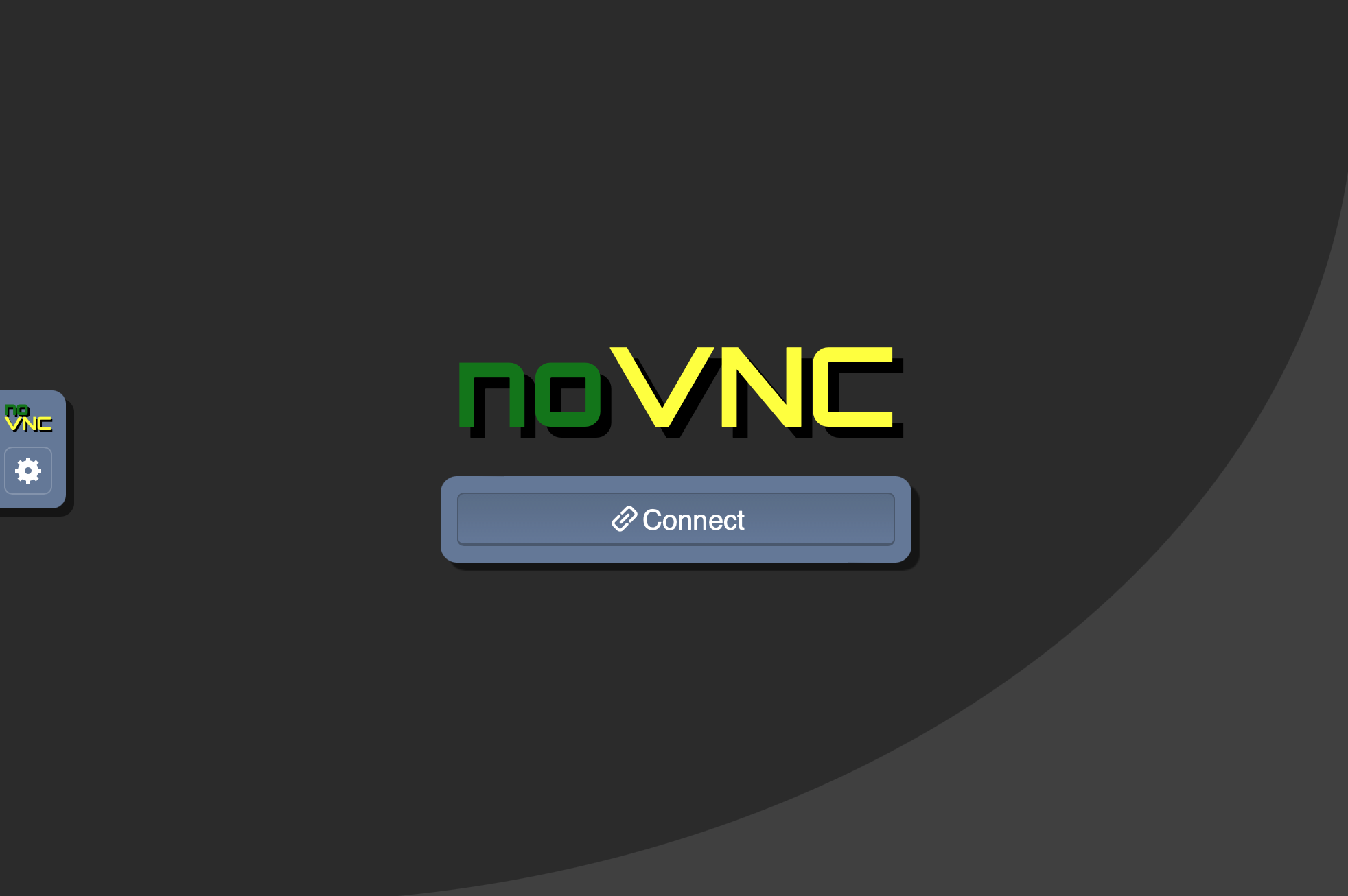
A screenshot of the noVNC interface showing a connection screen with the noVNC logo in green and yellow text and a blue "Connect" button. This appears to be a remote desktop/virtual machine connection interface, likely used for accessing CodeSpaces Motors development environments in The League's Java curriculum.

A clickable button or banner with an orange background featuring the GitHub logo and text "Open in Codespaces". This is a navigation element for opening a coding project in GitHub Codespaces, commonly used in educational coding platforms.
A set of four simple line icons displayed on a dark background, showing different device or layout representations. These appear to be UI navigation icons, possibly representing different view modes or device types (phone, tablet, book/split view, and grid layouts).
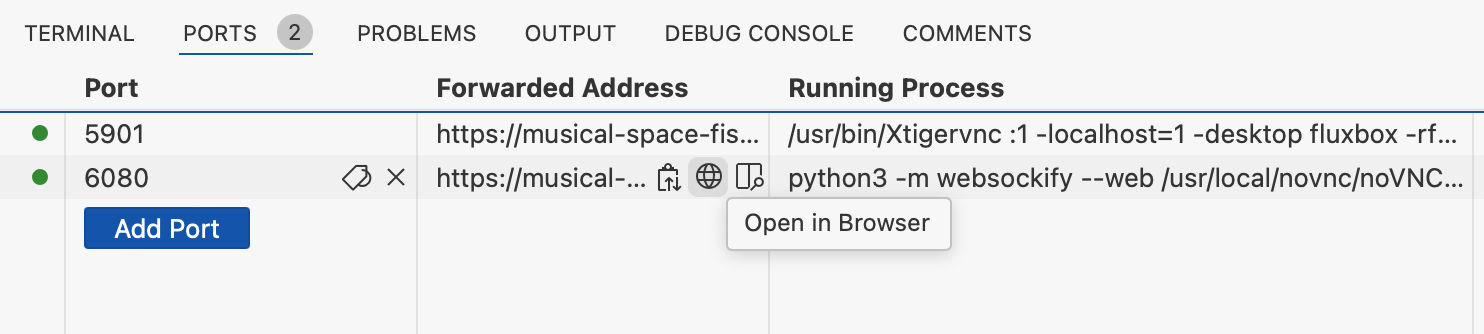
A screenshot of a development environment's Ports tab showing two active port forwards (5901 and 6080) with their associated URLs, running processes, and an 'Open in Browser' button. This appears to be from VS Code or a similar IDE being used for running web applications.

A screenshot of a development environment's port forwarding configuration table showing two active ports (5901 and 6080) with their forwarded addresses, running processes, and visibility settings. The interface displays localhost addresses and Python/VNC processes typical of a coding development environment.
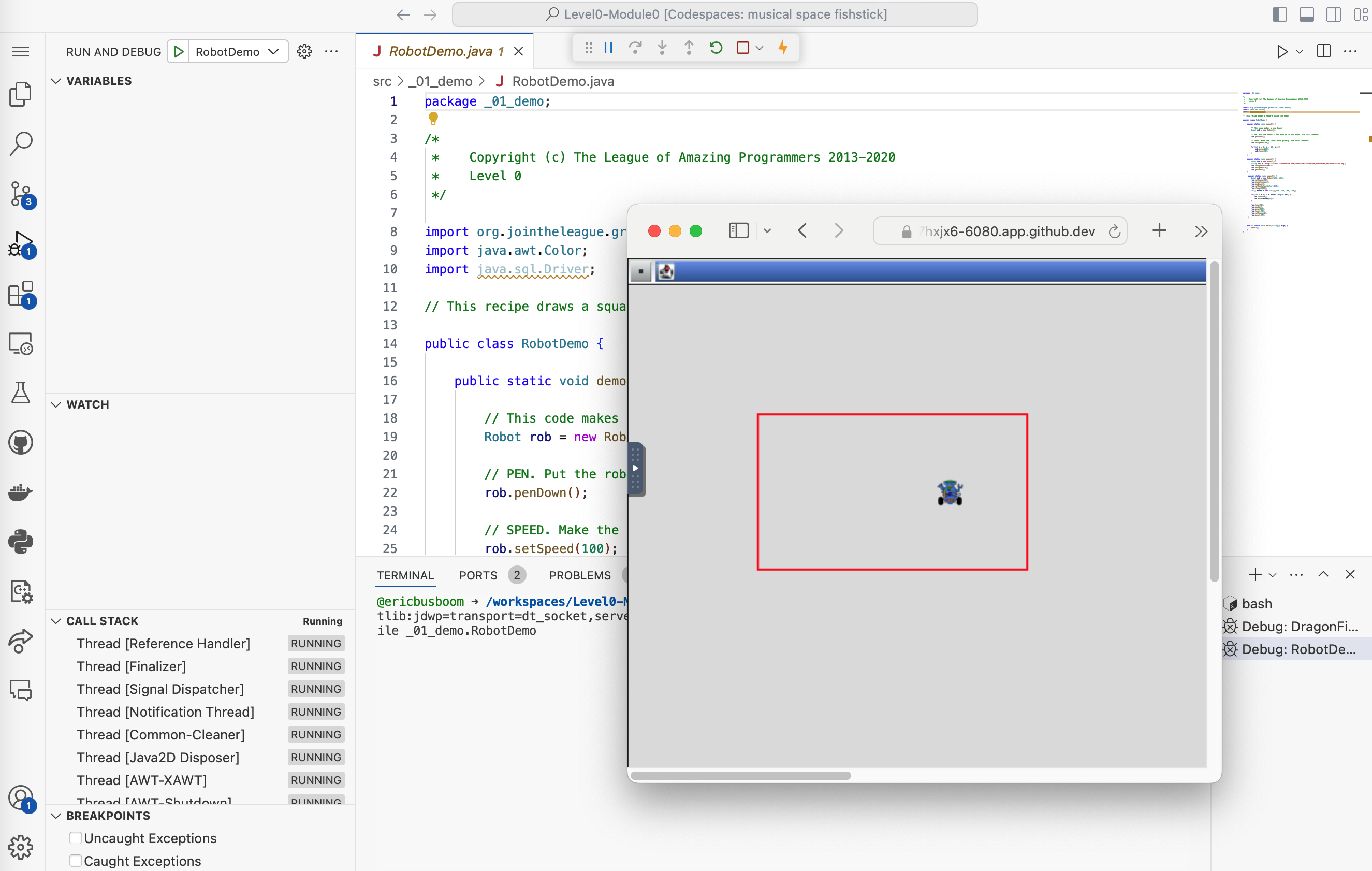
A screenshot of an IDE (Integrated Development Environment) showing Java code from The League of Amazing Programmers. The left side displays the RobotDemo.java source code with copyright notice and imports, while the right side shows a debugging/execution window with a simulated robot visualization in a red-bordered square on a graphical canvas.

A screenshot of a code editor or IDE interface showing a 'Run and Debug' button with a play icon on the left, and a dropdown menu labeled 'DragonFight' on the right. This appears to be part of a coding environment's module navigation interface.
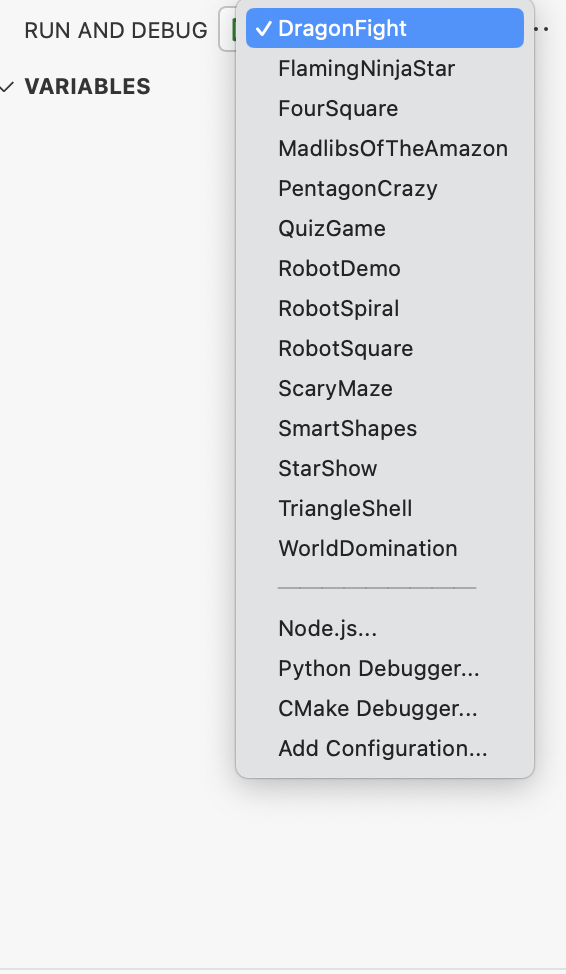
A screenshot of a development environment showing a run and debug configuration dropdown menu. The menu displays various project options like DragonfFight, FlamingNinjaStar, RobotDemo, and others, with DragonfFight currently selected. Below are debugging options for Node.js, Python, and CMake.
A simple line icon showing a play button (triangle) pointing right with a gear or cog symbol overlapping it on the left side. The icon uses a minimalist design with black lines on a light gray background, suggesting a module or lesson related to coding mechanics or programming automation.

A navigation button or link showing the GitHub logo (Octocat) in black alongside the text 'View Source' in orange. This appears to be a UI element for accessing source code, likely part of a coding curriculum interface.

Three horizontal button bars with GitHub branding and action text. The left orange button says 'Open in Codespaces', the middle green button says 'Fork Level0-Module0', and the right blue button says 'View Level0-Module0'. These appear to be navigation/action buttons for a coding module interface.

A navigation header showing the GitHub logo alongside text that reads 'View Level0-Module0'. This appears to be a clickable link or button for accessing a specific module in The League's Java curriculum.
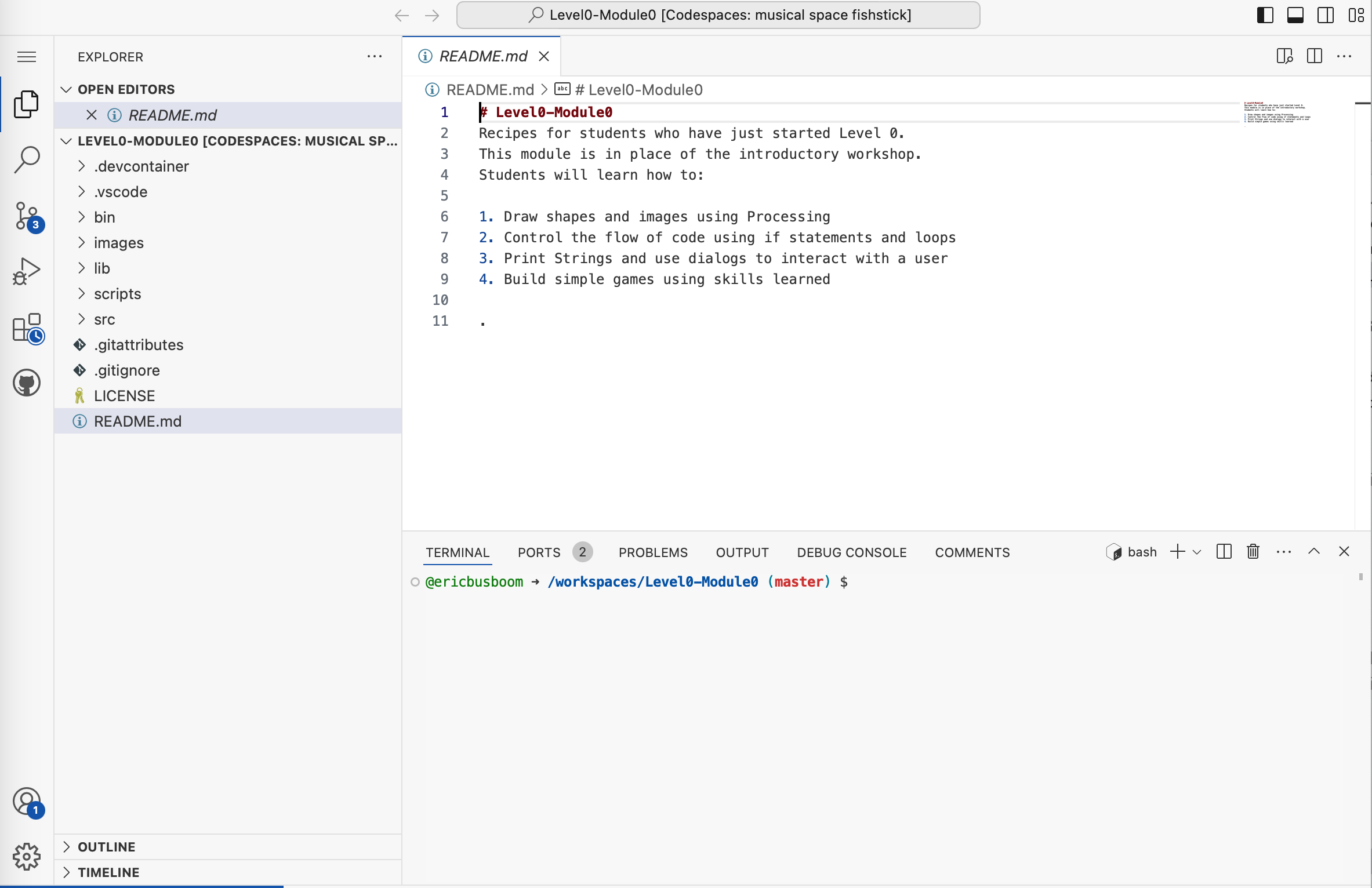
A screenshot of VS Code showing a README.md file for Level0-Module0, which is part of a coding curriculum. The file contains introductory instructions for students learning to draw shapes, control code flow, use dialogs, and build games. The left sidebar displays the project explorer with various files and folders, while a terminal window is visible at the bottom.
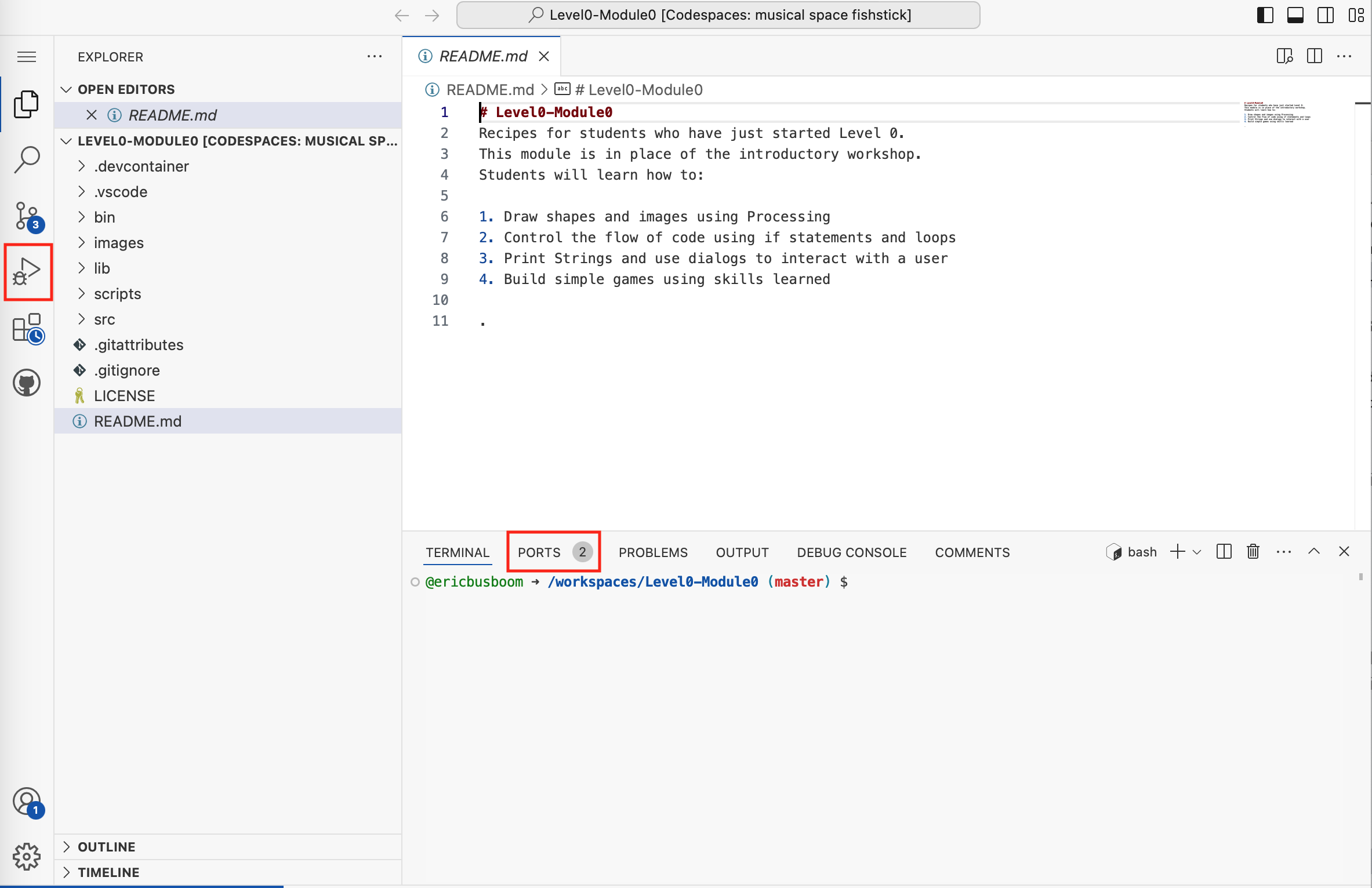
A screenshot of VS Code showing a README.md file for Level0-Module0, which is an introductory coding workshop module. The file displays learning objectives including drawing shapes with Processing, controlling code flow, using strings and dialogs, and building simple games. The left sidebar shows the project file structure with folders like scripts, src, and images.