microbit
Images for websites, instructions, and classes describing how to use the micro:bit MakeCode site. — 19 images

A header or label showing the word 'Basic' in blue text next to a grid icon made of blue squares, typically representing the Basic category or section in MakeCode for micro:bit programming.
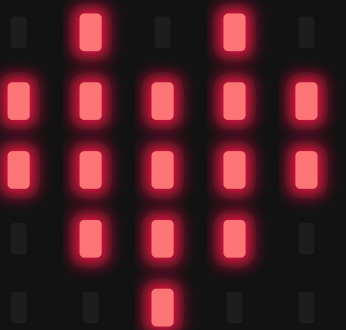
This image shows a micro:bit LED display matrix with a simple pixel art design illuminated in pink/red. The glowing rectangular LED elements form a pattern on the black background, representing how the micro:bit's 5x5 LED grid can display custom graphics and patterns.
A magenta/purple banner displaying text "button A is pressed" with a small dropdown arrow icon, styled as a MakeCode block used in micro:bit programming. This is a visual representation of an event block from the MakeCode block-based coding interface.

A logo image displaying a stylized green robot or vehicle icon next to the text "CuteBot" in green. The design is simple and appears to be a product or project branding element, likely representing a cute robot vehicle project.
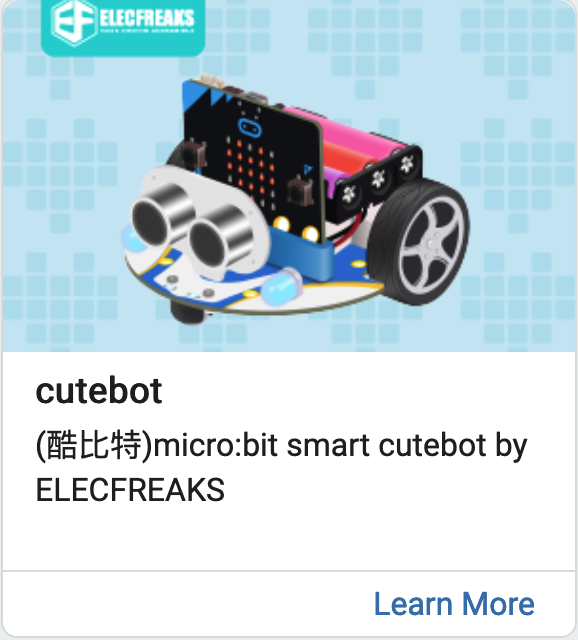
A product showcase displaying the ELECFREAKS Cutebot, a micro:bit smart robot with colorful design elements including wheels, sensors, and an LED display panel. The image shows the robot against a light blue pixelated background with the ELECFREAKS logo and includes text identifying it as a micro:bit smart cutebot educational robotics product.
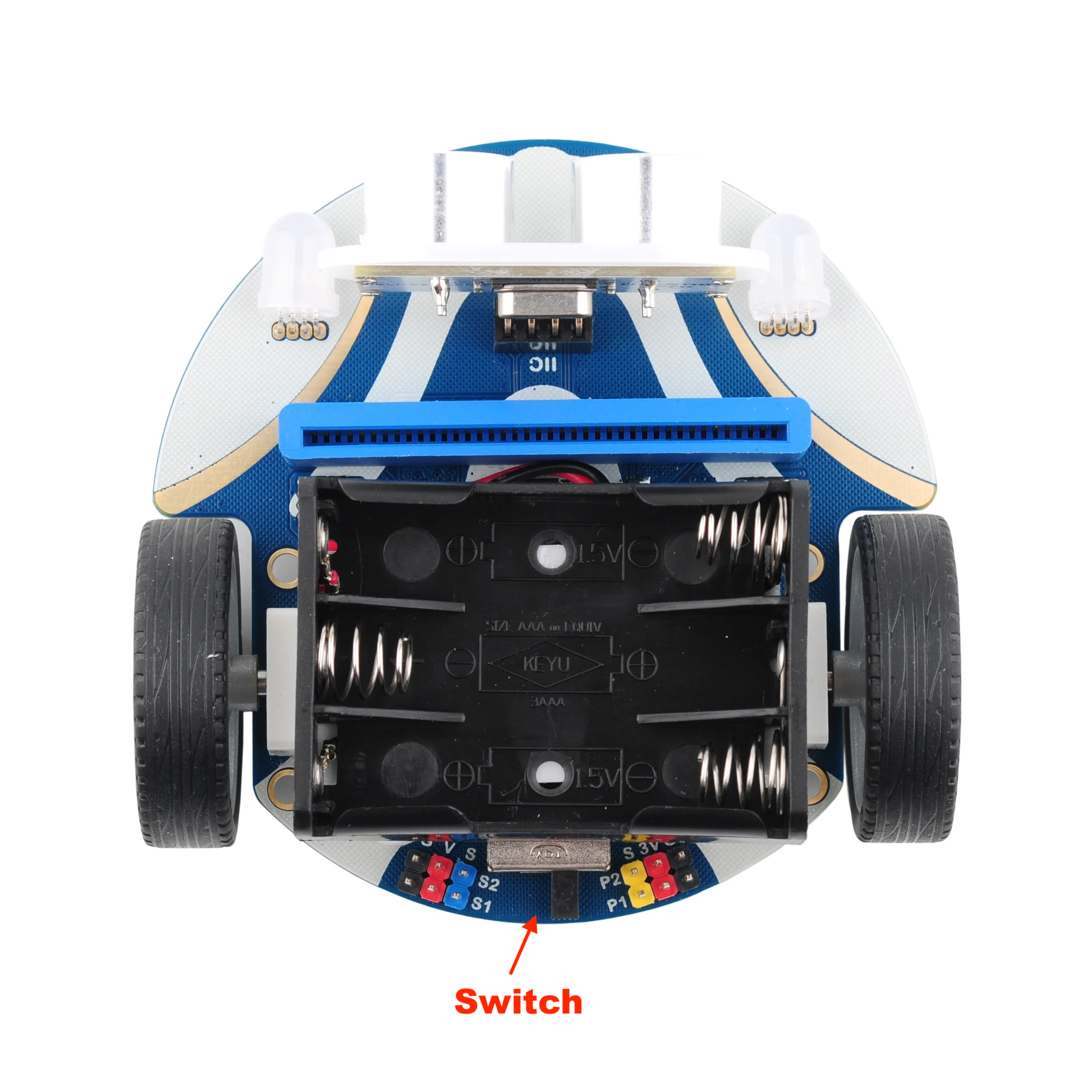
A top-down view of a micro:bit robot car with blue and white striped body, showing the internal hardware including battery compartment, circuit board, wheels, and electronic components. The image includes a label pointing to the switch mechanism at the bottom.
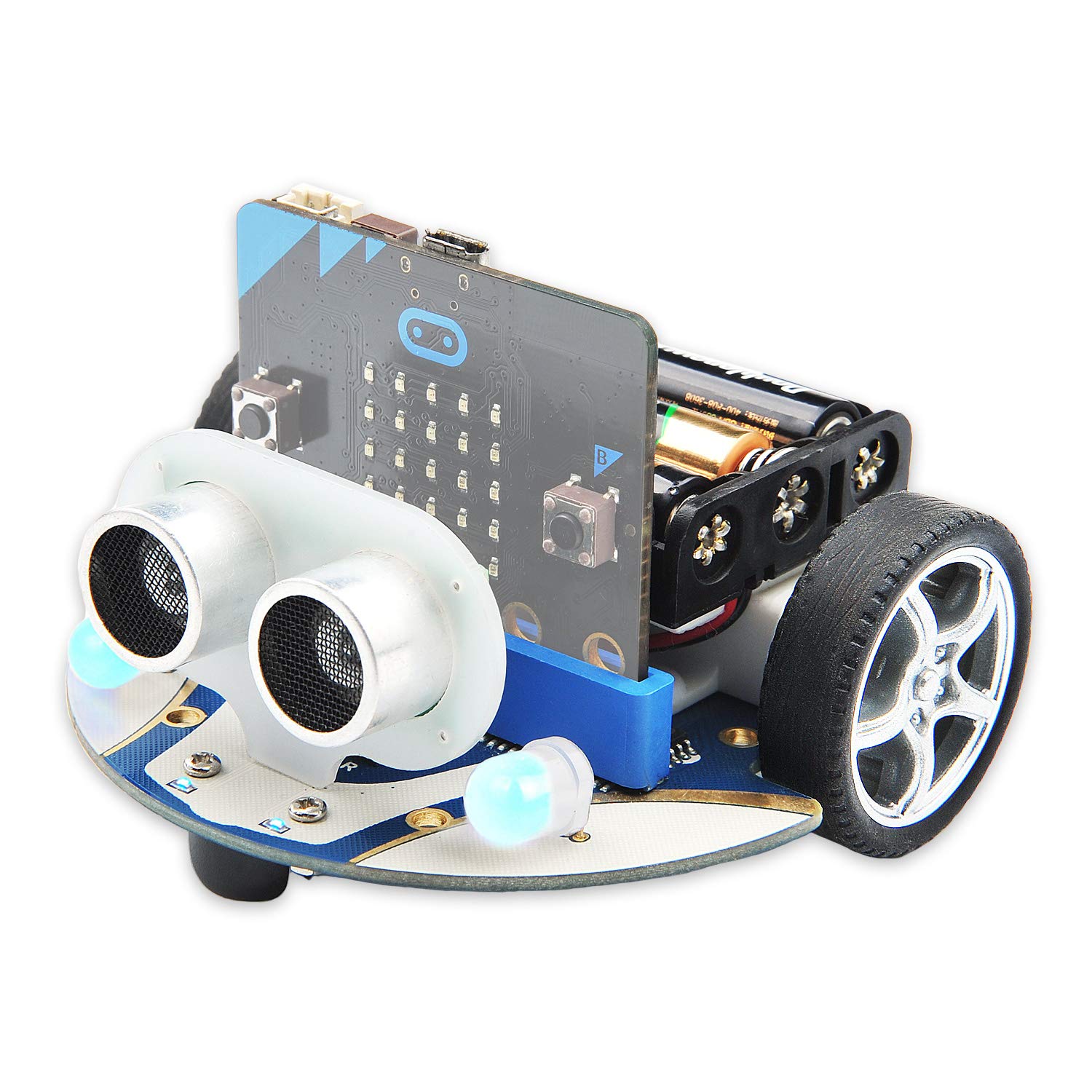
A micro:bit robot car kit displayed against a white background, featuring a blue and gray chassis with two white sensor modules on the front, a circuit board control unit mounted on top, batteries on the side, and black wheels with silver rims. This is a complete educational robotics platform designed for youth programming and hardware projects.

A simple white icon of a document or note with a pencil, displayed on an orange background. This appears to be a UI icon commonly used to represent editing, creating, or writing functionality.
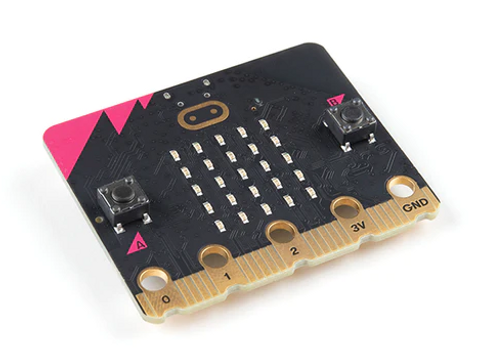
A micro:bit microcontroller board is displayed against a white background, showing its distinctive black circuit board with a gold LED matrix grid in the center, pink accent triangles on the side, and gold connection pads along the bottom edge. This is a product shot of the popular educational hardware used in coding education.
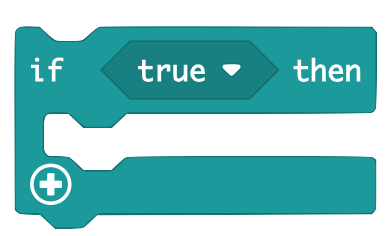
A visual representation of a conditional programming block from MakeCode, showing an 'if true then' statement structure with a plus icon for adding additional code blocks. This is a screenshot of the block-based programming interface used for micro:bit coding.
A simple UI button or interface element showing an upload/import icon with an upward arrow and the text 'Import' next to it. This appears to be a screenshot of a software interface element, likely from the MakeCode platform used for micro:bit programming.

A header or title graphic showing the word "Loops" in green text alongside a green stylized 'C' logo, appearing to be from MicroBit's MakeCode educational platform.
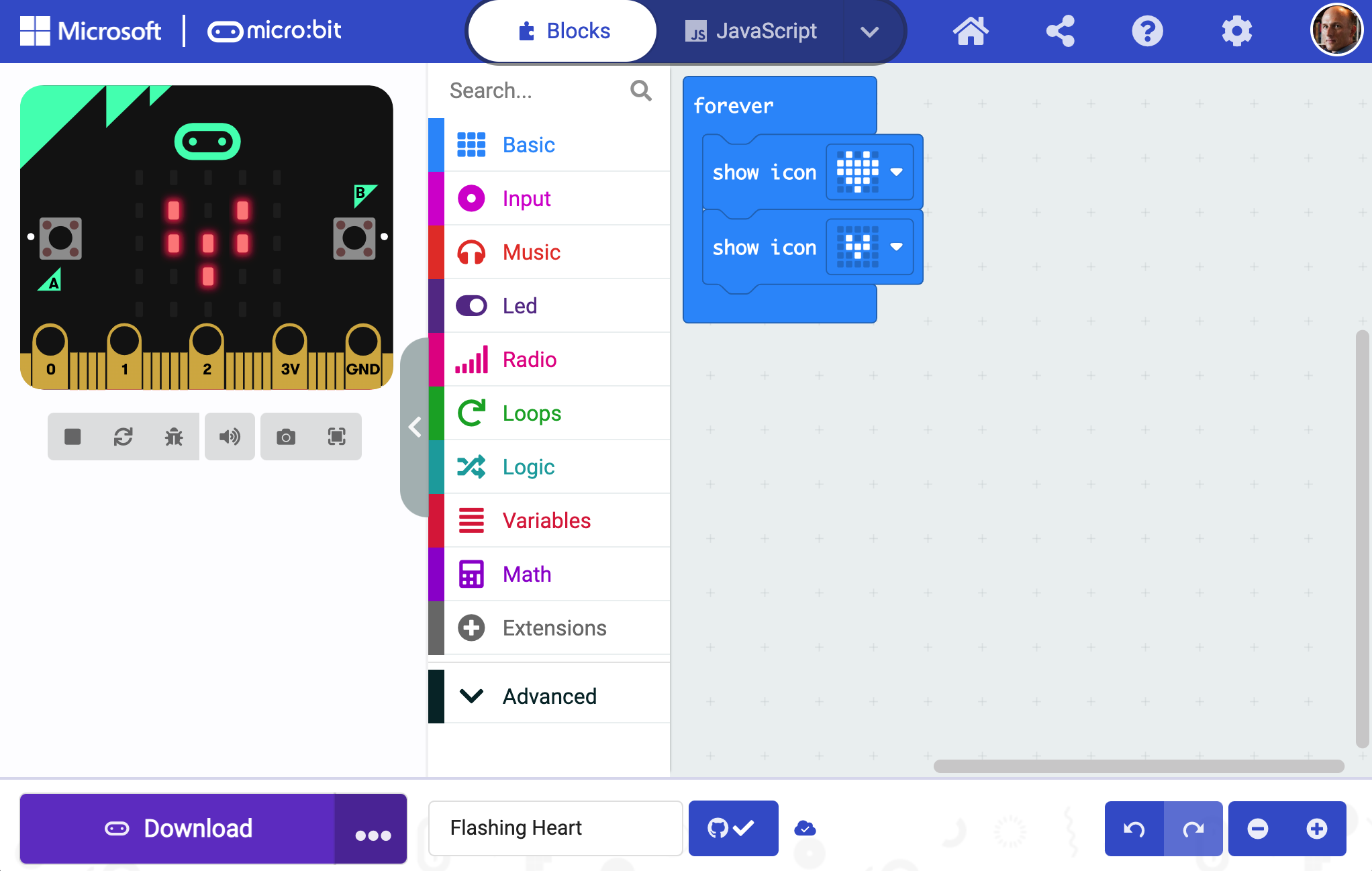
A screenshot of the Microsoft MakeCode interface for micro:bit programming. The screen shows the Blocks editor with a micro:bit device visualization on the left displaying LED patterns, and a color-coded menu of programming blocks (Basic, Input, Music, Led, Radio, Loops, Logic, Variables, Math, Extensions, Advanced) on the left. The main coding area on the right shows a 'forever' loop with 'show icon' blocks.
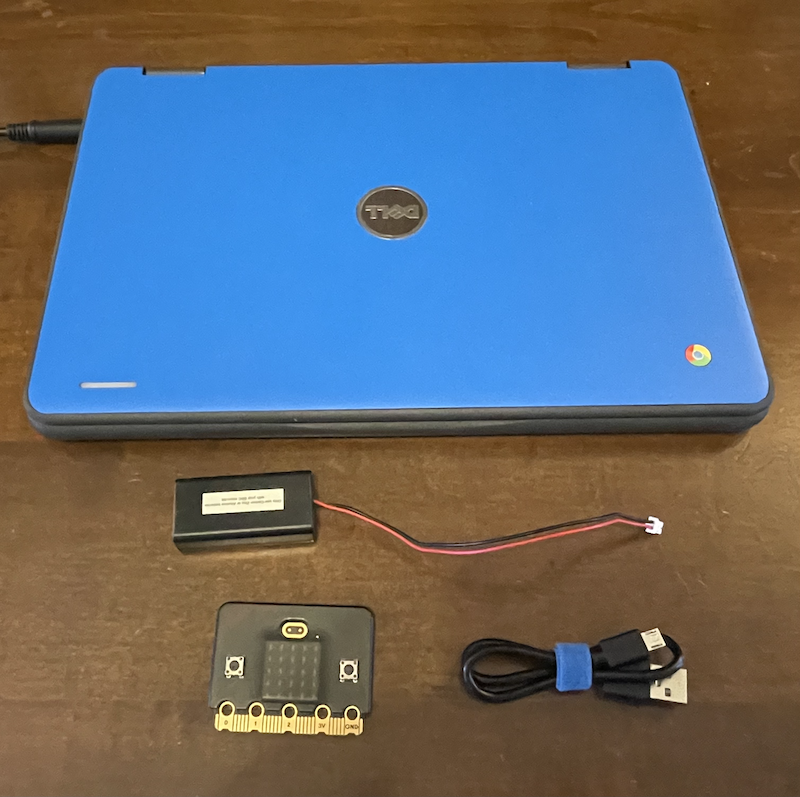
A product photo showing a blue netbook/laptop with a micro:bit microcontroller circuit board and its accessories laid out below it on a wooden surface. The image displays the micro:bit board, a battery pack, a USB cable, and what appears to be instructional documentation, representing the complete hardware kit used for coding education.
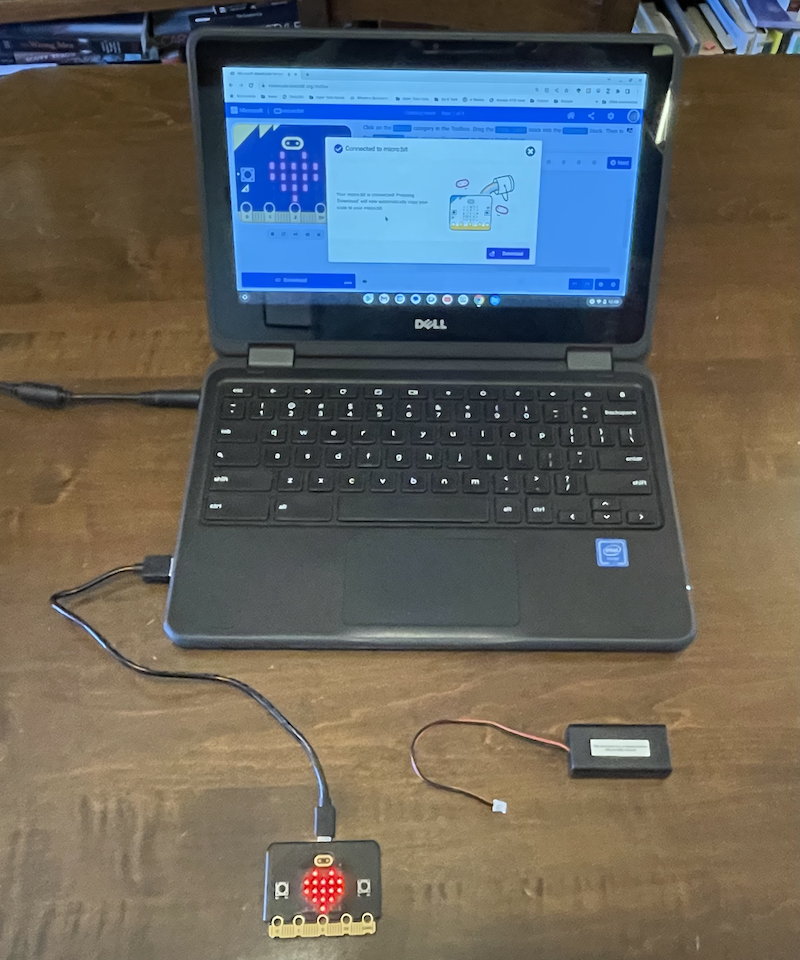
A Dell laptop displays the MakeCode editor interface with a micro:bit project open, showing a blue robot illustration and programming blocks. Connected to the laptop via USB cable is a micro:bit device with its characteristic red LED grid display visible, along with a battery pack, demonstrating a complete coding setup for The League of Amazing Programmers.

The micro:bit logo displayed on a blue background. The logo features a white rounded rectangular shape with the text 'micro:bit' in white lettering to the right of the icon.

A simple icon showing an orange play button (right-pointing triangle) centered on a white background within a rounded square frame with a dark red/brown border. This is a typical interface icon used to represent video playback or media controls.
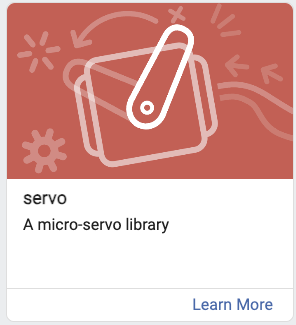
A product card for the 'servo' micro-servo library, featuring a stylized illustration of a servo motor component on a coral red background with decorative technical elements. The card includes the title 'servo', subtitle 'A micro-servo library', and a 'Learn More' link.
A sign-in button interface element with the text 'Sign In' accompanied by a user account icon. This appears to be a UI component from a website or application, likely from the MicroBit MakeCode platform.