github
Screenshots for websites or instructions describing how to use GitHub. Many are images of particular features of the GitHub website. — 27 images

A screenshot showing the GitHub 'Actions' feature label with a play button icon. This appears to be a UI element from the GitHub website interface, likely from a repository's navigation or feature menu.
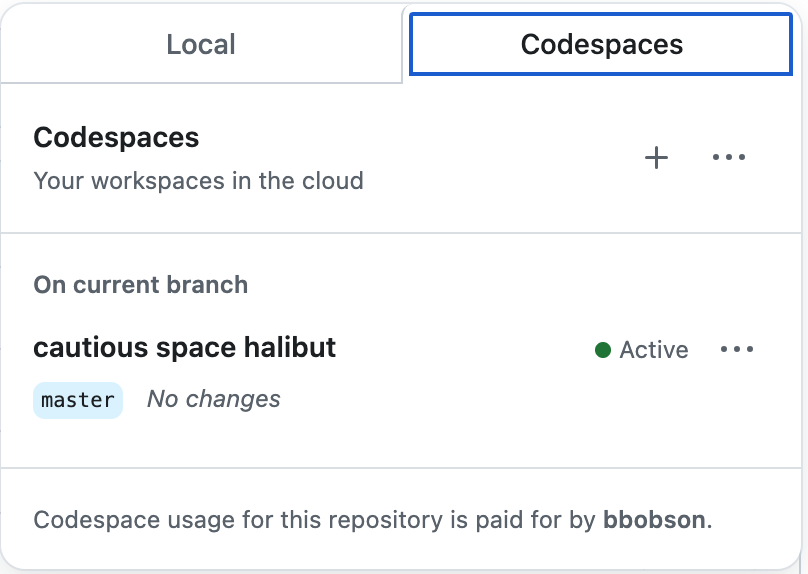
A screenshot of GitHub's Codespaces interface showing cloud-based development workspace options. The page displays a workspace named 'cautious space halibut' on the master branch with an 'Active' status, along with usage information indicating the codespace is paid for by a user named 'bbobson'.

A screenshot of a development environment or IDE interface showing multiple tabs including Terminal, Ports, Jupyter, Problems, Output, and Debug Console. The Ports tab is currently selected and highlighted in blue.
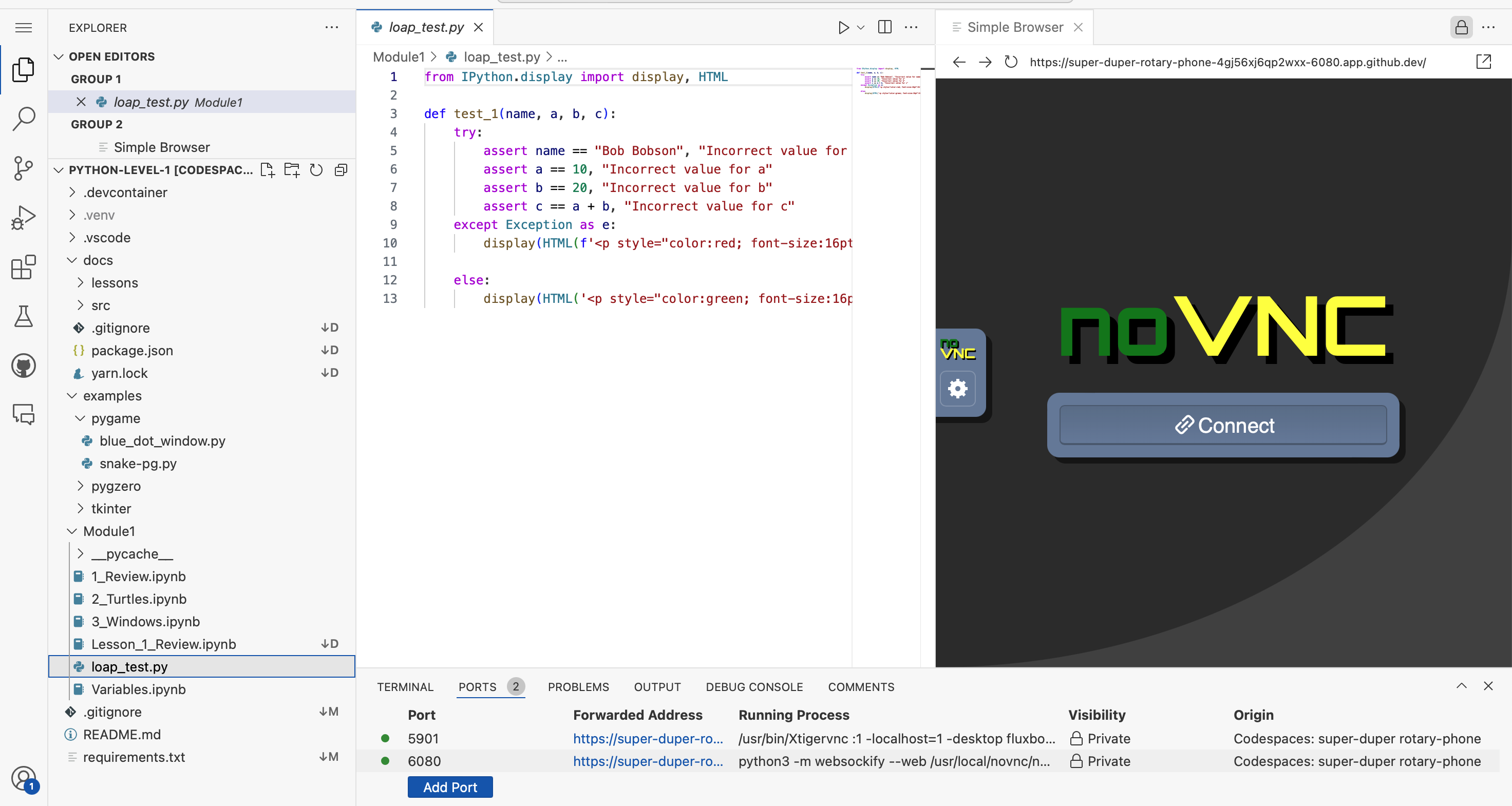
A screenshot of a Python development environment showing VS Code with a coding project open. The left panel displays a file explorer with Python files and folders, the center shows Python test code with imports and assertions, and the right panel displays a web browser showing a noVNC remote desktop interface. The bottom panel shows terminal output with port forwarding information.

A green button with code bracket icons and the word 'Code' followed by a dropdown arrow. This is a GitHub interface element commonly used to access repository cloning and downloading options.

A green button with white text reading "Code" and a dropdown arrow, styled as a GitHub interface element. This is a screenshot of the GitHub website's code download button.
A simple logo or icon showing code brackets (< >) alongside the word 'Code' in bold text. This appears to be a GitHub interface element or button label used to navigate to or access code-related features.
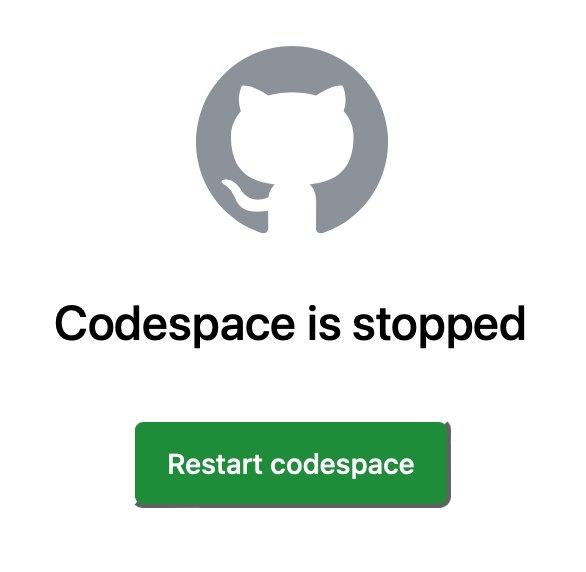
A screenshot of GitHub's Codespace interface showing the GitHub Octocat logo at the top, with a message stating 'Codespace is stopped' and a green 'Restart codespace' button below it.

A green button or interface element with white text that reads 'Create codespace on master', typical of GitHub's codespace creation feature.

A screenshot of a GitHub button with the text 'Create codespace on master' displayed on a green background. This is a UI element from the GitHub website showing the option to create a codespace development environment.

A screenshot of a GitHub button labeled 'Create fork' with white text on a green rounded rectangular background. This is a UI element from the GitHub website used to create a fork of a repository.

A simple line-drawn icon showing two overlapping document or file symbols, representing copying, duplicating, or multi-file operations commonly seen in GitHub and other software interfaces.
A screenshot of a GitHub interface element showing a Fork button with a count of 0. The button displays a fork icon on the left, the text 'Fork', and the number '0' indicating no forks have been made of this repository.
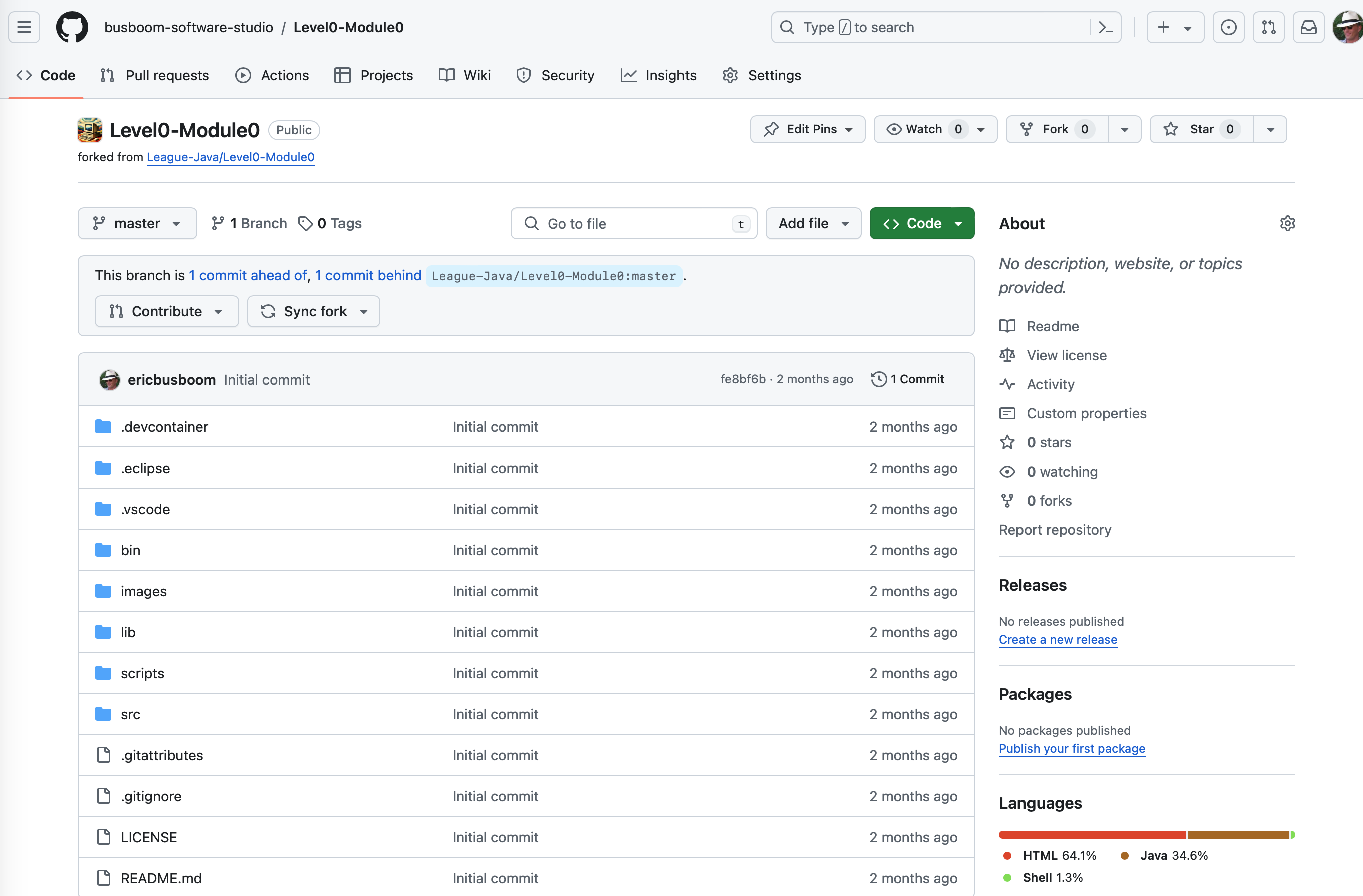
A GitHub repository page showing the Level0-Module0 project forked from League-Java/Level0-Module0. The page displays the repository structure with various folders and files like .devcontainer, .eclipse, .vscode, bin, images, lib, scripts, src, and configuration files. This appears to be a coding project repository for The League of Amazing Programmers.
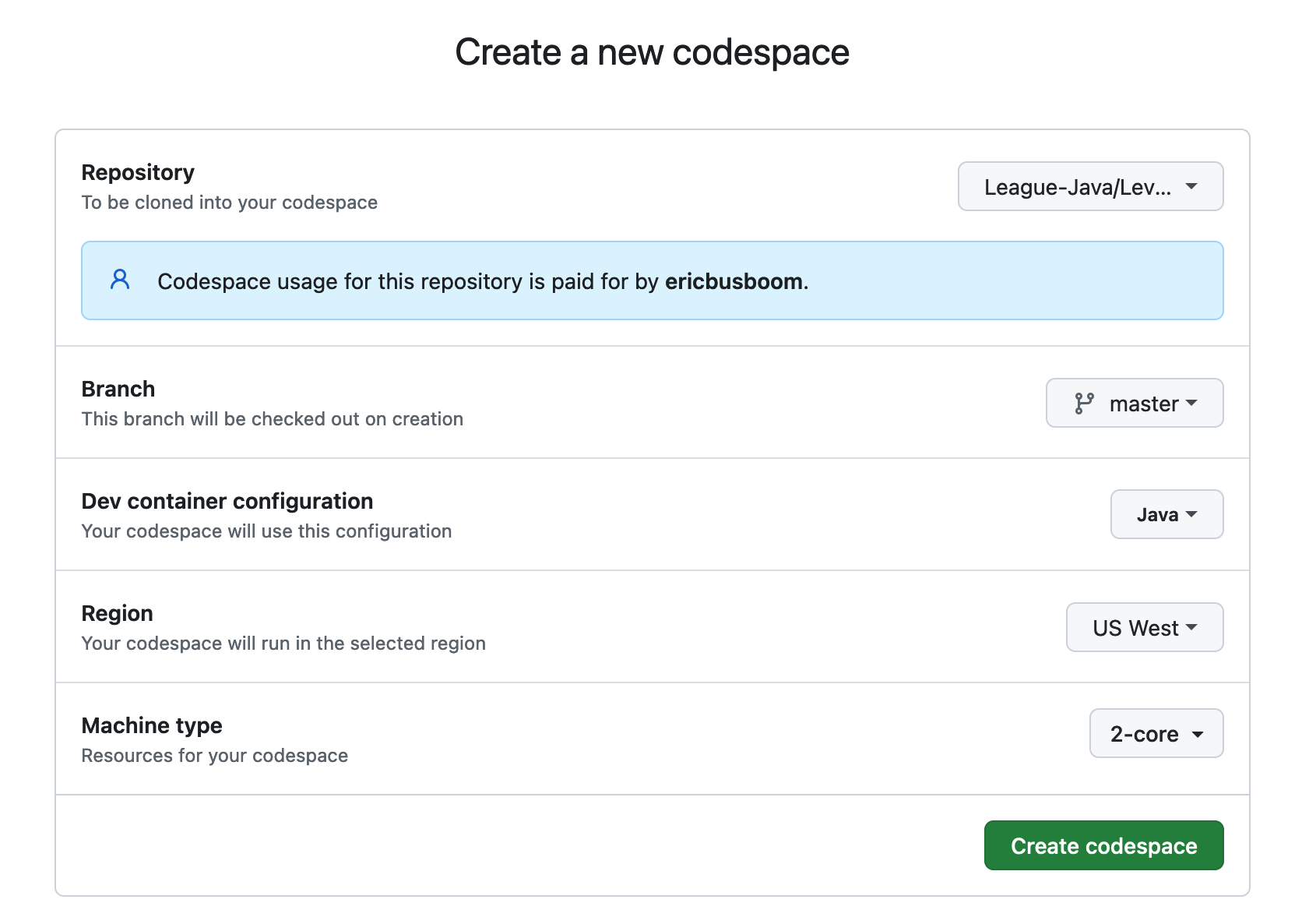
A screenshot of GitHub Codespaces setup form for creating a new codespace. The form shows configuration options including a Java repository from The League (League-Java/Lev...), branch selection (master), dev container configuration (Java), region (US West), and machine type (2-core). A green 'Create codespace' button is visible at the bottom.
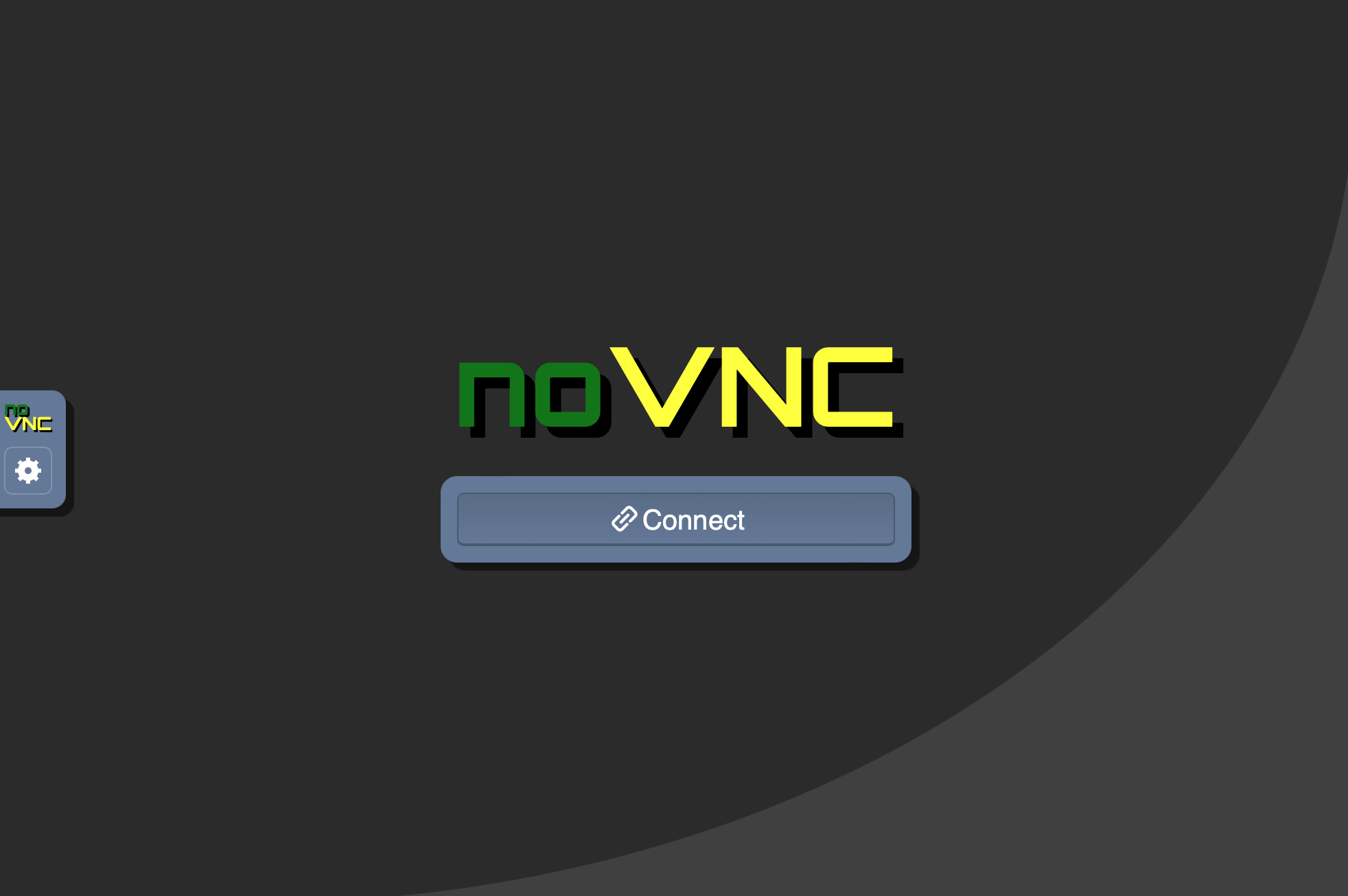
A screenshot of the noVNC application interface showing a connection screen with the noVNC logo displayed prominently in green and yellow text, along with a blue 'Connect' button. The interface has a dark gray background with a curved design element, and a small noVNC icon visible in the top left corner.

A screenshot of a GitHub button or interface element with an orange background displaying the GitHub logo and white text that reads 'Open in Codespaces'. This is a user interface element commonly found on GitHub repositories.
A screenshot showing four minimalist interface icons representing different layout or view options, displayed in white outline style on a dark background. These appear to be UI control buttons for toggling between different display modes or layouts.
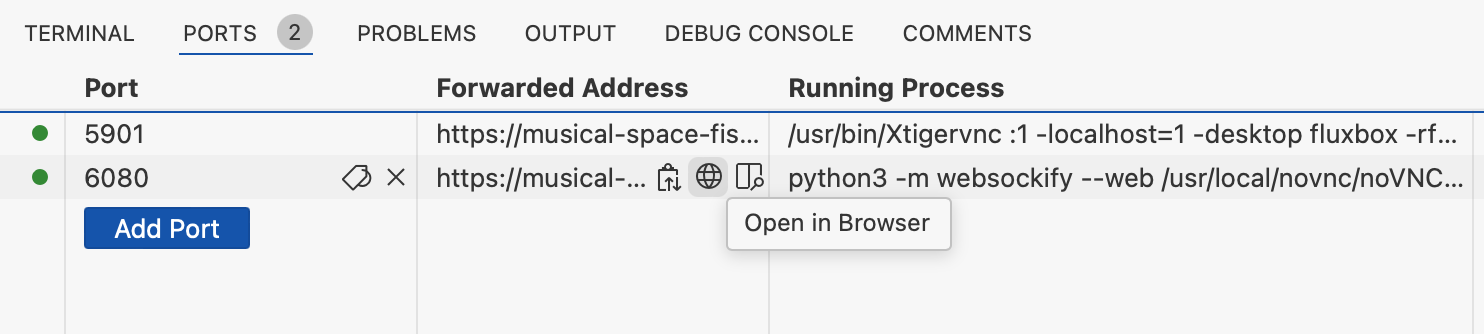
A screenshot of a development environment's Ports tab showing port forwarding configuration. The interface displays two active ports (5901 and 6080) with their associated forwarded addresses and running processes, along with an 'Add Port' button and an 'Open in Browser' option.

A screenshot of a development environment's port forwarding configuration interface, showing multiple ports (5901, 6080) with their forwarded addresses, running processes, and visibility settings. The image displays technical details including URLs, command-line processes, and a 'Preview in Editor' button, typical of a web development or coding workspace setup.
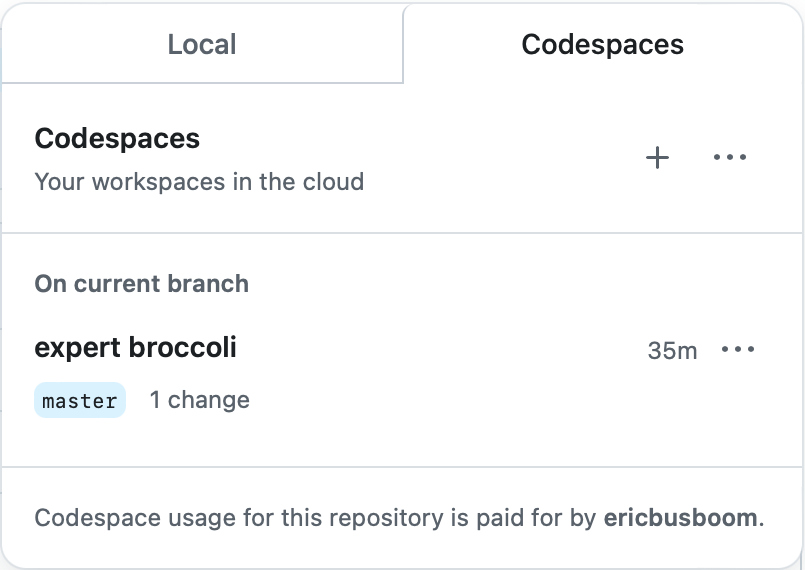
A screenshot of GitHub's Codespaces interface showing the Local and Codespaces tabs. The Local tab displays a codespace named 'expert broccoli' on the master branch with 1 change made 35 minutes ago. The interface includes options to create new codespaces and manage existing ones.

A screenshot showing a GitHub interface element with 'RUN AND DEBUG' text on the left, followed by a play button icon and a dropdown menu labeled 'DragonFight'. This appears to be part of a code editor or IDE debugging toolbar.
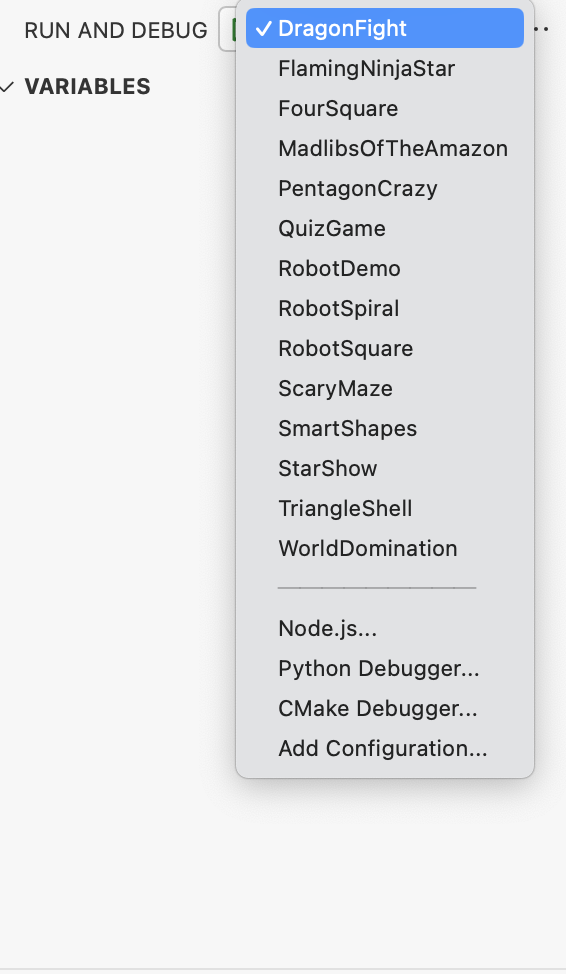
A screenshot of a code editor's Run and Debug configuration dropdown menu, showing various program names like DragonfFight, FlamingNinjaStar, RobotDemo, and others. The menu displays debugging options including Node.js, Python Debugger, and CMake Debugger at the bottom.
A minimalist line-drawn icon showing a play button (triangle pointing right) with a gear symbol overlapping or integrated below it. The icon uses simple black strokes on a light gray background, suggesting automation, workflows, or automated processes in a development context.

A screenshot of a green button or banner with white text that reads 'I understand my workflows, go ahead and enable them'. This appears to be a GitHub interface element, likely from a workflow configuration or enablement dialog.

A green button with white text that says 'Use this template' with a dropdown arrow, typical of GitHub's interface for creating a new repository from a template.
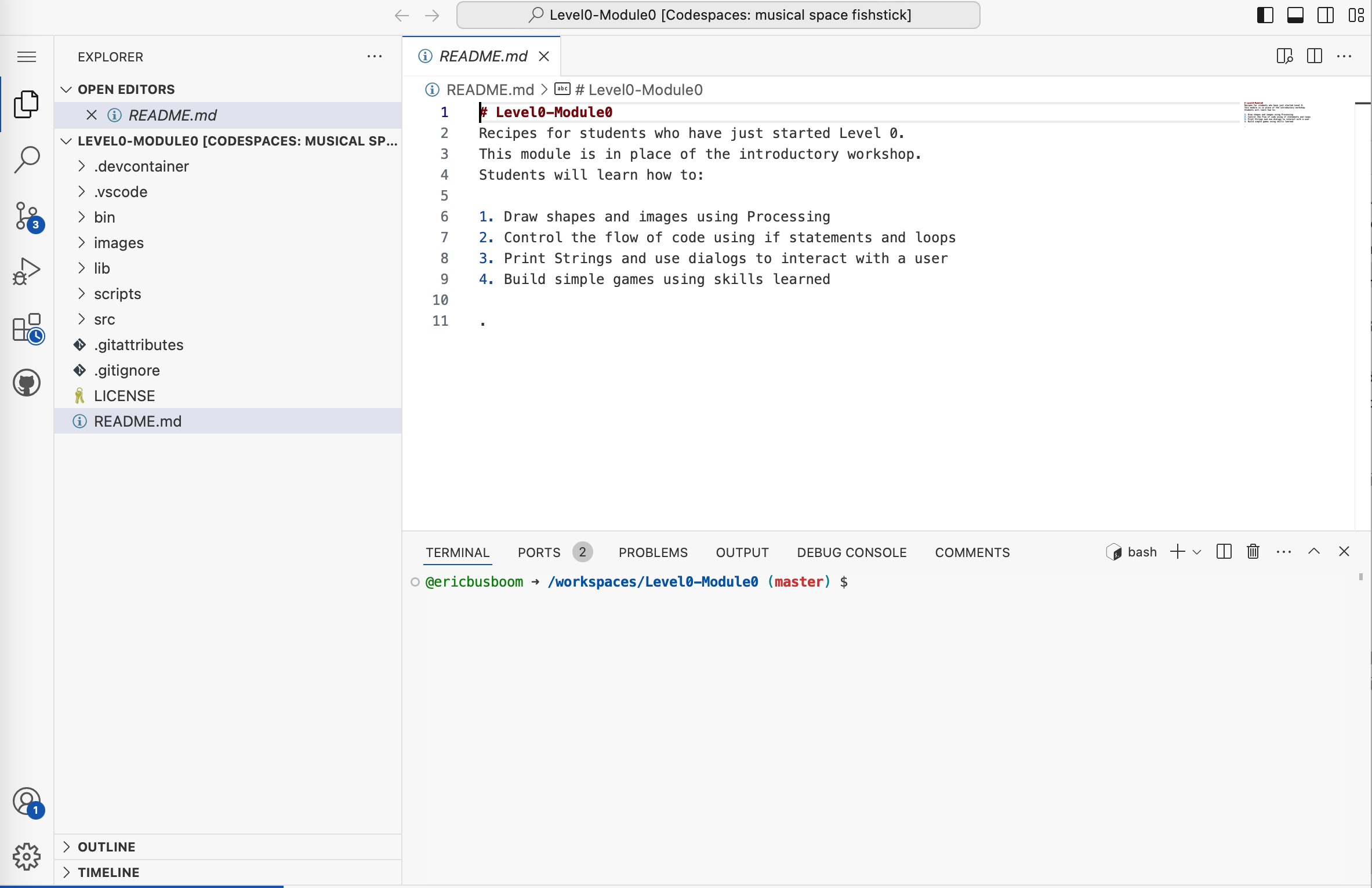
A screenshot of a code editor (VS Code) showing a README.md file for a Level0-Module0 coding course project called 'Codespaces: musical space fishstick'. The file displays introductory course content for students, including learning objectives like drawing shapes in Processing, controlling code flow, and building games.