Flag: programming
117 images with this flag
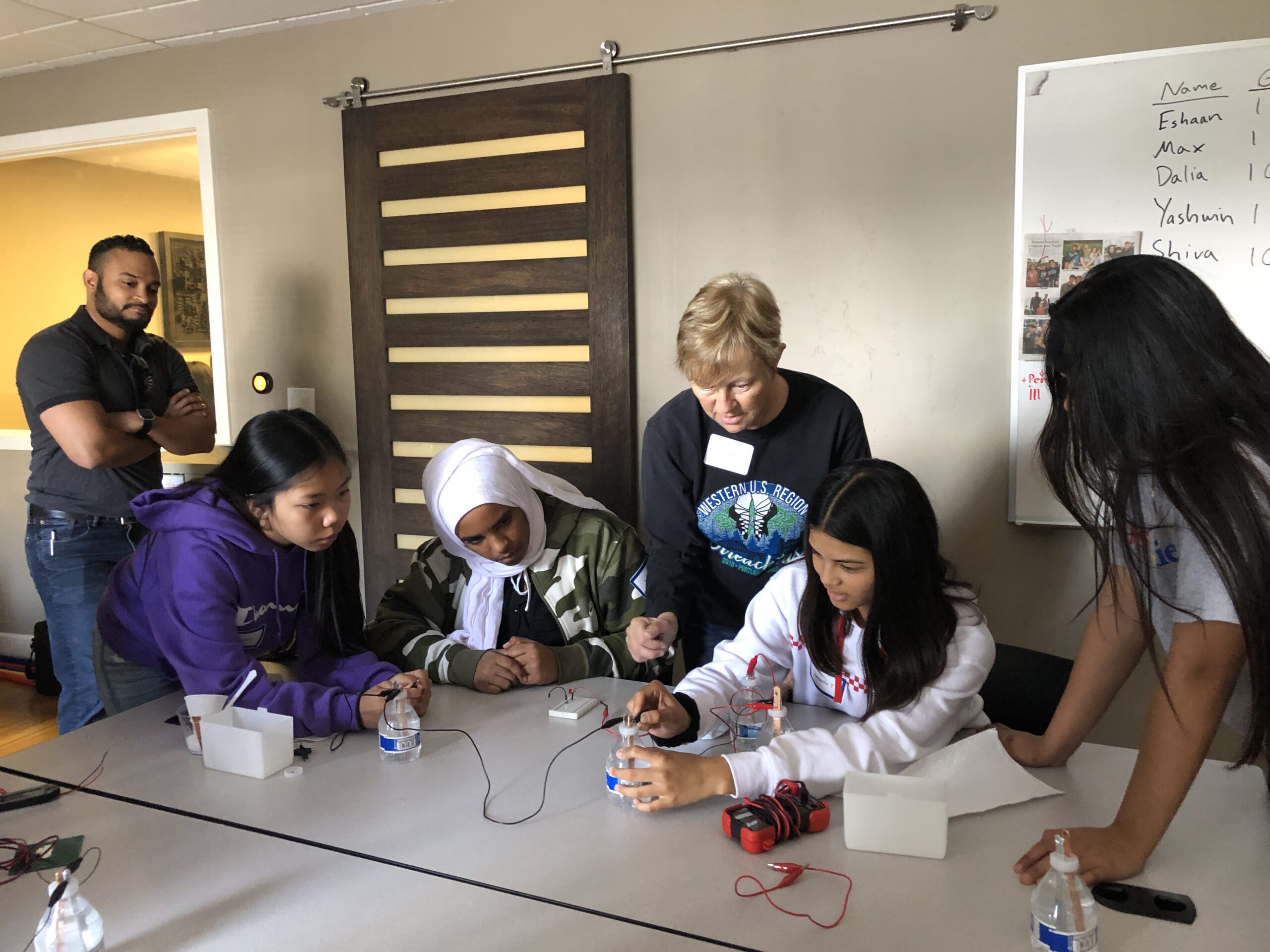
A group of youth and instructors gather around a table in an indoor classroom setting, engaged in a hands-on coding or robotics activity. Students are working with hardware including what appears to be a small red robot and electronic components, while an instructor in the center guides them through the project. A whiteboard with names is visible in the background, and the scene captures an active, collaborative learning environment typical of The League's programming activities.
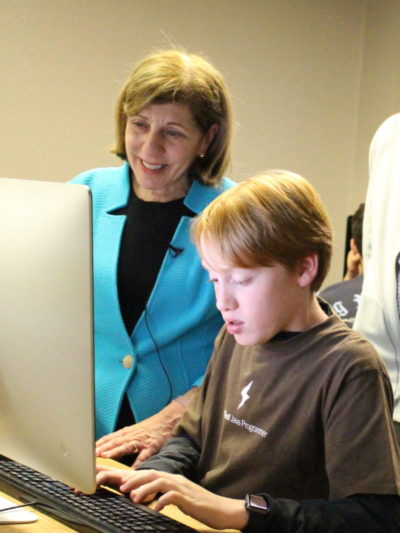
An adult instructor in a bright blue blazer stands beside a young student who is seated at a computer, actively typing on the keyboard. The student appears focused on the screen while the instructor observes and guides. This captures a one-on-one teaching moment in what appears to be an indoor coding environment.
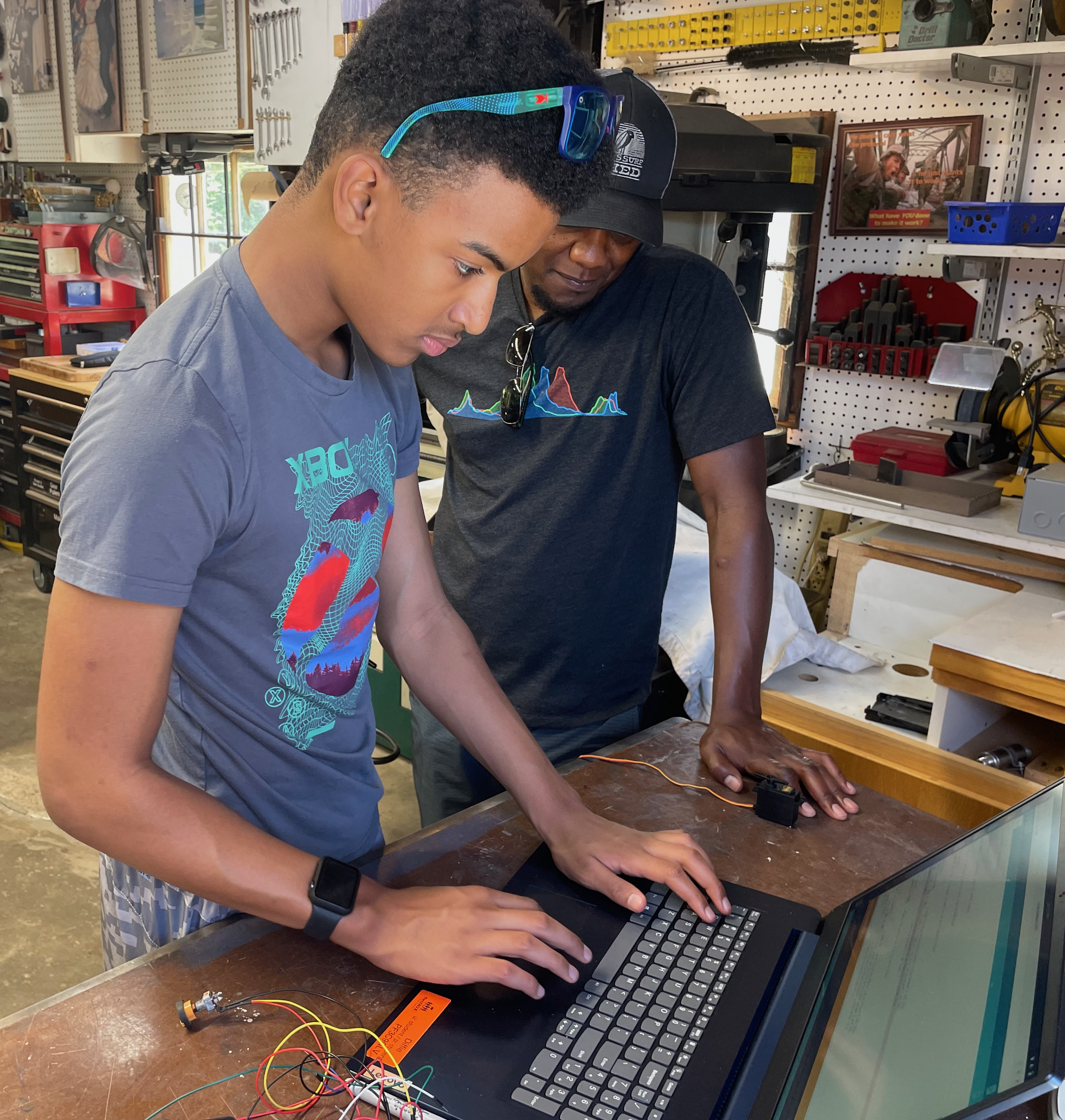
Two young people are working together in a makerspace environment, with one person guiding the other as they interact with a keyboard and what appears to be a microcontroller or electronics project. The setting shows shelves of tools and hardware components in the background, and there are electronic components visible on the work surface, suggesting hands-on STEM learning. This captures an authentic teaching moment where youth are engaged in practical coding or electronics work.
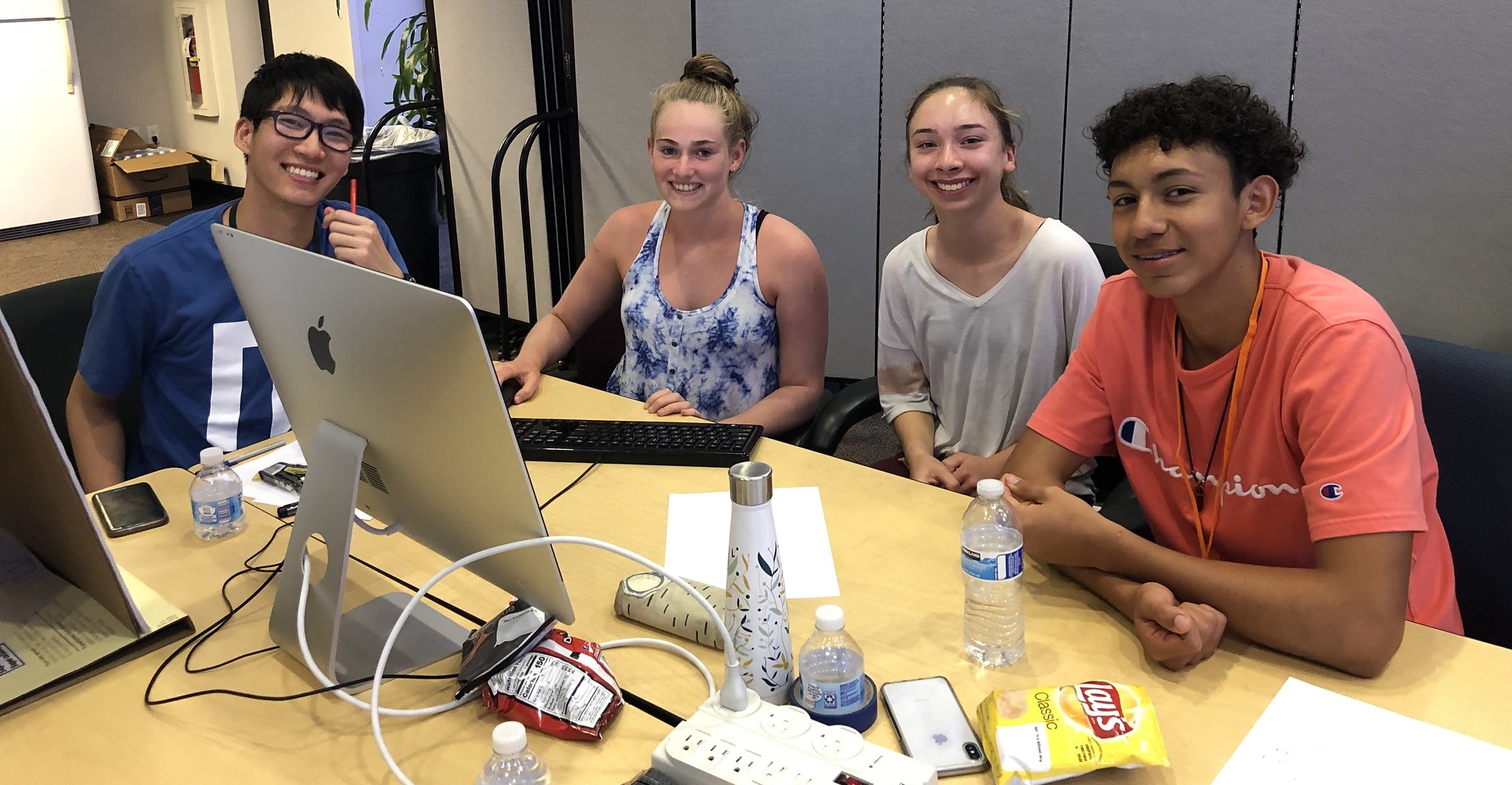
Four smiling youth are gathered around a table with computers and electronics during what appears to be a coding workshop or event. They are actively engaged with laptops and hardware components, including what looks like circuit boards and electronic devices. The indoor setting shows a modern facility with glass dividers, and the students are clearly enjoying themselves while working on a hands-on programming or hardware project.
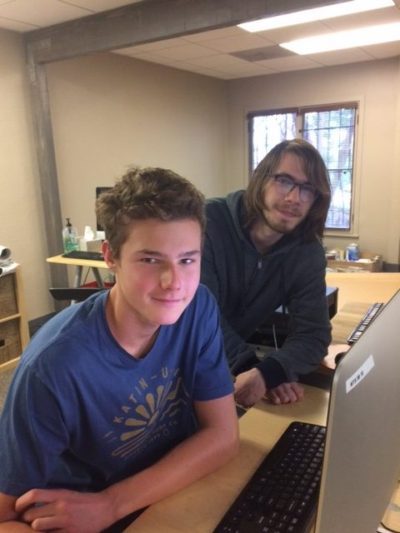
Two young students are at a computer workstation in what appears to be a classroom or coding lab setting. The student in front is seated at the desk with a keyboard and monitor, while another student stands beside him looking at the screen. Both appear engaged and smiling, suggesting an active coding or programming activity.
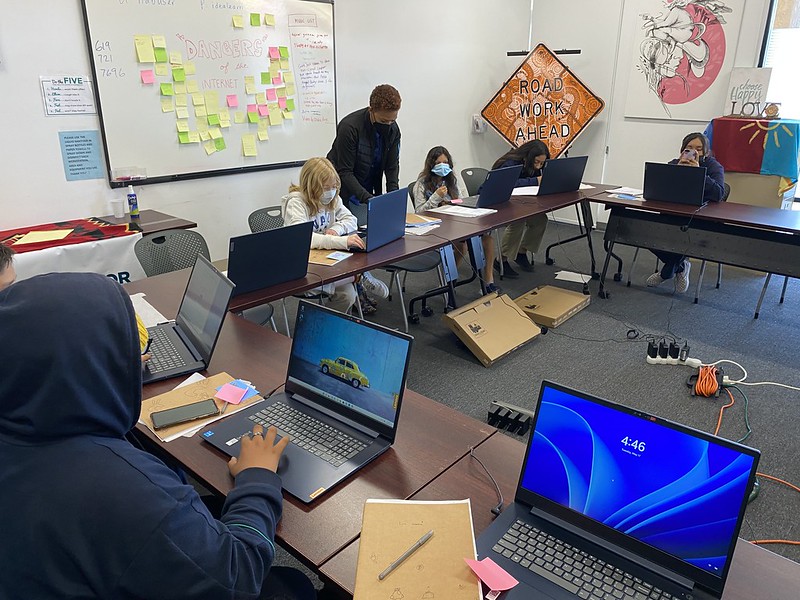
A classroom scene showing multiple young students engaged in coding and programming activities at computers and laptops. The students are working individually and in small groups around tables, with various laptops and devices visible, while whiteboards with sticky notes and planning materials are displayed on the walls behind them.
A vibrant scene inside a bright lime-green computer lab shows multiple youth engaged in coding activities at individual workstations. In the foreground, two students work together at a computer, with one typing on a keyboard while both focus intently on the screen. Multiple other students are visible in the background at their own stations, all appearing engaged and collaborative in this hands-on learning environment.
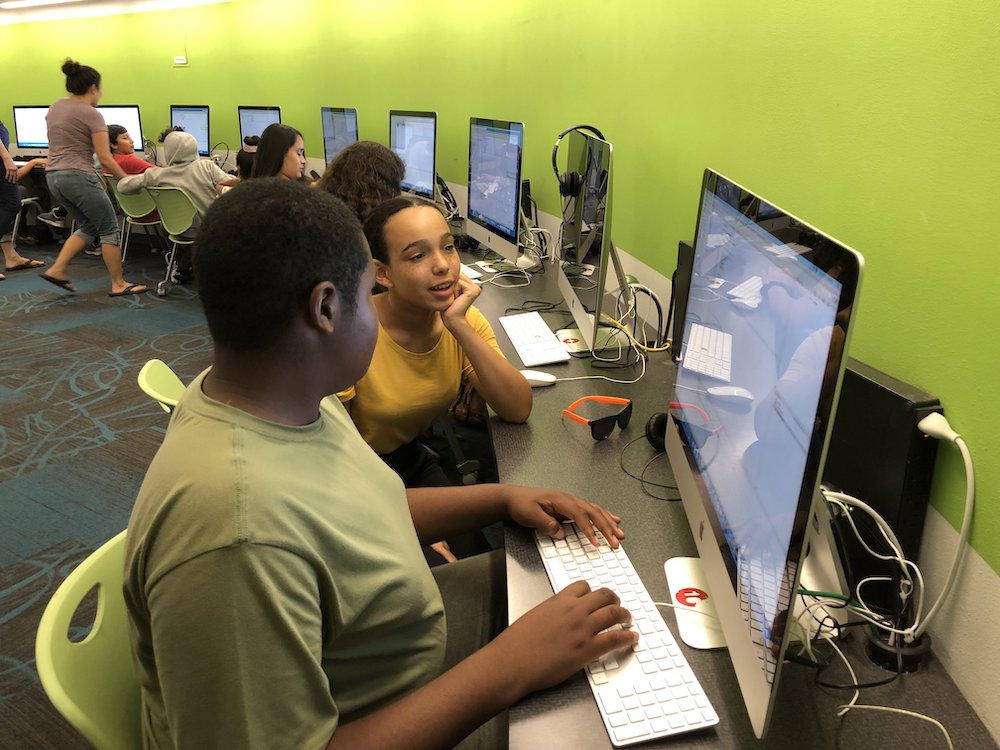
A group of young students are engaged in a coding activity at computers in a bright room with lime green walls. Multiple students are seated at workstations with monitors, keyboards, and headphones, actively working on programming tasks. The scene captures an energetic learning environment typical of The League of Amazing Programmers, with students collaborating and focusing on their screens.
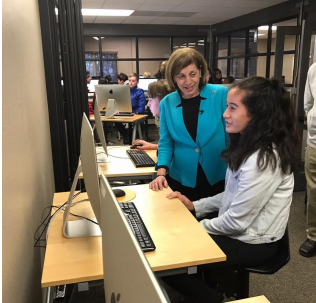
Two women are actively engaged at a computer workstation in what appears to be a coding classroom or lab environment. The woman on the left, wearing a bright blue blazer, is instructing or collaborating with the woman on the right, who is seated at the desk. In the background, other students and desks are visible, suggesting this is taking place during a League coding session or workshop.
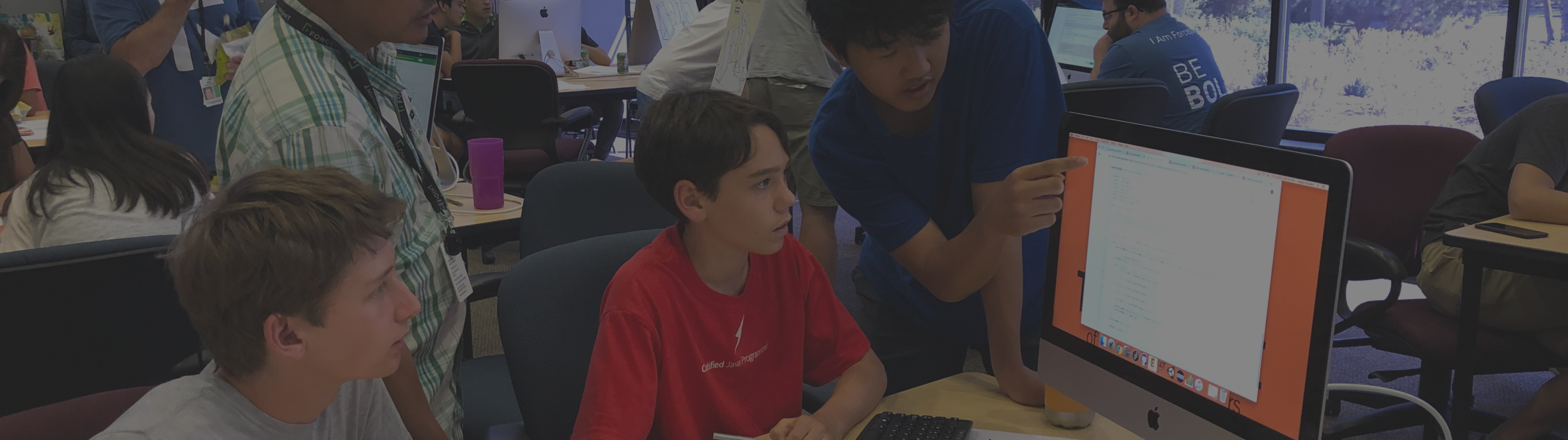
A student in a red shirt sits at a computer while an instructor in a blue shirt leans over to help guide them through a coding lesson. Multiple other students and instructors are visible in the background working at computers in what appears to be a busy classroom or workshop environment. The scene captures an active learning moment with hands-on instruction typical of The League's youth coding programs.
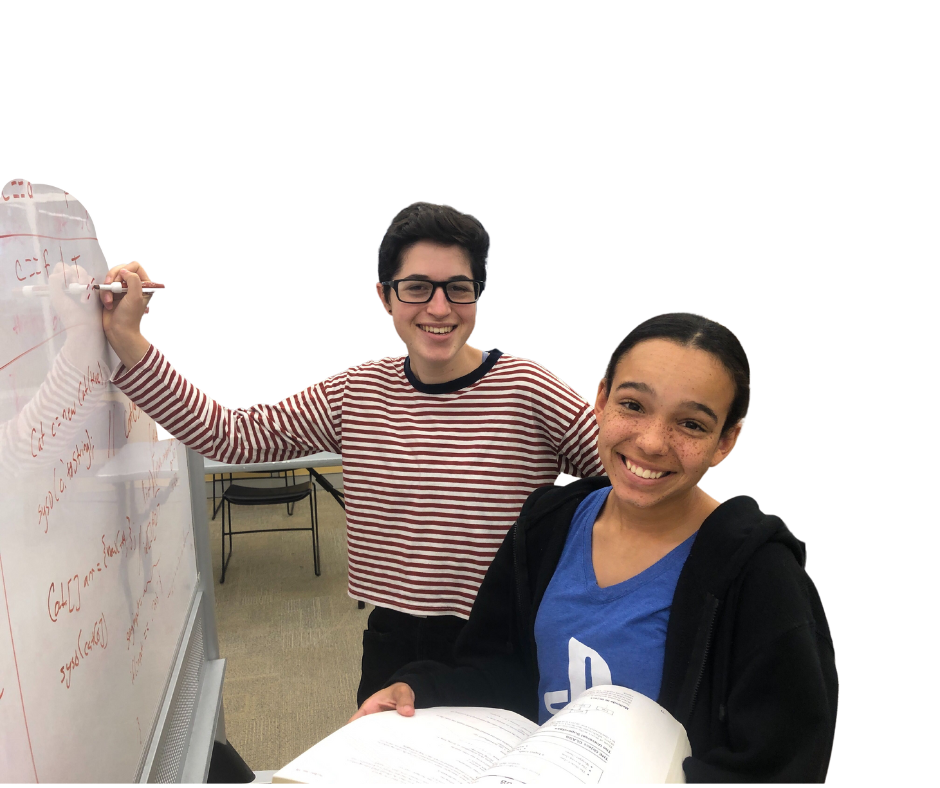
Two young students are actively engaged in a coding or programming activity, smiling at the camera while one writes on a whiteboard with handwritten notes and diagrams. They appear to be collaborating on a project or lesson, with papers visible on the table in front of them, demonstrating hands-on learning in action.
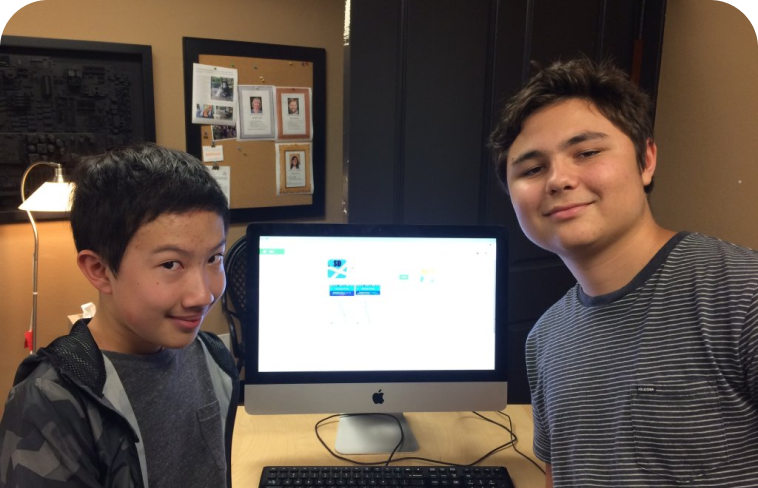
Two young students pose next to an iMac computer displaying what appears to be a coding or programming interface. They are smiling at the camera in what looks like a classroom or workshop setting, with bulletin boards and a desk lamp visible in the background. This image captures students engaged with technology in an educational environment.
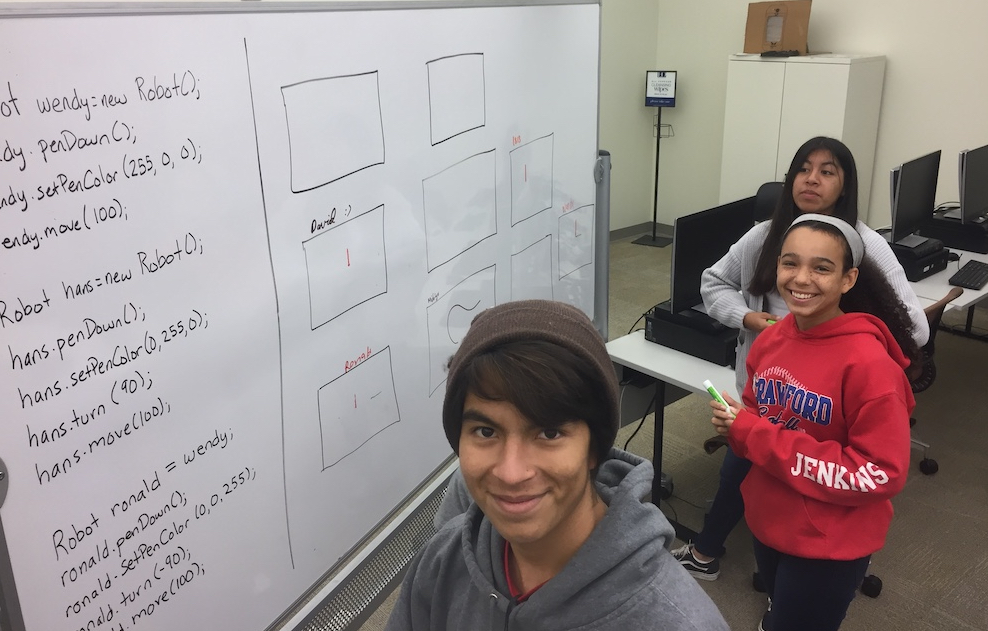
Three young students are engaged in a programming activity in a computer lab classroom. They are positioned near a whiteboard displaying code and flowchart diagrams, with computer workstations visible in the background. The students appear to be smiling and actively involved in their coding project, demonstrating hands-on learning at The League of Amazing Programmers.
Two young people are engaged in a coding or design activity at a computer workstation in a vibrant studio environment. An instructor in a pink hat and blue shirt stands behind and points at the screen while a student sits at the keyboard, focused on the monitor displaying what appears to be a design or programming interface. The scene captures an active learning moment with dynamic lighting and an energetic atmosphere typical of a tech education setting.
Multiple youth are gathered around a computer workstation in an indoor learning environment, actively engaged with a desktop computer setup. The students appear focused and collaborative, examining the screen together in what looks like a coding or tech workshop setting with modern facilities visible in the background.
A group of young students are seated at a wooden table in an indoor classroom or computer lab setting, actively engaged with computer workstations. The student in the foreground is smiling at the camera while working at a desktop computer displaying colorful graphics, with other students visible behind them also working at their own stations. The scene captures an energetic, hands-on learning environment typical of a youth coding organization.
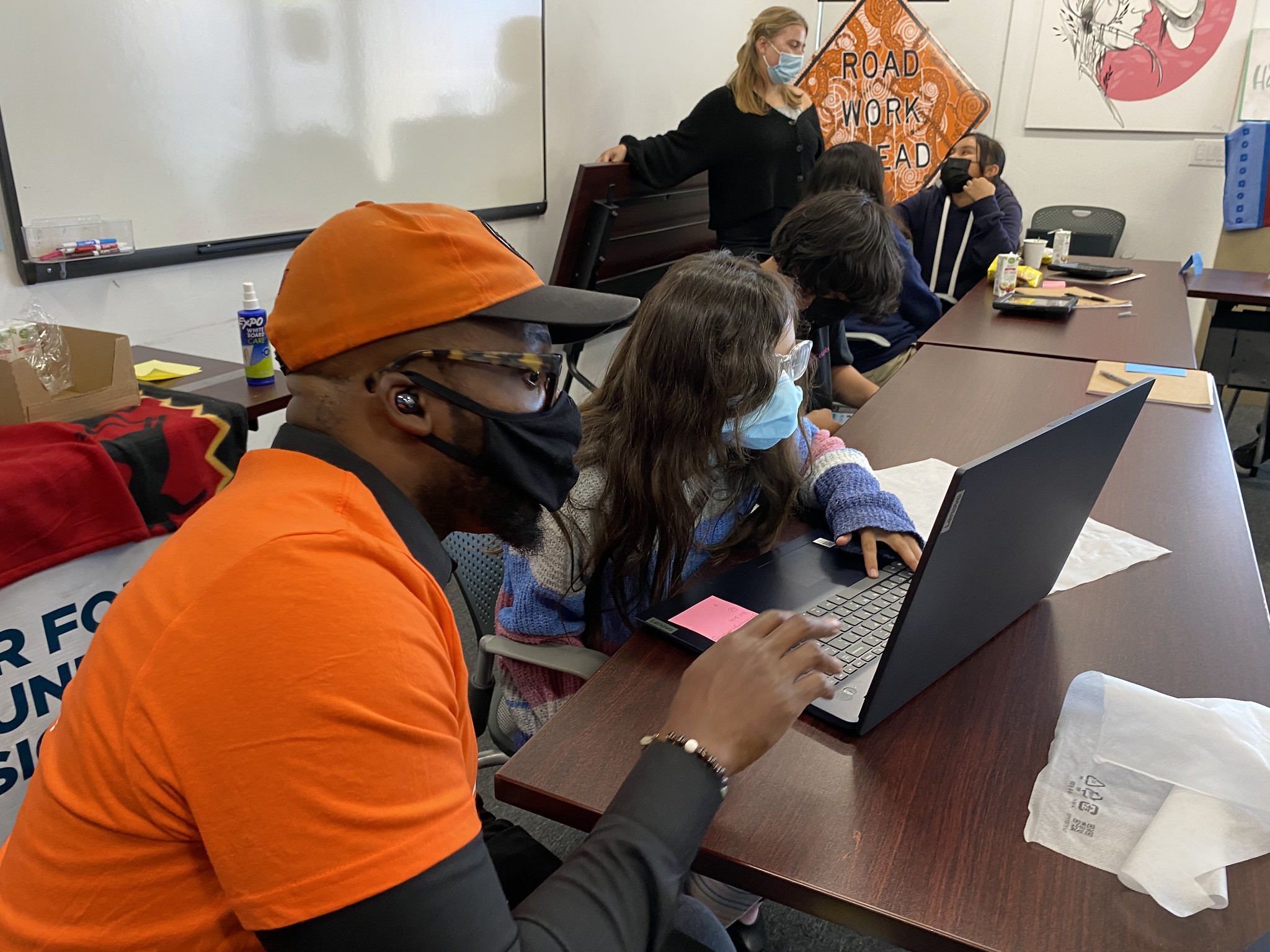
A classroom scene showing students engaged in a coding activity at a laptop during what appears to be a League of Amazing Programmers session. An instructor in an orange cap and shirt sits with students at a table, while another instructor stands in the background near a whiteboard with motivational signage. Multiple students are gathered around working on programming tasks together.
A group of young students from The League of Amazing Programmers are actively engaged in coding and learning activities at a table with laptops. Multiple students are smiling and appear focused on their work, with instructors nearby supporting them in a bright, colorful classroom environment.
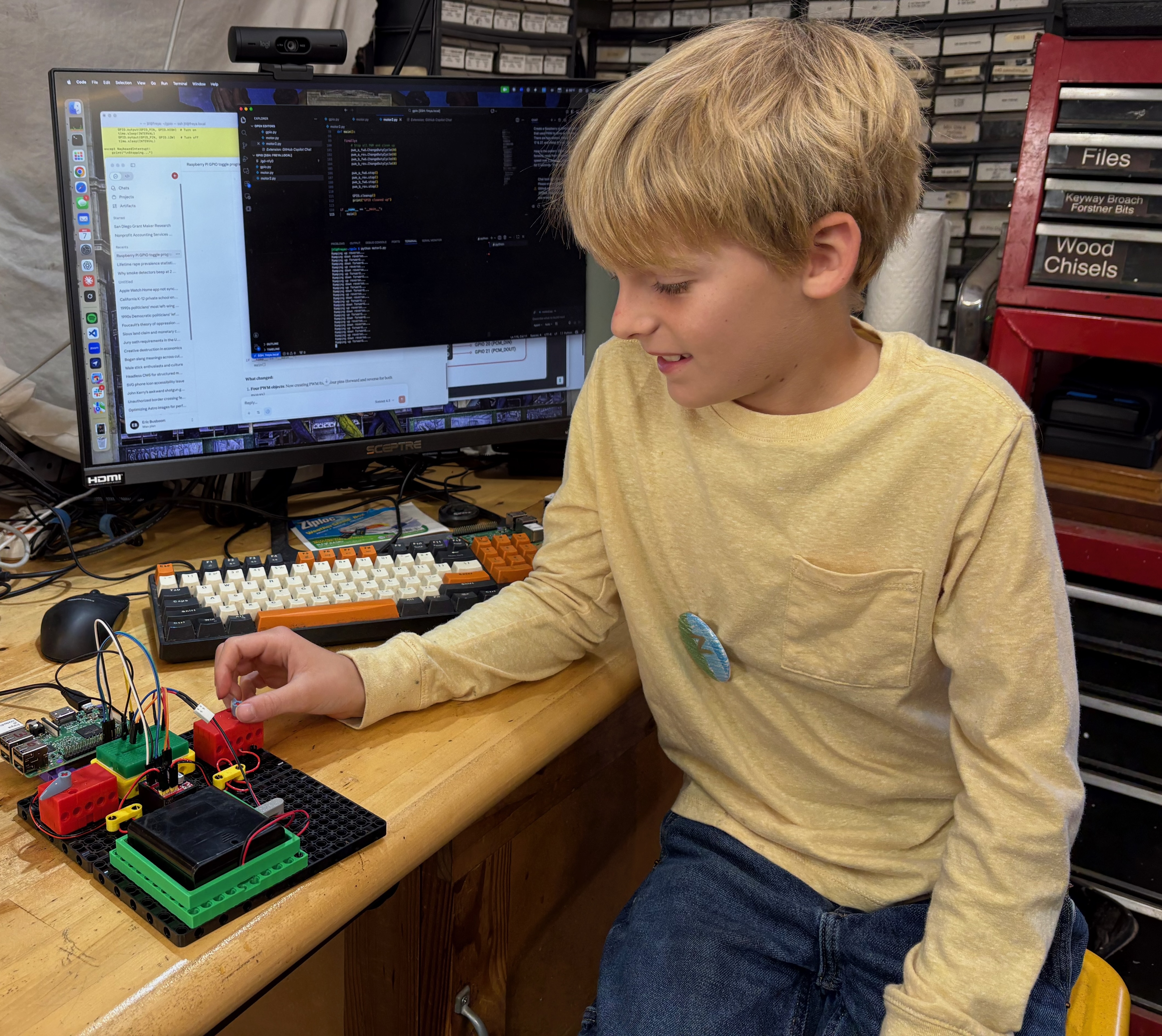
A young student sits at a wooden desk engaged in hands-on programming and hardware work, with a monitor displaying code in the background and an electronic circuit board setup with wires and components in front of them. The student is wearing a yellow long-sleeved shirt and appears focused on the hardware project, demonstrating active engagement in STEM learning. The setup includes a keyboard, mouse, and various organizational storage visible behind the workspace.
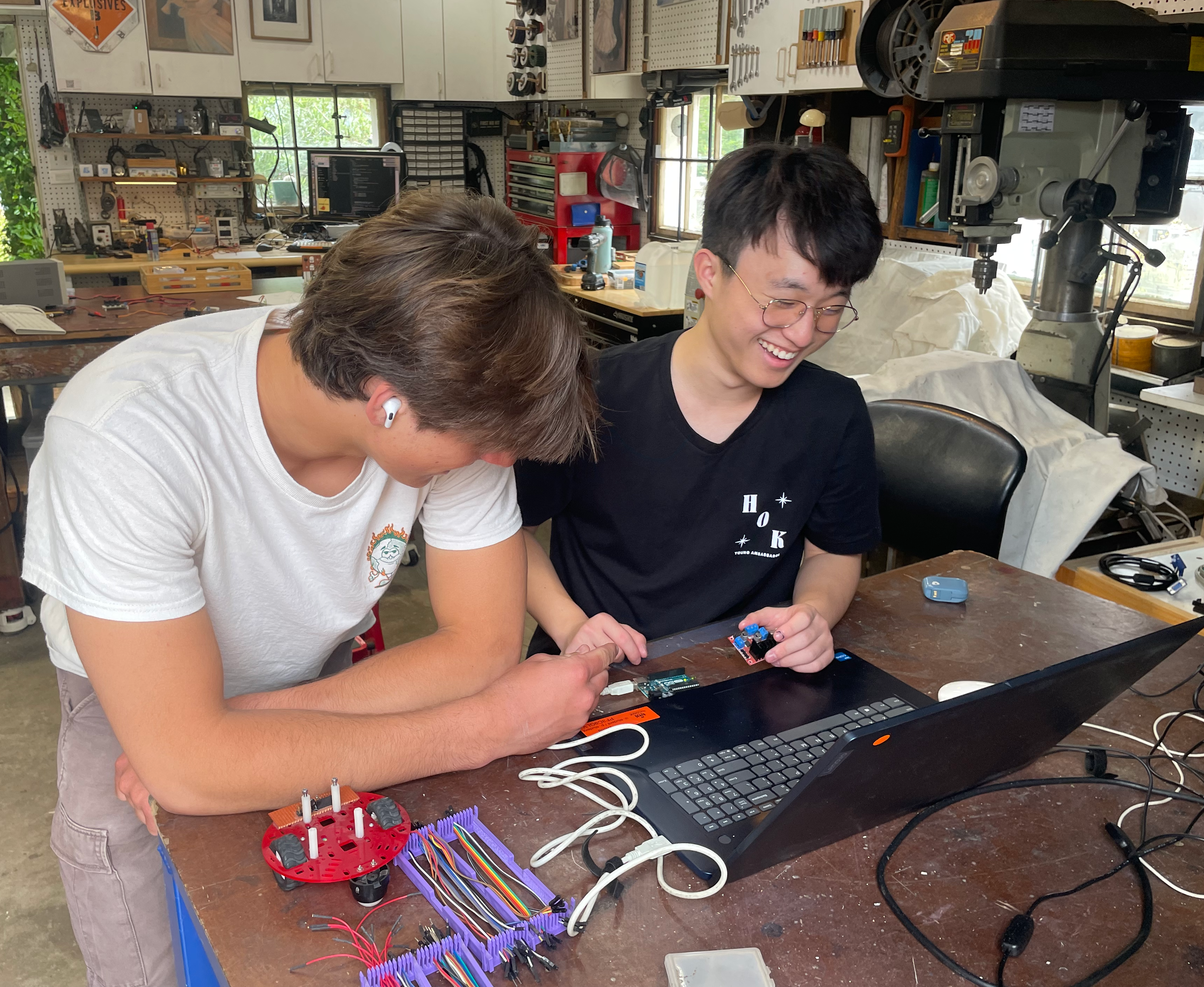
Two youth are working together in a maker space, building and programming a robot. They are smiling and engaged as they work with electronics, wiring, and a computer keyboard at a workbench. The space is filled with tools, equipment, and shelving typical of a hands-on STEM learning environment.
An illustrated graphic featuring a red flag with a lightning bolt symbol, surrounded by coding-related elements including curly braces, angle brackets, stars, and a pencil. The design uses warm colors (orange, yellow, red) and represents coding, programming, and achievement themes relevant to a youth coding nonprofit.
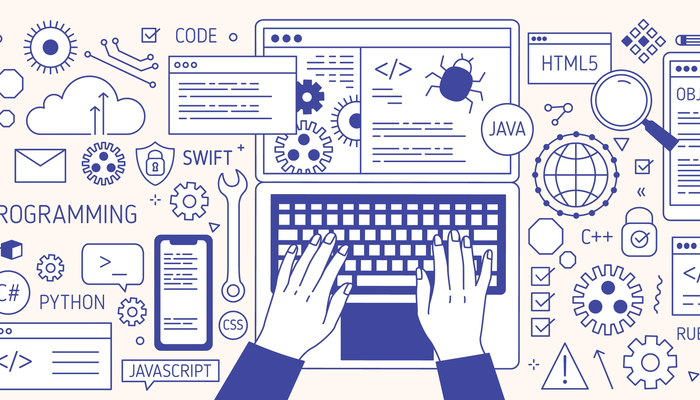
A vector illustration depicting programming and coding concepts, featuring hands typing on a keyboard surrounded by various programming languages (Python, JavaScript, Java, HTML5, C++, Swift), development tools, and tech-related icons like gears, bugs, code symbols, and a globe. The design uses a blue and white color scheme and represents the breadth of programming education.
A colorful vector illustration depicting a laptop computer with an orange glowing screen displaying code, surrounded by stylized programming-related elements including small robot characters, plants, stars, and decorative dots on a purple gradient background. This appears to be a generic graphic asset representing coding or computer programming education.
An illustrated card showing programming and gaming concepts with a game controller, code snippets (C++, C), and a stylized laptop or coding interface on a gradient blue and yellow background. The image uses soft, modern 3D-style graphics typical of educational technology materials.
An illustrated graphic featuring a code editor window with HTML/CSS syntax symbols and lines of code, accompanied by a red flag with a lightning bolt symbol. The design uses warm colors (orange, yellow) and is decorated with blue star shapes, representing programming and development in a vibrant, youth-friendly style.
A colorful vector illustration depicting a code editor window with programming symbols. The image shows a yellow window with an orange toolbar containing code brackets, horizontal lines representing code, a cursor, and a red flag with a lightning bolt symbol. Decorative blue star shapes and dots surround the composition on a light yellow background.
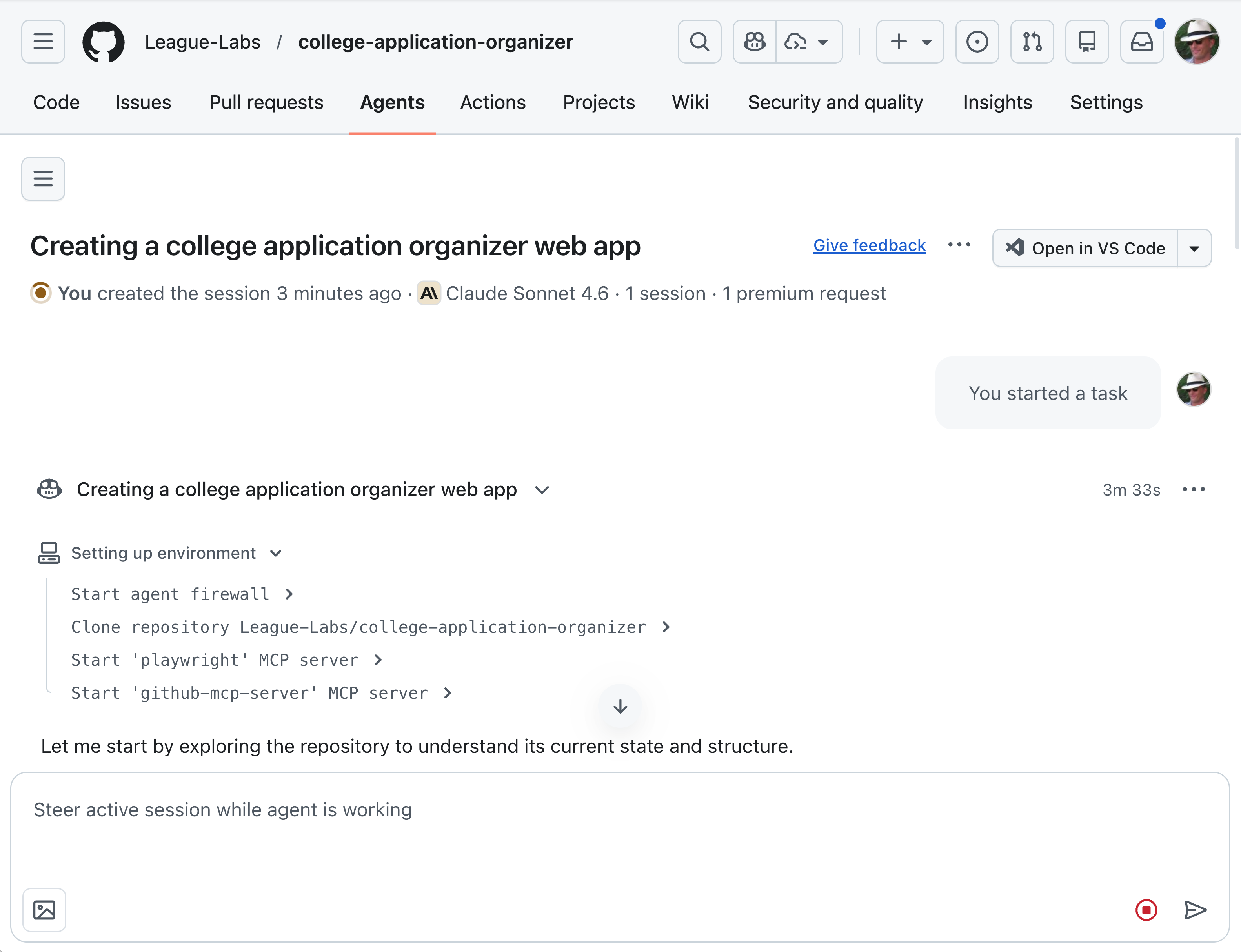
A screenshot of a GitHub repository page for a project called 'college-application-organizer' under the League-Labs organization. The page shows an AI agent (Claude Sonnet 4.6) working on creating a college application organizer web app, with a task breakdown and setup environment steps visible.
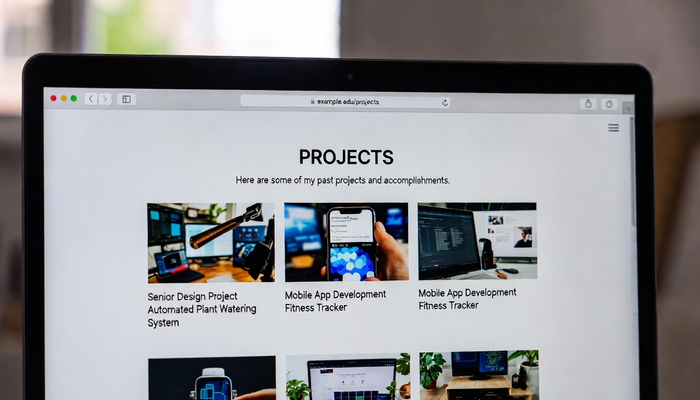
A screenshot of a portfolio website displaying a 'PROJECTS' page with a grid of project cards showing past accomplishments. The page features thumbnails of various tech projects including an Automated Plant Watering System, Mobile App Development projects, and other hardware/software initiatives, typical of what young programmers at The League might create.
An illustration of a code editor window with a dark interface showing yellow lines of code and a code bracket symbol. The window is surrounded by colorful decorative elements including orange stars, blue dashes, and a yellow pencil, suggesting a creative and educational coding environment.
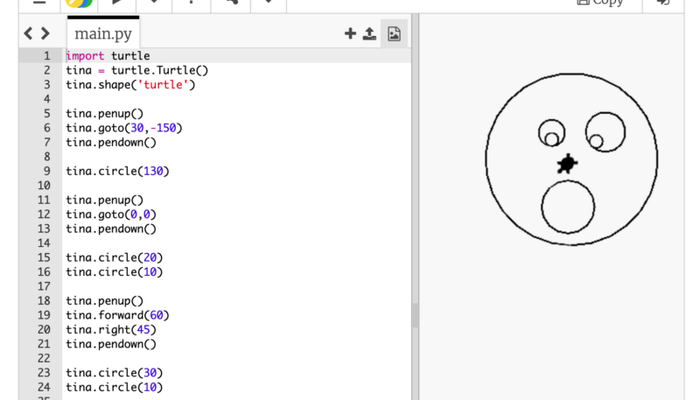
A screenshot of a Python programming environment showing turtle graphics code on the left side and its output on the right. The code uses the turtle module to draw a simple character face with circles and pentagons, resulting in a cartoon-like face with two eyes, a nose, and an open mouth on the right panel.
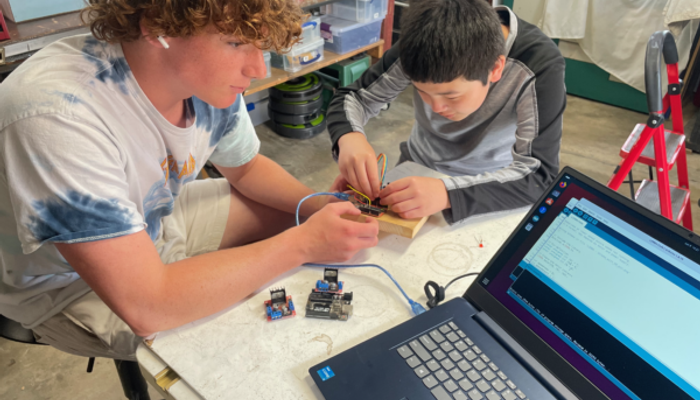
Two young students work together at a table with electronics and a laptop, engaged in a hands-on hardware project. One student is holding and connecting components while the other observes, with a computer displaying code visible on the right side. The scene shows an active learning environment typical of The League's coding and robotics programs.
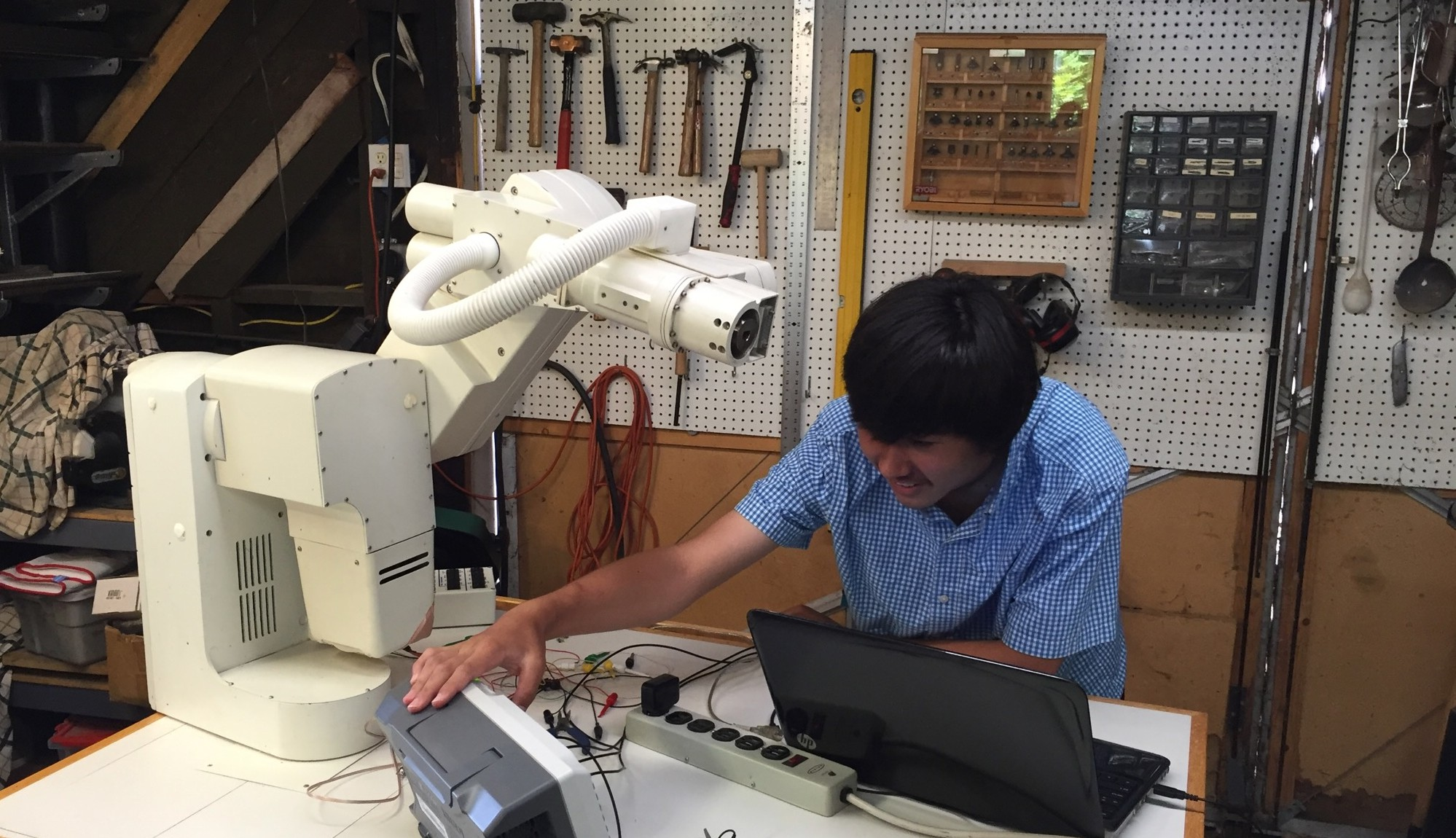
A youth programmer is working with a robotic arm in a workshop setting, with a laptop open for programming and control. The scene shows a hands-on STEM learning environment with tools and equipment organized on pegboards in the background, typical of The League's maker/robotics programs.
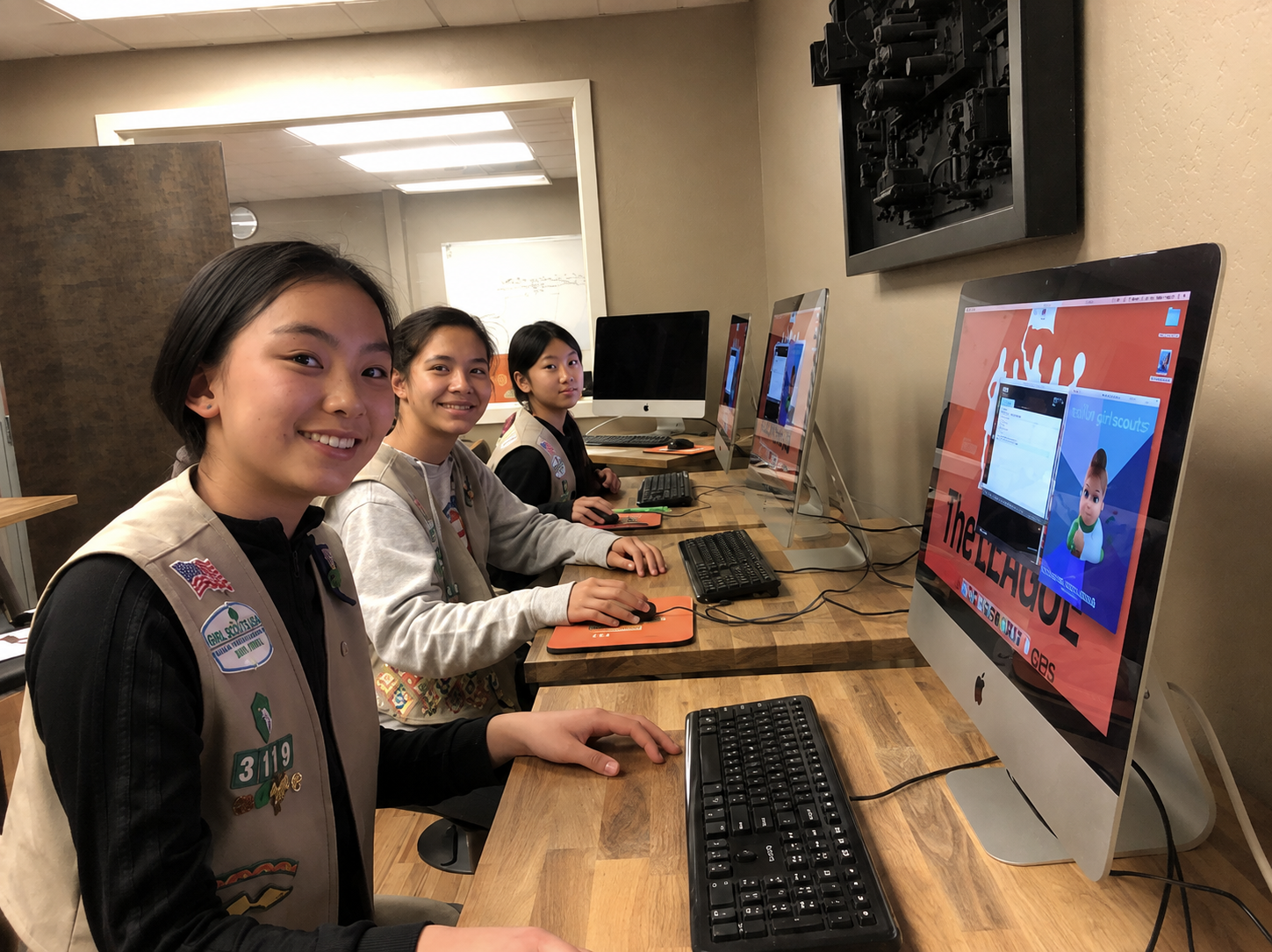
Three Girl Scouts in uniform vests work at iMac workstations along a wooden bench in The League's computer lab, all turning to smile at the camera. The nearest student's vest is covered in badges and patches, and the monitor beside her shows a League-branded project screen with an animated character and the words "girl scouts". Additional iMacs and keyboards recede down the bench, with framed artwork on the wall behind. This is the full-resolution, uncropped version of the girl_scouts photo.
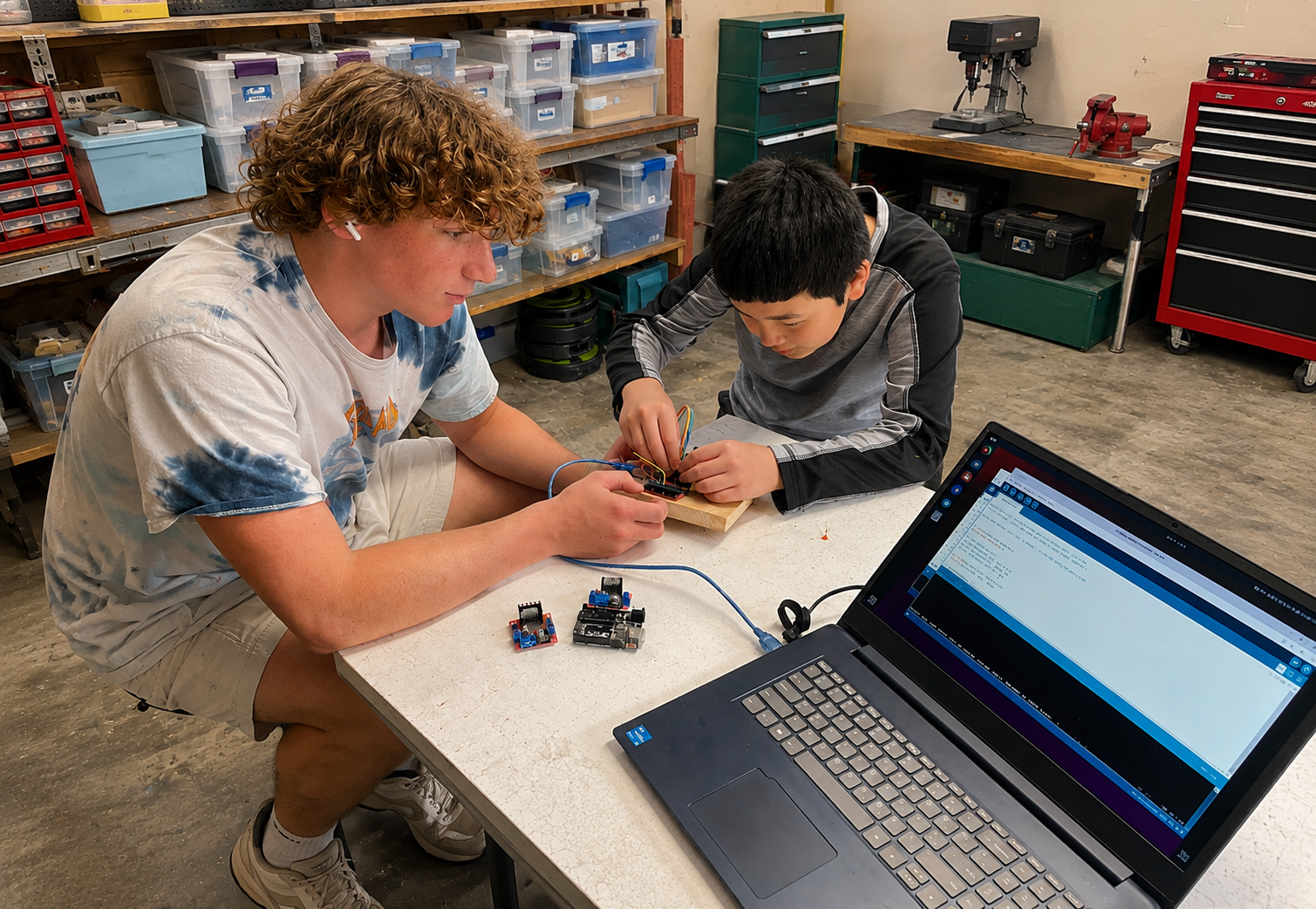
Two students work together on a robotics project at a workbench, wiring a motor driver and Arduino board mounted on a block of wood while a laptop showing code sits open beside them. An AI-edited version that expands a small crop into a much wider frame, generating the surrounding workshop -- storage bins, tool chests, a drill press, and a workbench -- that was not visible in the original.
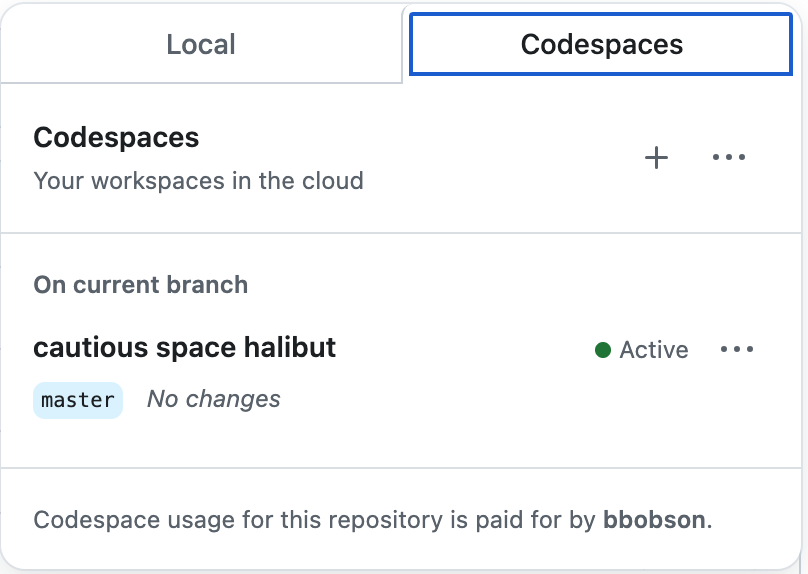
A screenshot of GitHub's Codespaces interface showing cloud-based development workspace options. The page displays a workspace named 'cautious space halibut' on the master branch with an 'Active' status, along with usage information indicating the codespace is paid for by a user named 'bbobson'.

A screenshot of a development environment or IDE interface showing multiple tabs including Terminal, Ports, Jupyter, Problems, Output, and Debug Console. The Ports tab is currently selected and highlighted in blue.
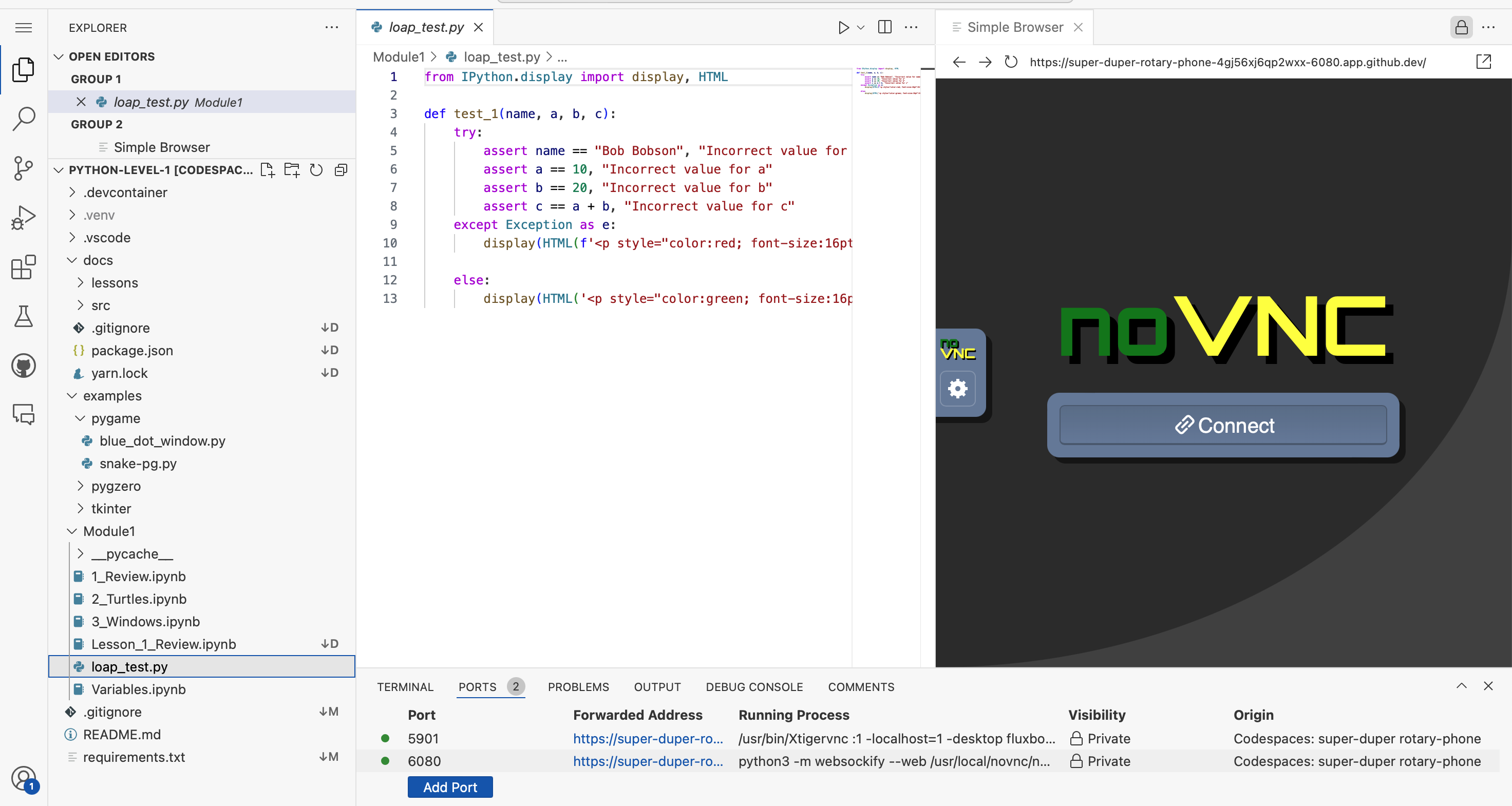
A screenshot of a Python development environment showing VS Code with a coding project open. The left panel displays a file explorer with Python files and folders, the center shows Python test code with imports and assertions, and the right panel displays a web browser showing a noVNC remote desktop interface. The bottom panel shows terminal output with port forwarding information.

A green button with code bracket icons and the word 'Code' followed by a dropdown arrow. This is a GitHub interface element commonly used to access repository cloning and downloading options.
A simple logo or icon showing code brackets (< >) alongside the word 'Code' in bold text. This appears to be a GitHub interface element or button label used to navigate to or access code-related features.

A green button or interface element with white text that reads 'Create codespace on master', typical of GitHub's codespace creation feature.
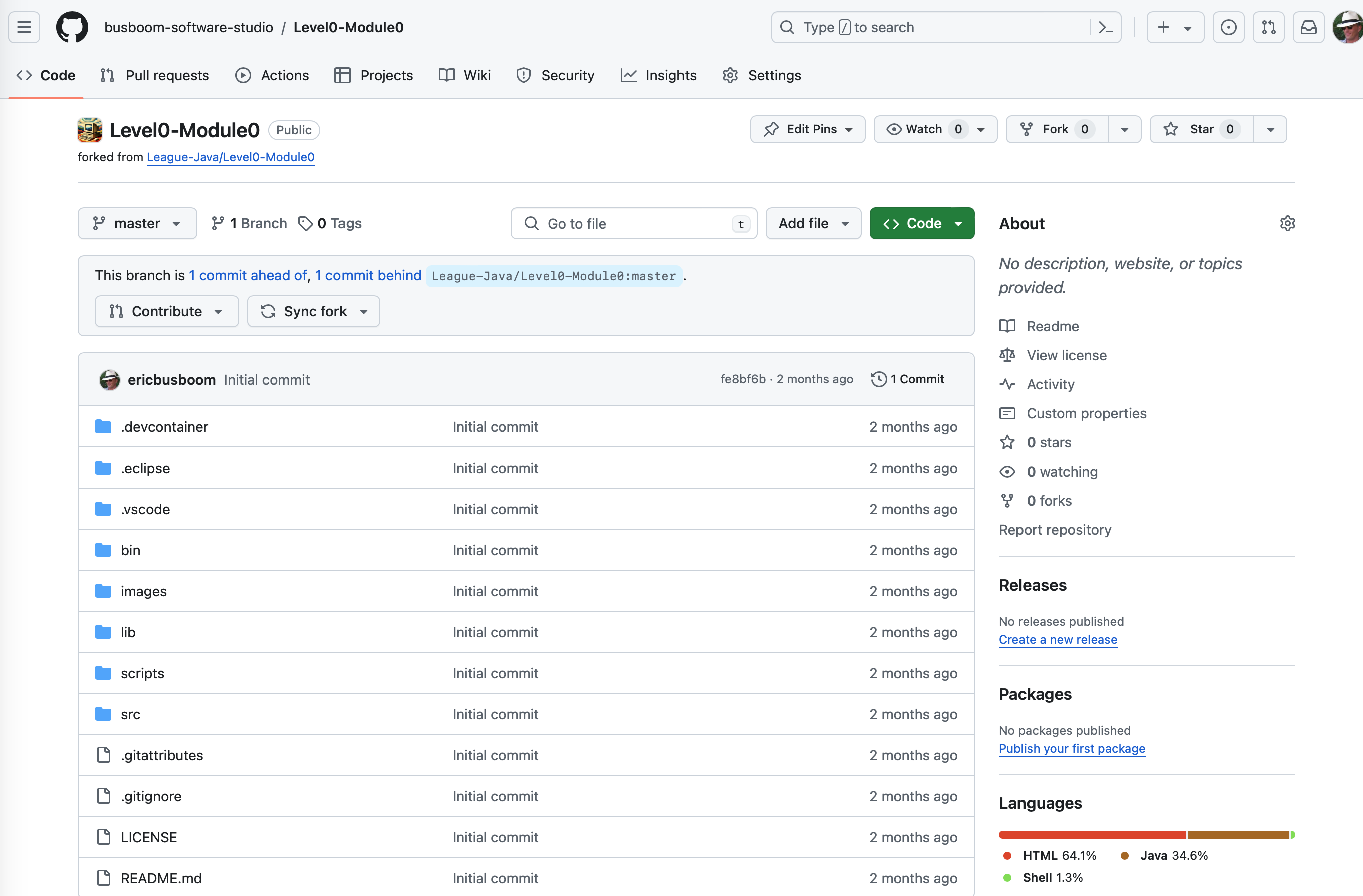
A GitHub repository page showing the Level0-Module0 project forked from League-Java/Level0-Module0. The page displays the repository structure with various folders and files like .devcontainer, .eclipse, .vscode, bin, images, lib, scripts, src, and configuration files. This appears to be a coding project repository for The League of Amazing Programmers.
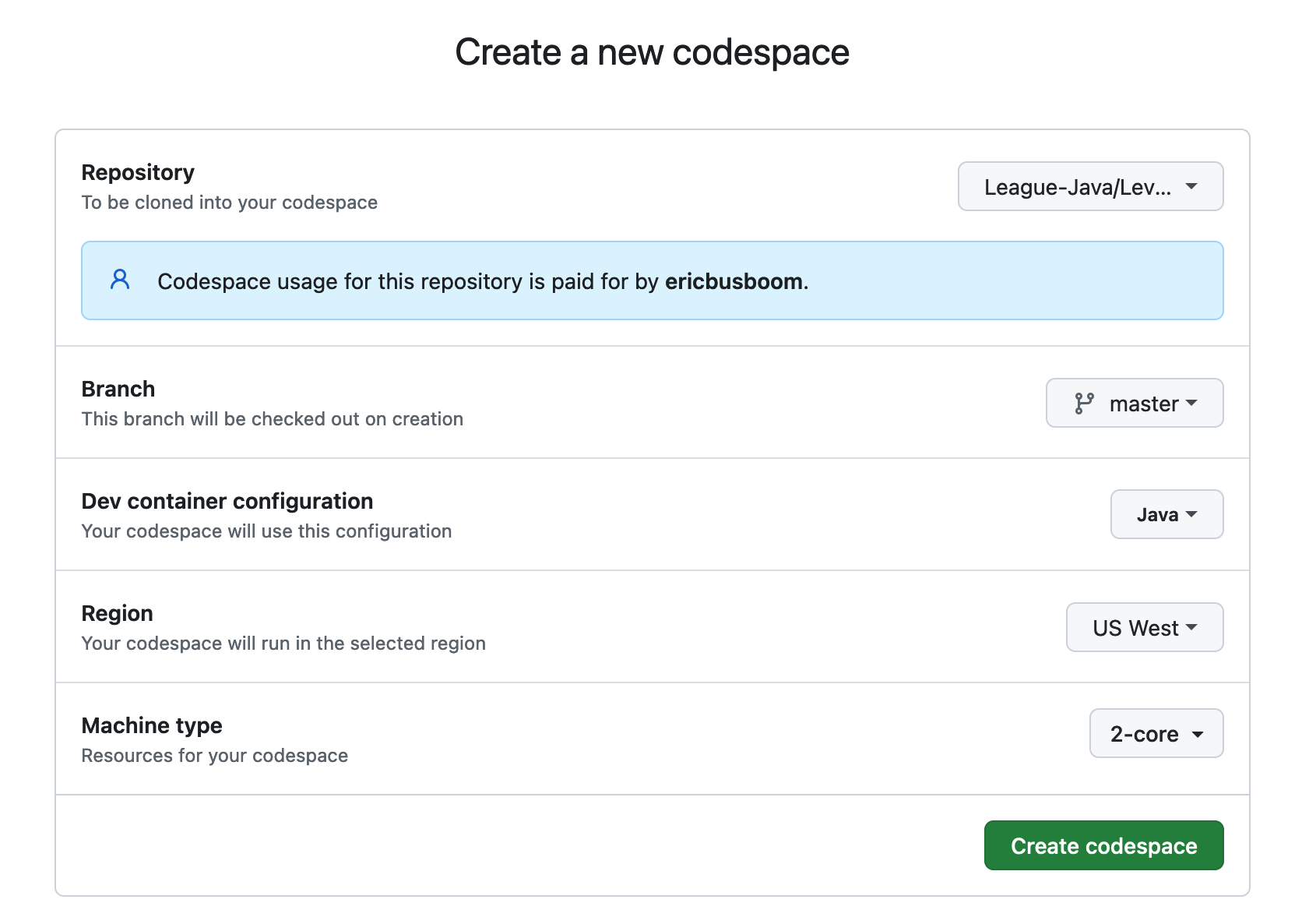
A screenshot of GitHub Codespaces setup form for creating a new codespace. The form shows configuration options including a Java repository from The League (League-Java/Lev...), branch selection (master), dev container configuration (Java), region (US West), and machine type (2-core). A green 'Create codespace' button is visible at the bottom.

A screenshot of a GitHub button or interface element with an orange background displaying the GitHub logo and white text that reads 'Open in Codespaces'. This is a user interface element commonly found on GitHub repositories.
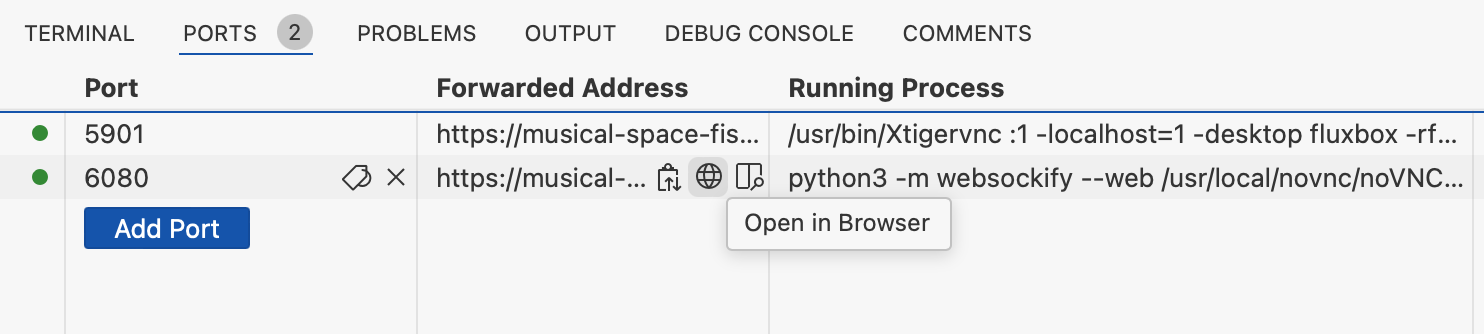
A screenshot of a development environment's Ports tab showing port forwarding configuration. The interface displays two active ports (5901 and 6080) with their associated forwarded addresses and running processes, along with an 'Add Port' button and an 'Open in Browser' option.

A screenshot of a development environment's port forwarding configuration interface, showing multiple ports (5901, 6080) with their forwarded addresses, running processes, and visibility settings. The image displays technical details including URLs, command-line processes, and a 'Preview in Editor' button, typical of a web development or coding workspace setup.
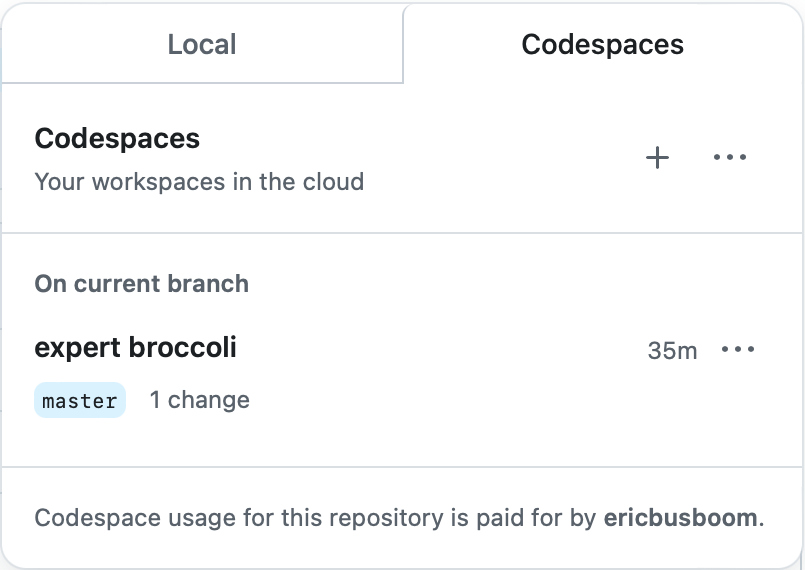
A screenshot of GitHub's Codespaces interface showing the Local and Codespaces tabs. The Local tab displays a codespace named 'expert broccoli' on the master branch with 1 change made 35 minutes ago. The interface includes options to create new codespaces and manage existing ones.

A screenshot showing a GitHub interface element with 'RUN AND DEBUG' text on the left, followed by a play button icon and a dropdown menu labeled 'DragonFight'. This appears to be part of a code editor or IDE debugging toolbar.
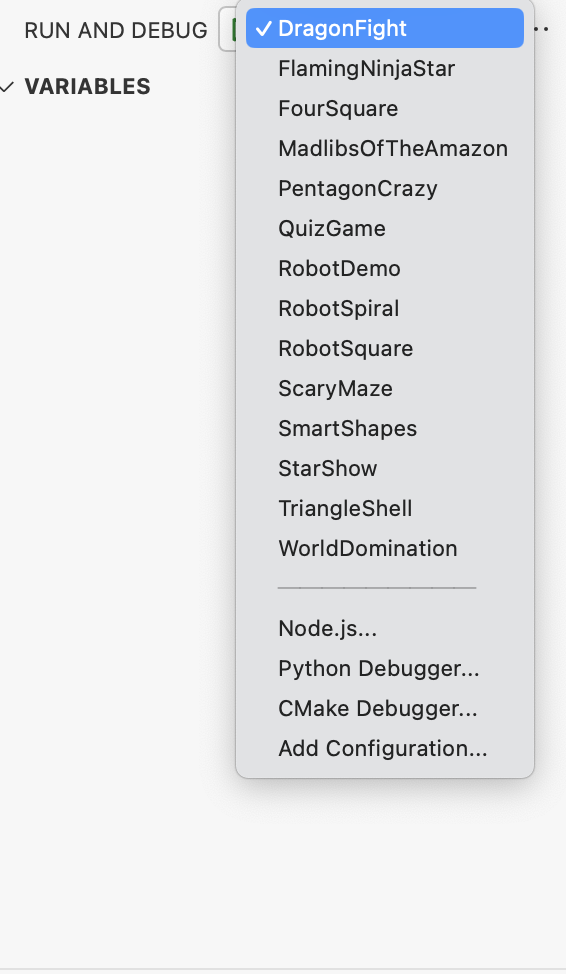
A screenshot of a code editor's Run and Debug configuration dropdown menu, showing various program names like DragonfFight, FlamingNinjaStar, RobotDemo, and others. The menu displays debugging options including Node.js, Python Debugger, and CMake Debugger at the bottom.
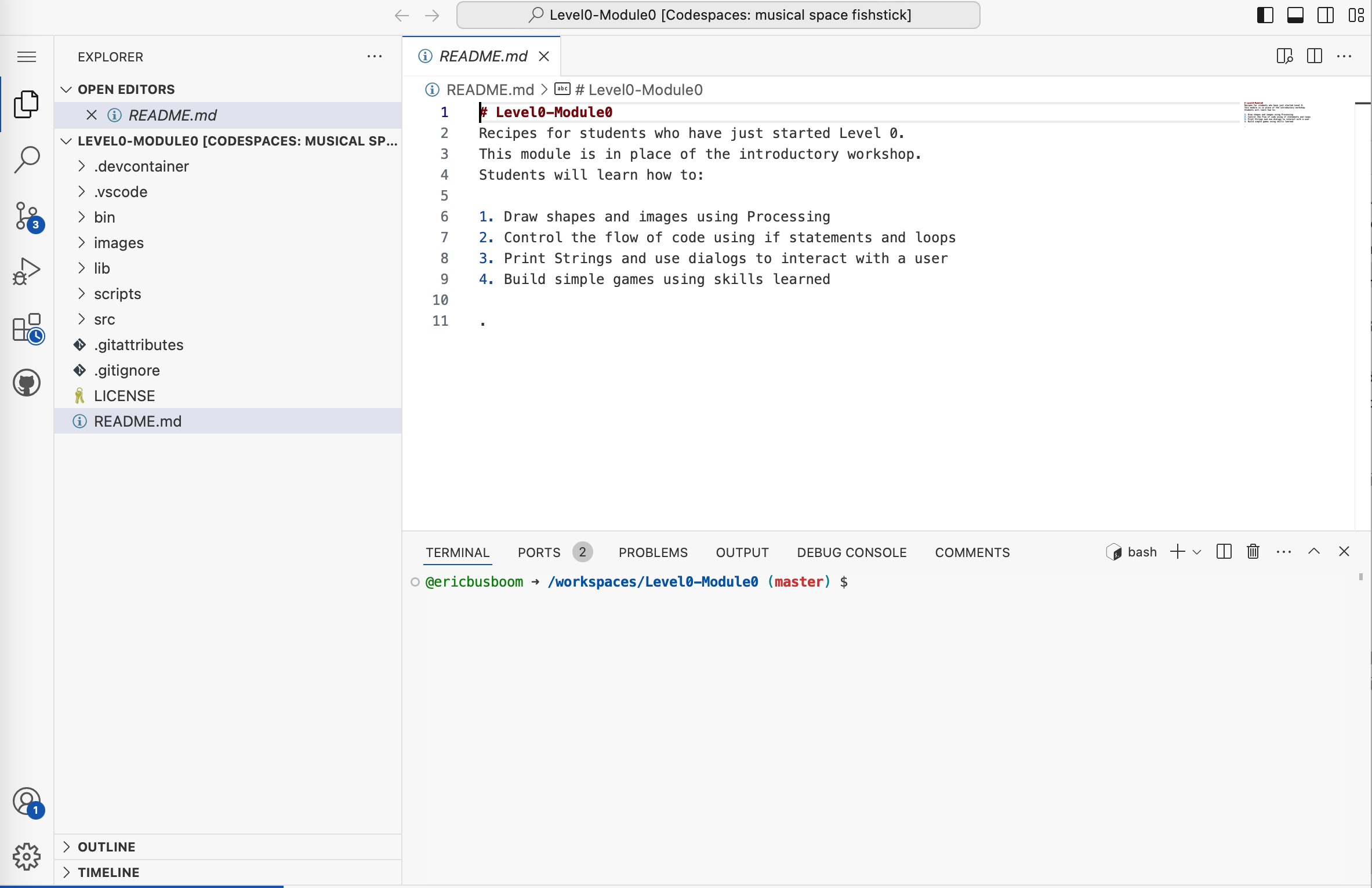
A screenshot of a code editor (VS Code) showing a README.md file for a Level0-Module0 coding course project called 'Codespaces: musical space fishstick'. The file displays introductory course content for students, including learning objectives like drawing shapes in Processing, controlling code flow, and building games.

An instructor in a blue blazer works one-on-one with a young student at a computer in what appears to be a coding classroom or workshop environment. Several other students can be seen in the background also working at computers, suggesting an active learning session at The League of Amazing Programmers.

A header or label showing the word 'Basic' in blue text next to a grid icon made of blue squares, typically representing the Basic category or section in MakeCode for micro:bit programming.
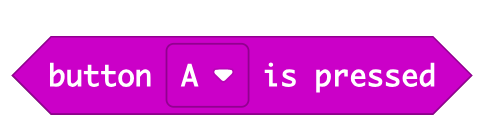
A magenta/purple banner displaying text "button A is pressed" with a small dropdown arrow icon, styled as a MakeCode block used in micro:bit programming. This is a visual representation of an event block from the MakeCode block-based coding interface.
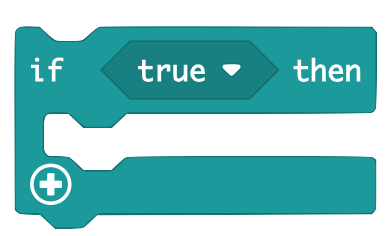
A visual representation of a conditional programming block from MakeCode, showing an 'if true then' statement structure with a plus icon for adding additional code blocks. This is a screenshot of the block-based programming interface used for micro:bit coding.
A simple UI button or interface element showing an upload/import icon with an upward arrow and the text 'Import' next to it. This appears to be a screenshot of a software interface element, likely from the MakeCode platform used for micro:bit programming.

A header or title graphic showing the word "Loops" in green text alongside a green stylized 'C' logo, appearing to be from MicroBit's MakeCode educational platform.
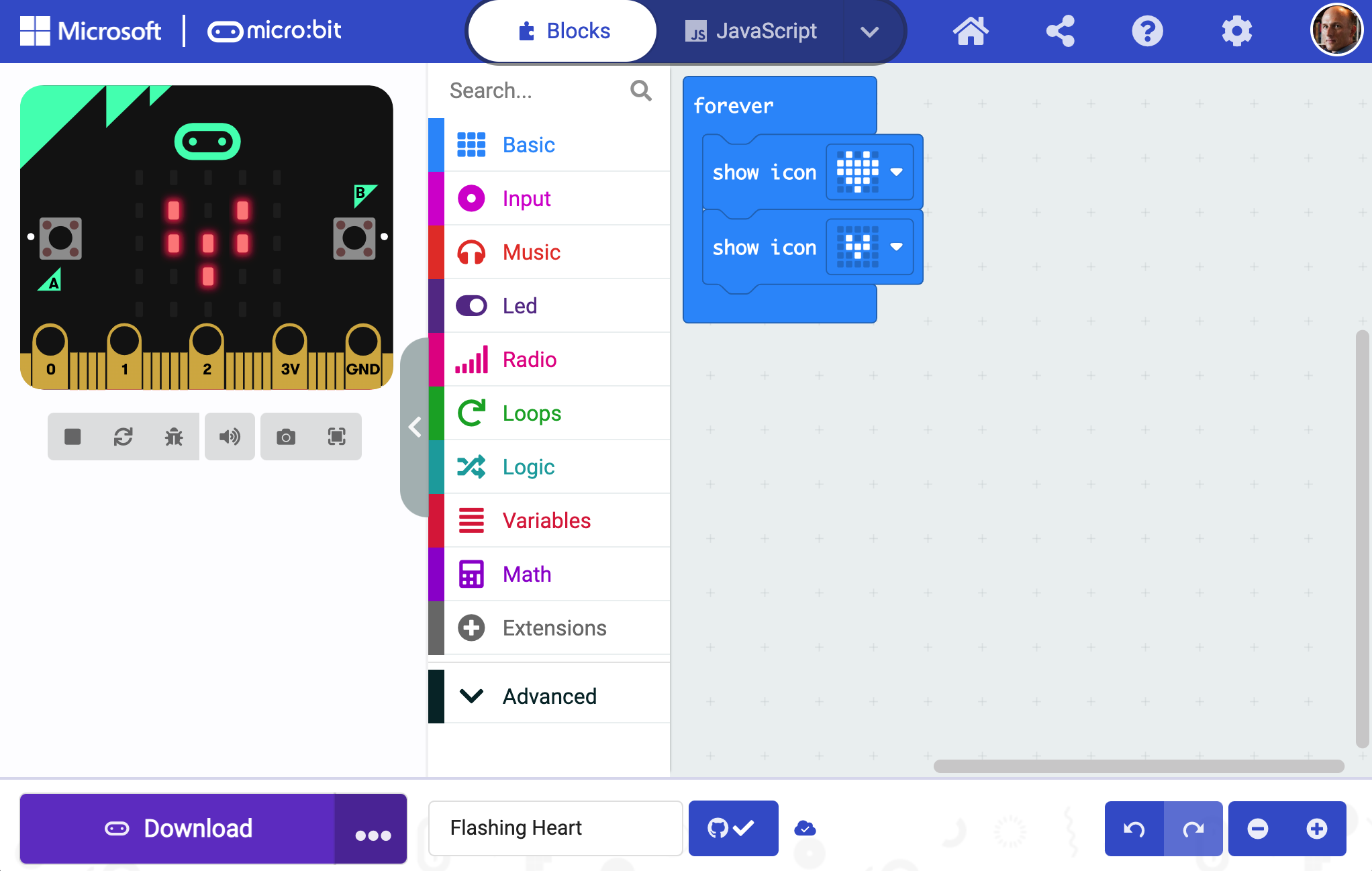
A screenshot of the Microsoft MakeCode interface for micro:bit programming. The screen shows the Blocks editor with a micro:bit device visualization on the left displaying LED patterns, and a color-coded menu of programming blocks (Basic, Input, Music, Led, Radio, Loops, Logic, Variables, Math, Extensions, Advanced) on the left. The main coding area on the right shows a 'forever' loop with 'show icon' blocks.
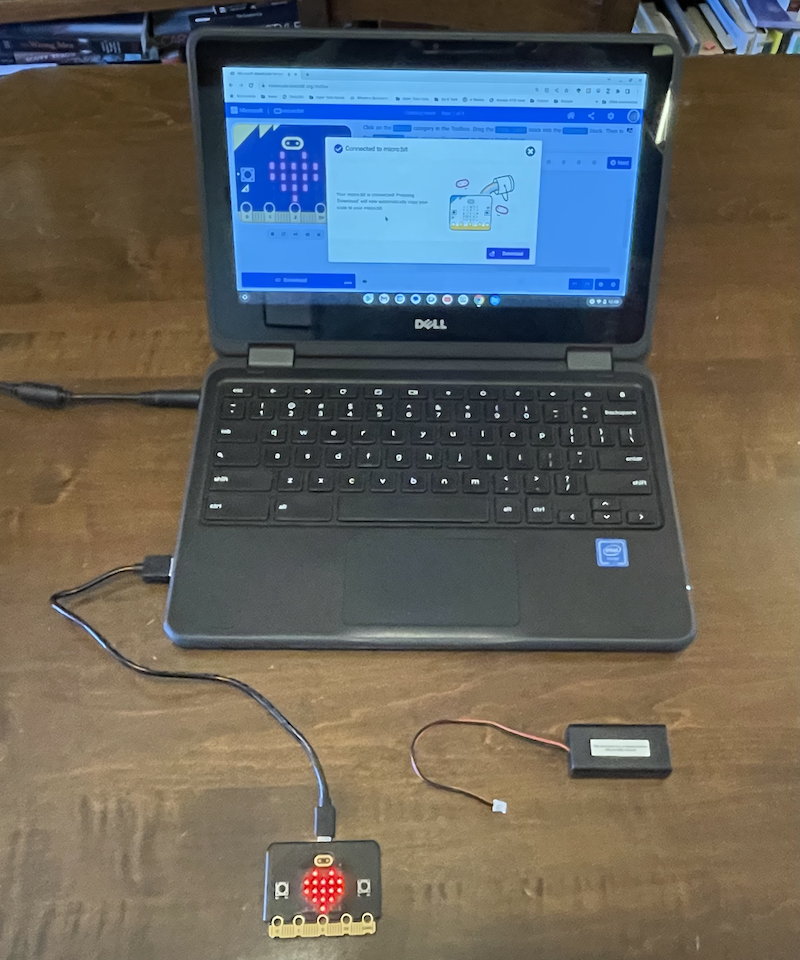
A Dell laptop displays the MakeCode editor interface with a micro:bit project open, showing a blue robot illustration and programming blocks. Connected to the laptop via USB cable is a micro:bit device with its characteristic red LED grid display visible, along with a battery pack, demonstrating a complete coding setup for The League of Amazing Programmers.
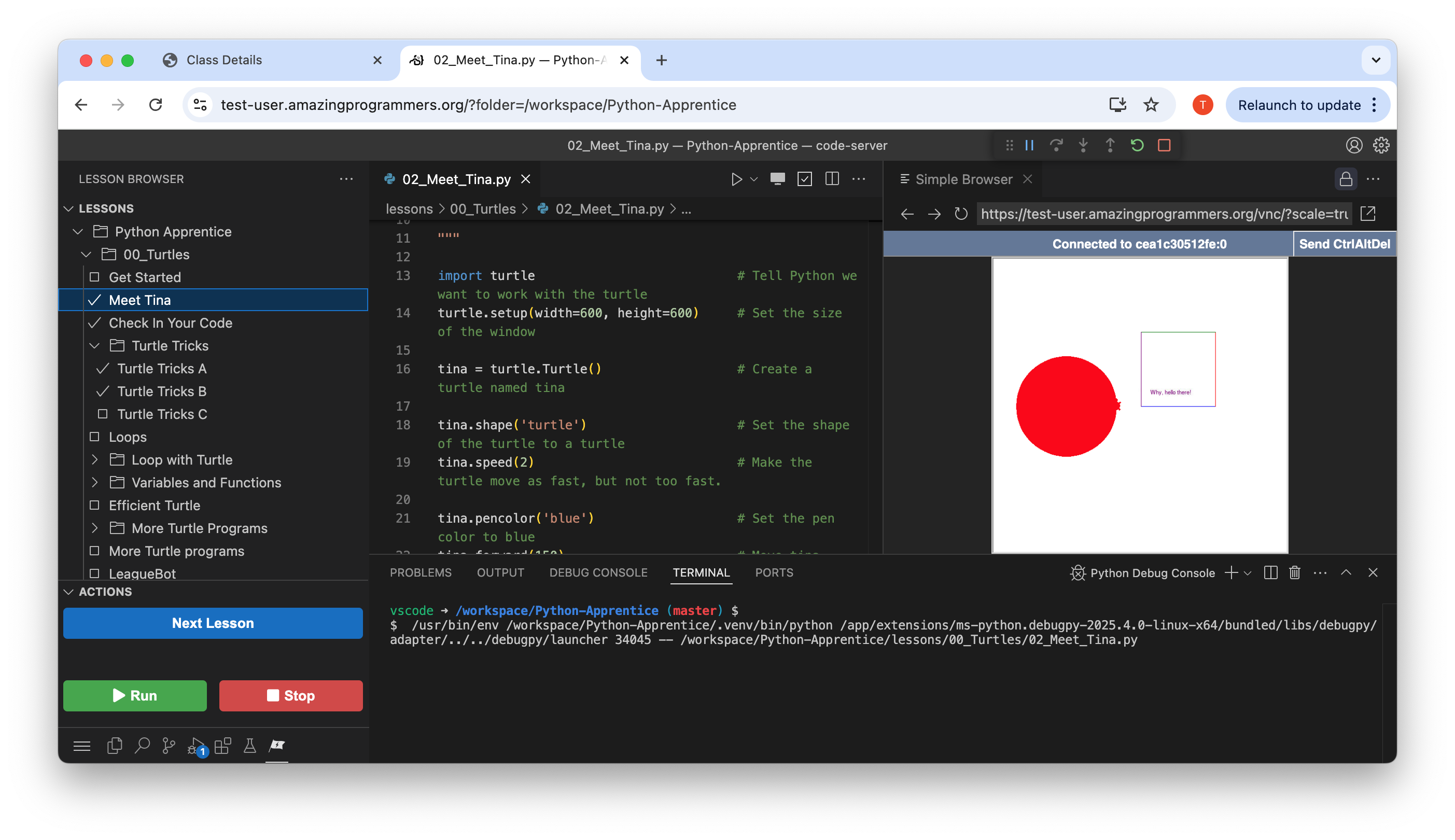
A screenshot of The League of Amazing Programmers' web-based Python learning platform showing a lesson called 'Meet Tina'. The interface displays Python code that creates and manipulates a turtle graphics object, with a live preview on the right showing a red circle being drawn. The left sidebar shows the lesson hierarchy within the Python Apprentice course.

A user interface button or prompt displaying the GitHub logo (Octocat) alongside the text 'Continue with GitHub'. This appears to be a login or authentication interface element commonly used on web applications and websites.
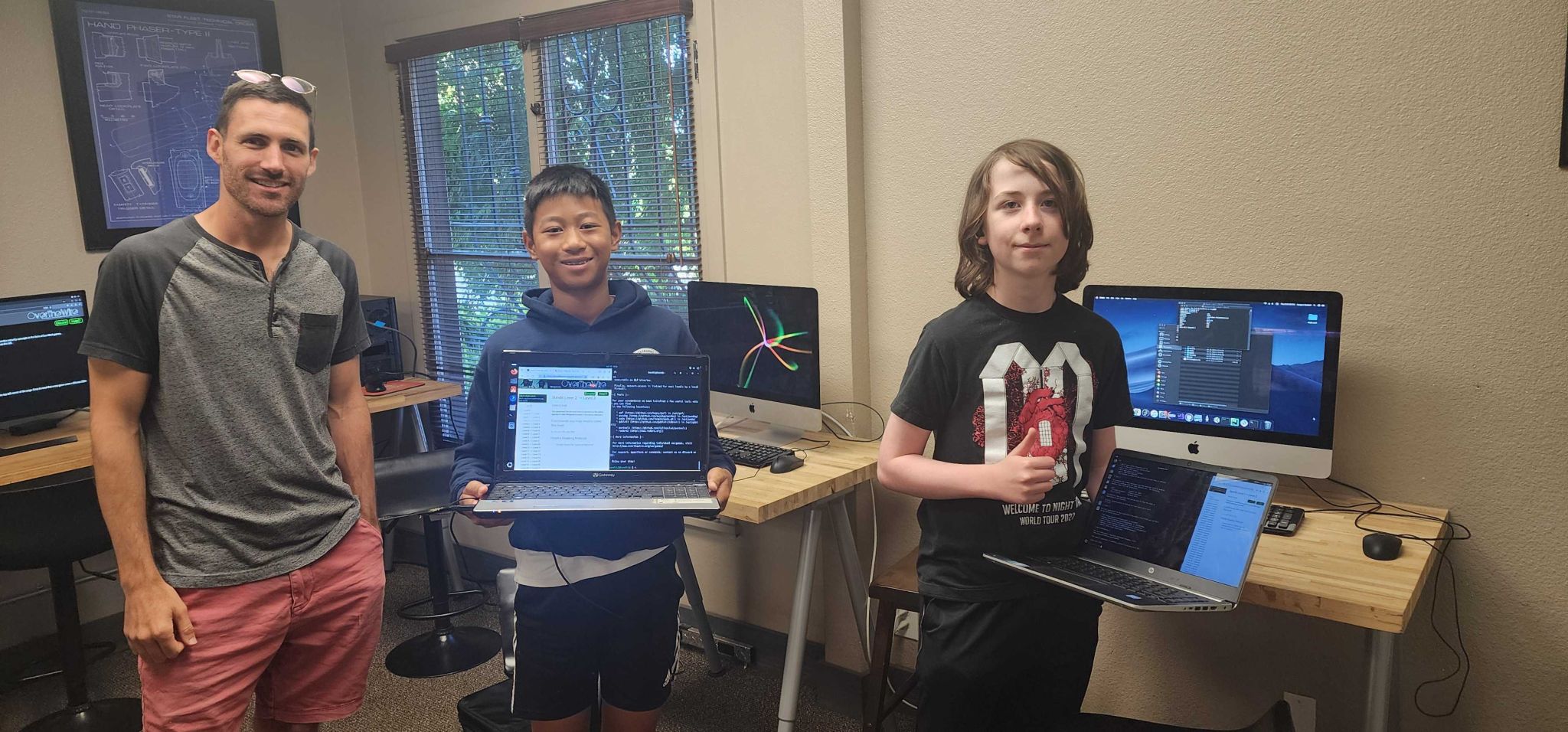
Three young people pose together in a computer lab classroom setting, displaying their coding work on laptops. An adult instructor stands on the left while two students proudly show their programming projects on screens displaying code and development environments. The room features multiple computers, monitors, and windows overlooking greenery, creating an authentic educational environment.
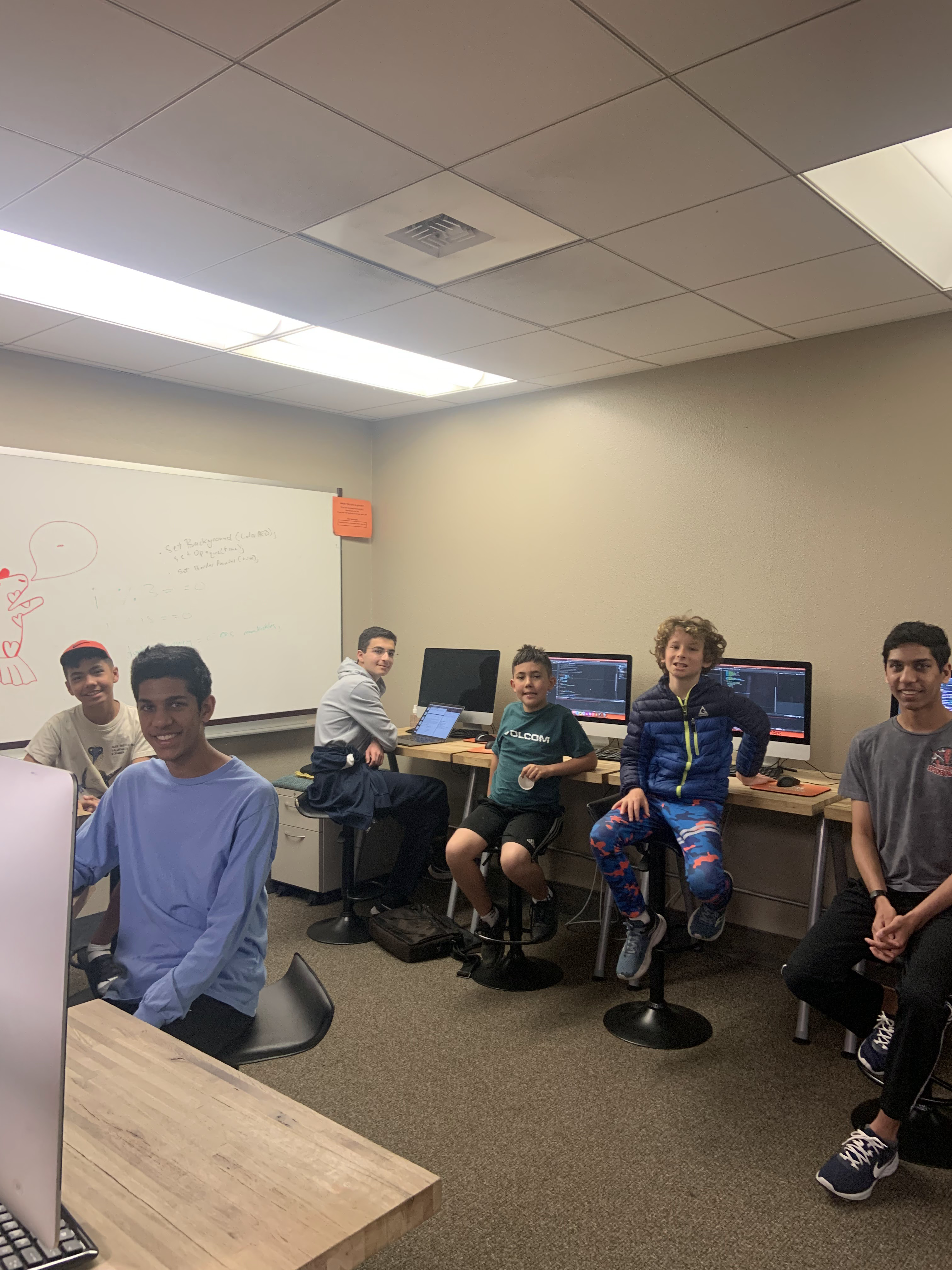
A group of six young students in a classroom setting with computers and monitors visible in the background. They are posed together facing the camera, smiling, in what appears to be a coding or computer lab environment. A whiteboard with sketches and writing is visible on the left wall.
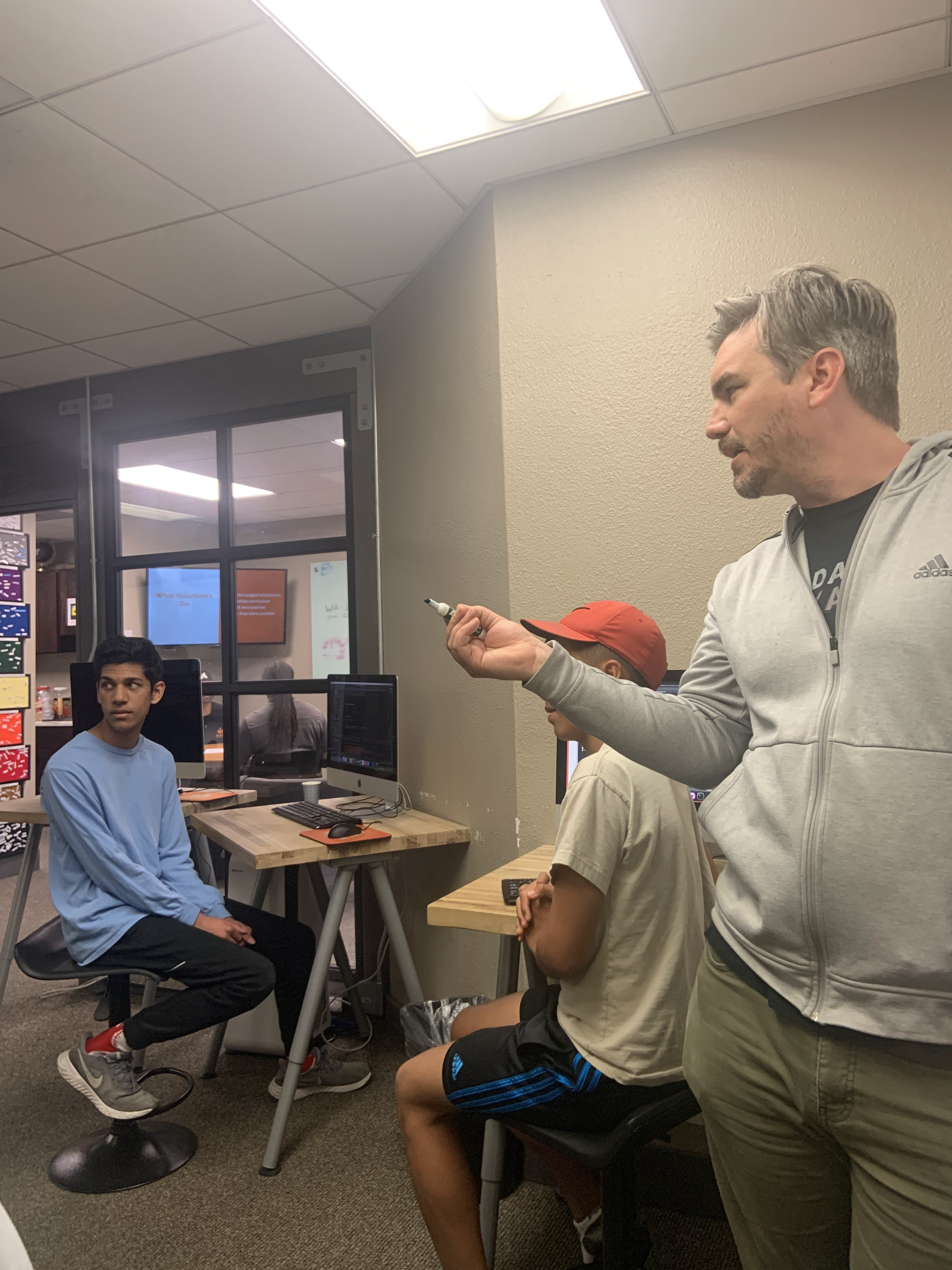
An adult instructor demonstrates or teaches programming concepts to two youth students in an indoor classroom or lab setting. One student sits at a desk with a computer monitor while another wears a red cap, and the instructor stands holding what appears to be a microcontroller or electronic component. The scene captures an active teaching moment in what looks like The League's coding education environment.
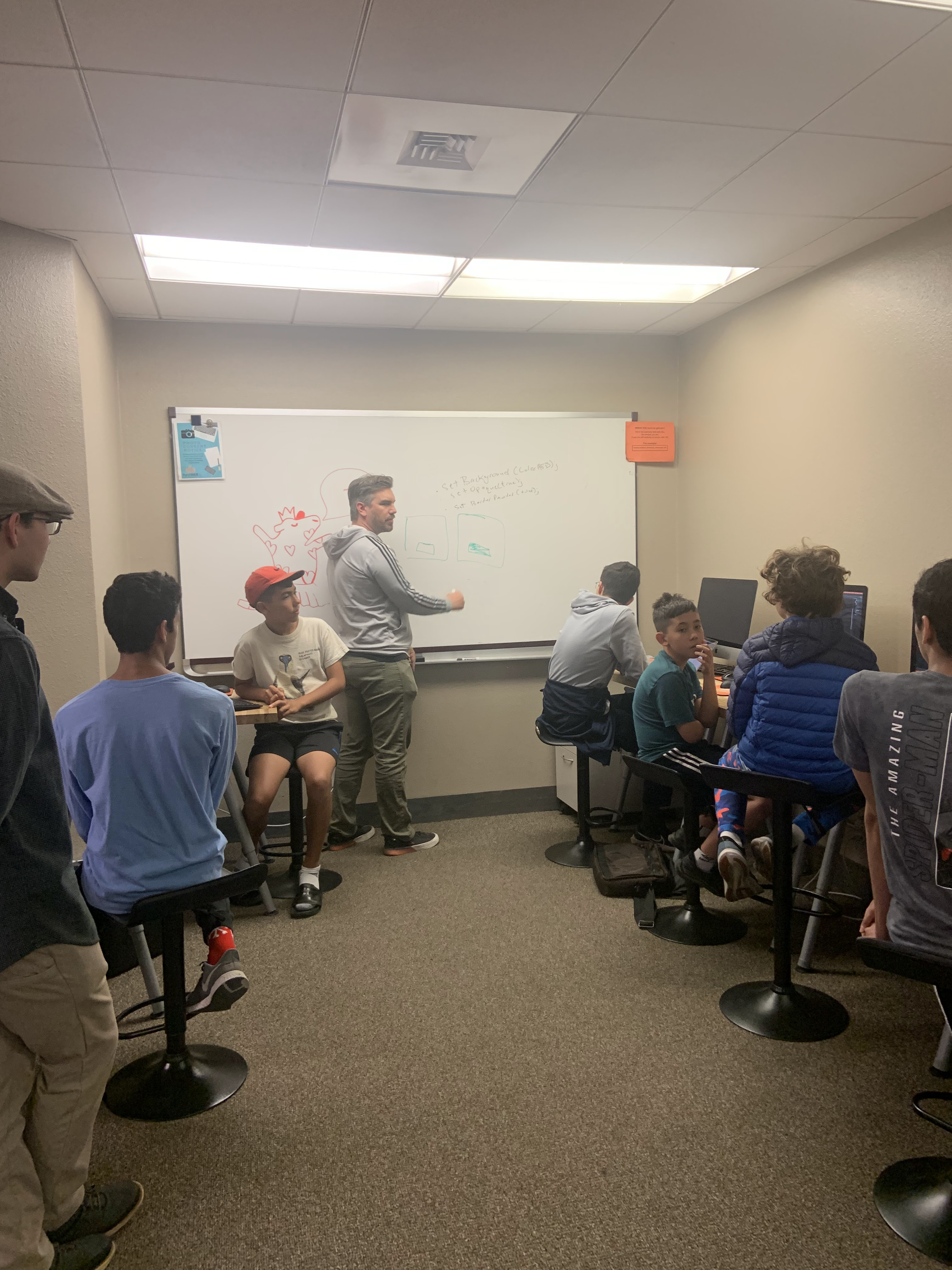
An instructor teaches a group of young students in a classroom setting, standing at a whiteboard with drawings and writing. Multiple students of varying ages are gathered around, some sitting on chairs and others standing, engaged in what appears to be a coding or programming lesson. The indoor classroom has fluorescent lighting and basic educational setup typical of a youth coding nonprofit environment.
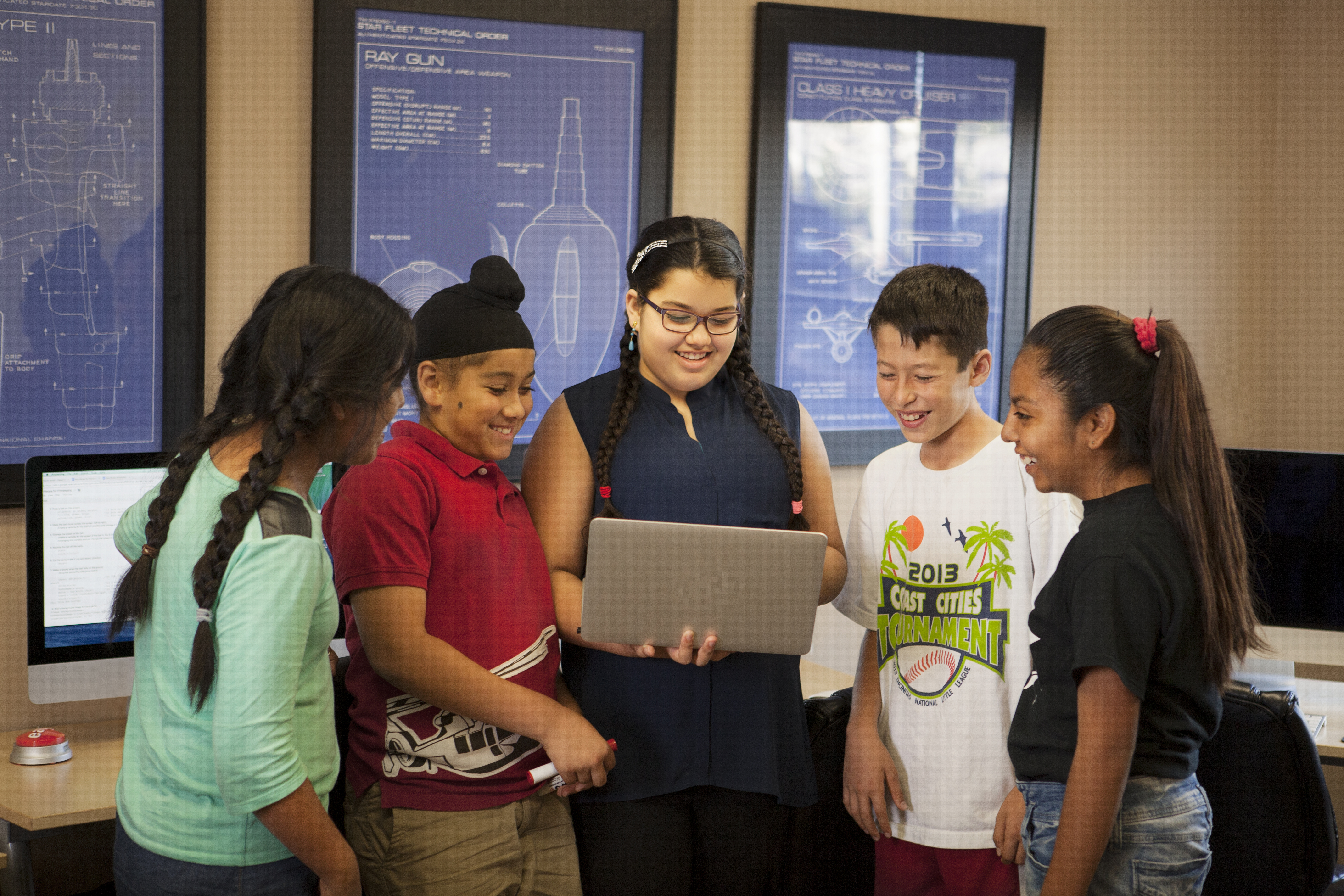
A group of five young students gathered around a laptop in a tech classroom, smiling and engaged with the device. Behind them are blue technical schematic displays showing spacecraft and weapons designs on mounted screens, creating an educational STEM environment.
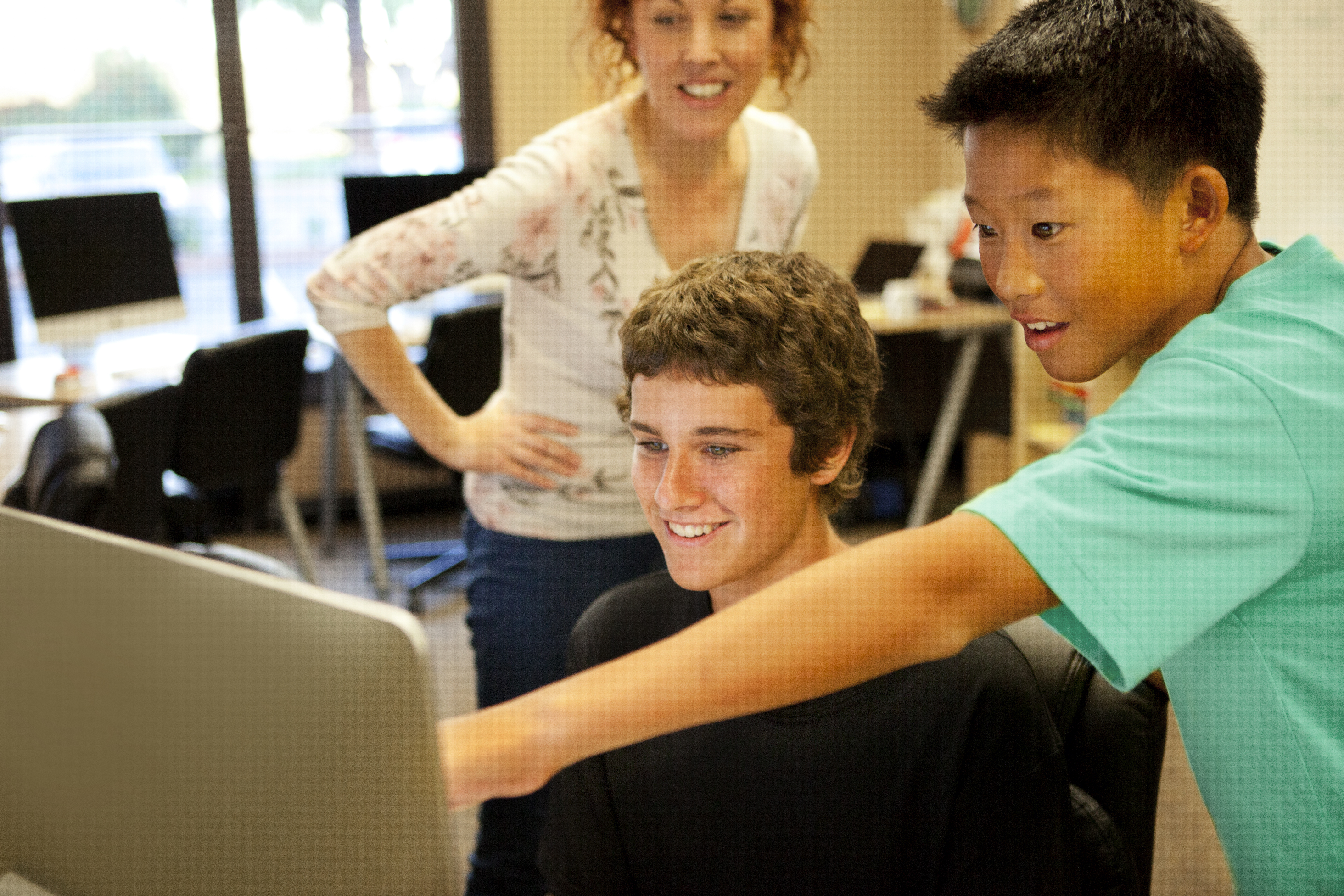
An instructor teaches two young students at computers in a classroom setting. The students are smiling and engaged while working at desktop computers, with the instructor standing behind them offering guidance. Multiple computer workstations are visible in the background, suggesting a coding or technology classroom environment.
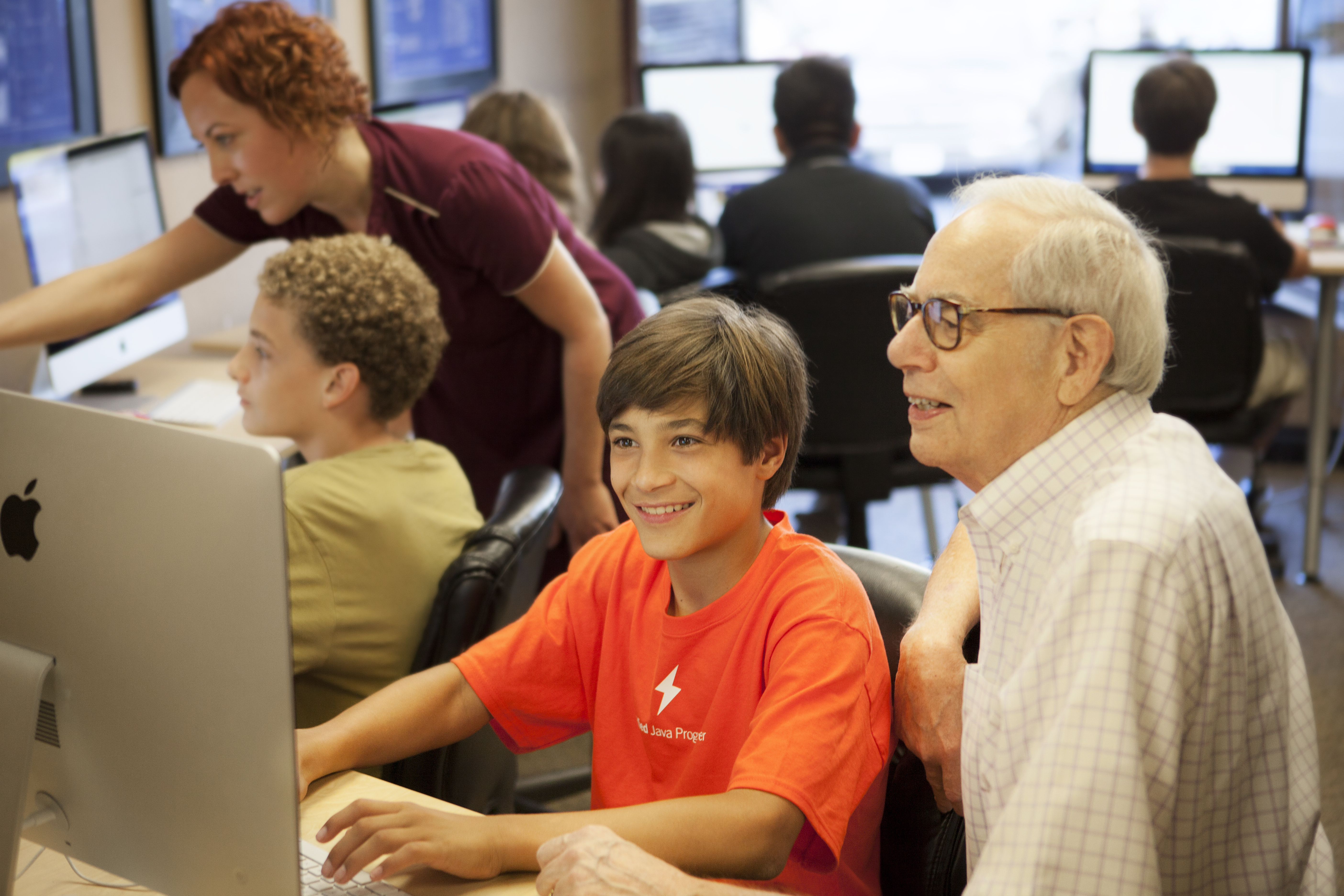
A youth coding classroom scene showing young students working at computers with mentors. An older gentleman and a woman in a maroon shirt are actively engaged with students, including a smiling boy in a red Java Programming shirt. Multiple students are visible at computers in the background, depicting a collaborative learning environment typical of The League of Amazing Programmers.
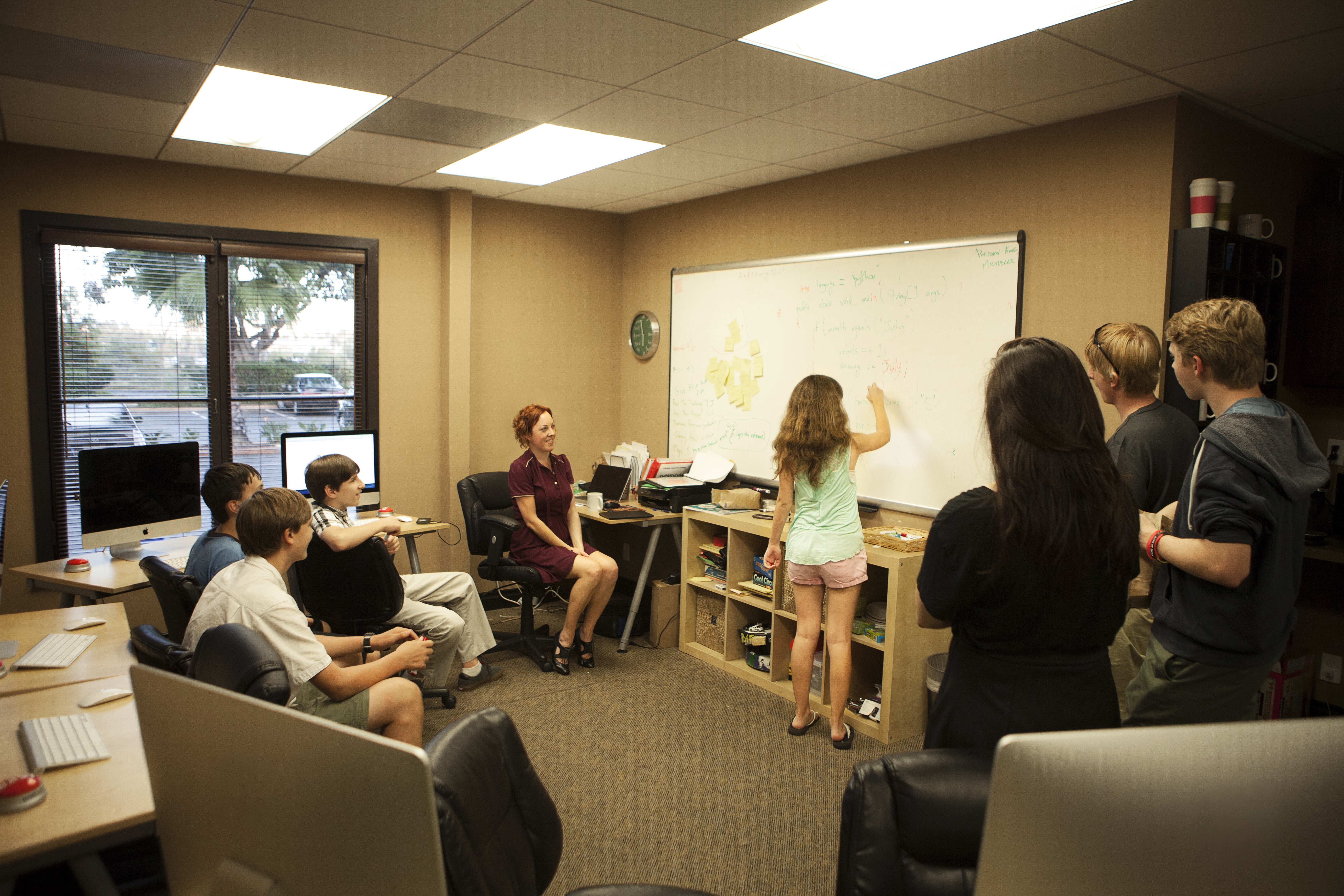
A classroom scene at The League showing an instructor with red hair in a maroon shirt leading a group of young students in a coding class. One student is writing on a whiteboard while others observe, with computers visible on desks and educational materials organized on shelves. The bright, modern indoor classroom space features yellow walls, fluorescent lighting, and large windows.
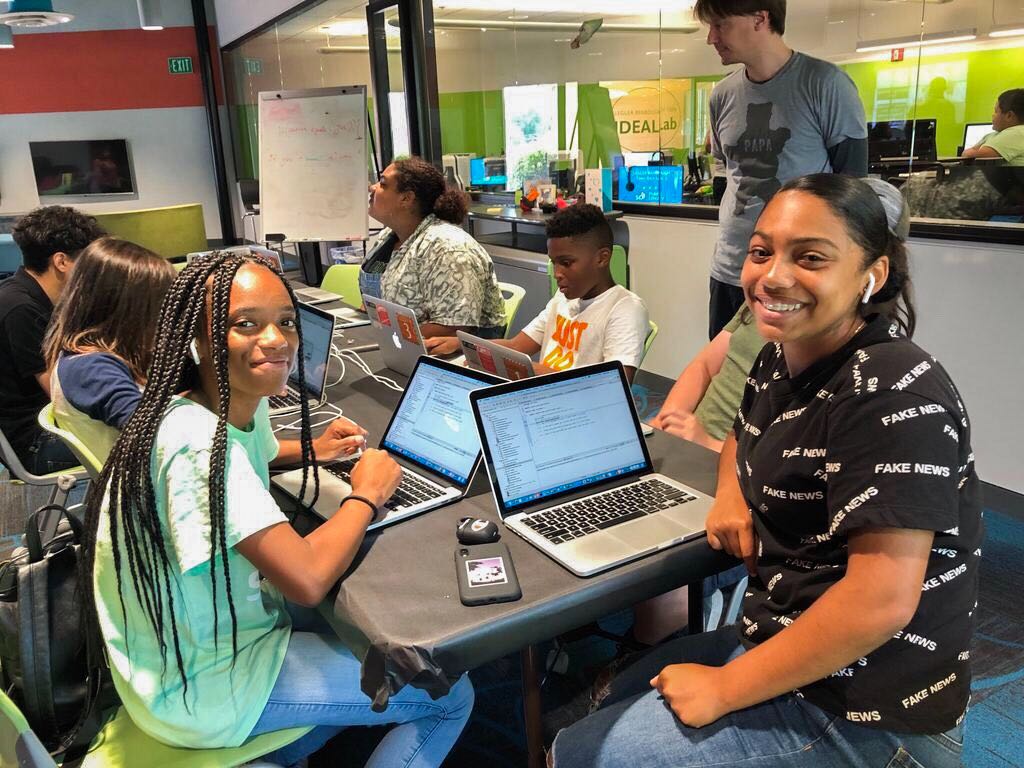
A group of young students are gathered around laptops in a modern tech classroom or lab environment with bright green and colorful walls. Multiple students are actively engaged with computers, smiling and collaborating together. An instructor or mentor can be seen in the background, and the space appears to be part of The League of Amazing Programmers' coding education program.
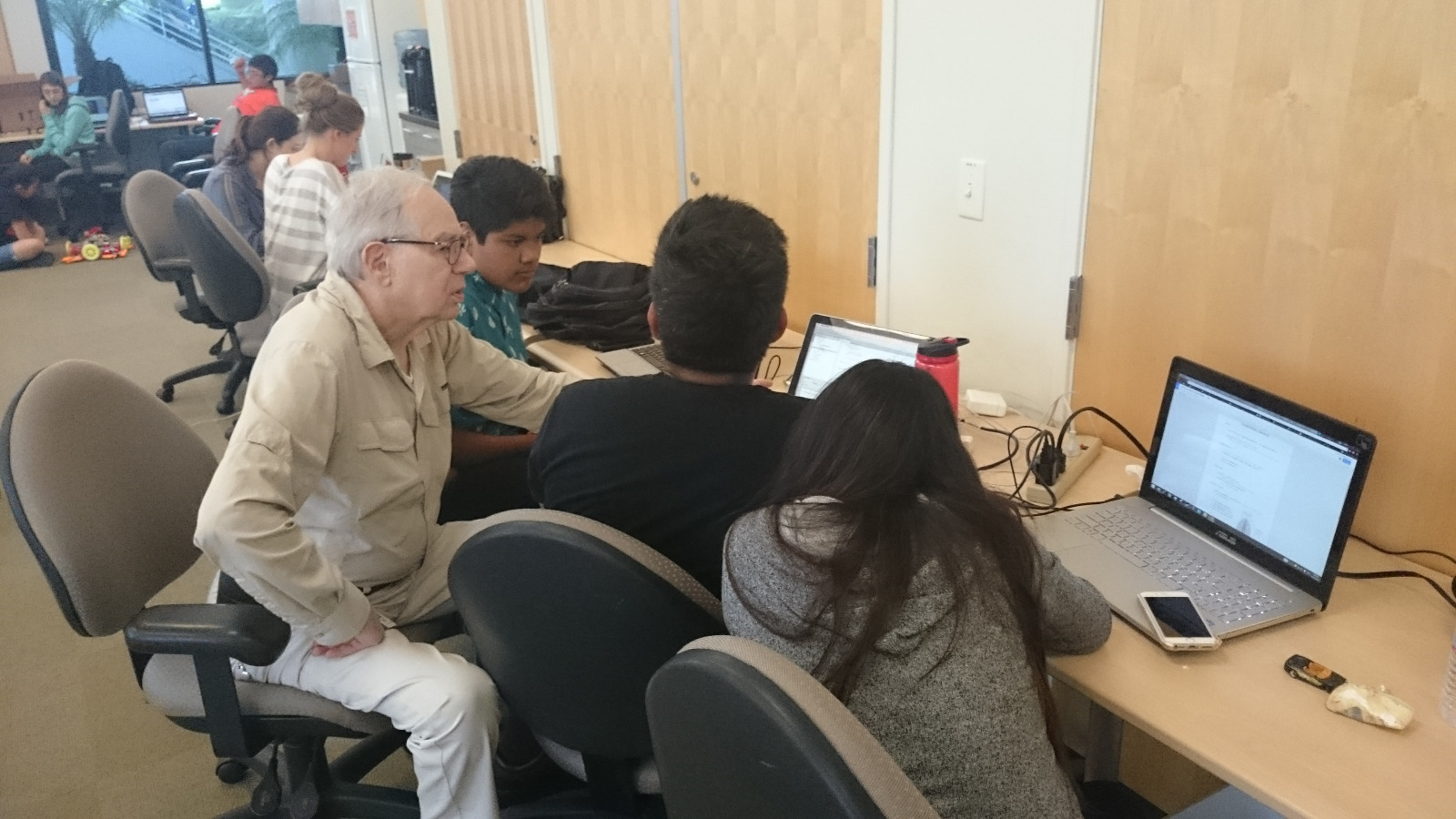
An adult instructor works one-on-one with young students at computers in a classroom setting. Multiple students are visible working on laptops, with an older male mentor engaging with students at a table. The environment appears to be an indoor educational space with wooden doors and typical classroom furnishings.
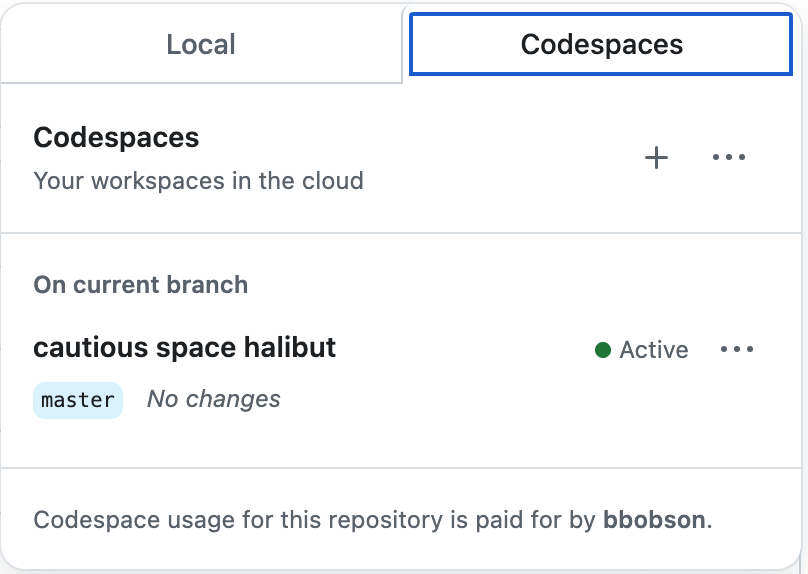
A screenshot of GitHub Codespaces interface showing cloud-based development workspaces. The interface displays tabs for 'Local' and 'Codespaces', with details about an active codespace named 'cautious space halibut' on the master branch with no changes.

A screenshot showing a navigation menu bar with multiple tabs including TERMINAL, PORTS, JUPYTER, PROBLEMS, OUTPUT, and DEBUG CONSOLE. The PORTS tab is highlighted with a blue underline and displays a notification badge with the number 5, indicating there are 5 active ports. This appears to be from a development environment interface.
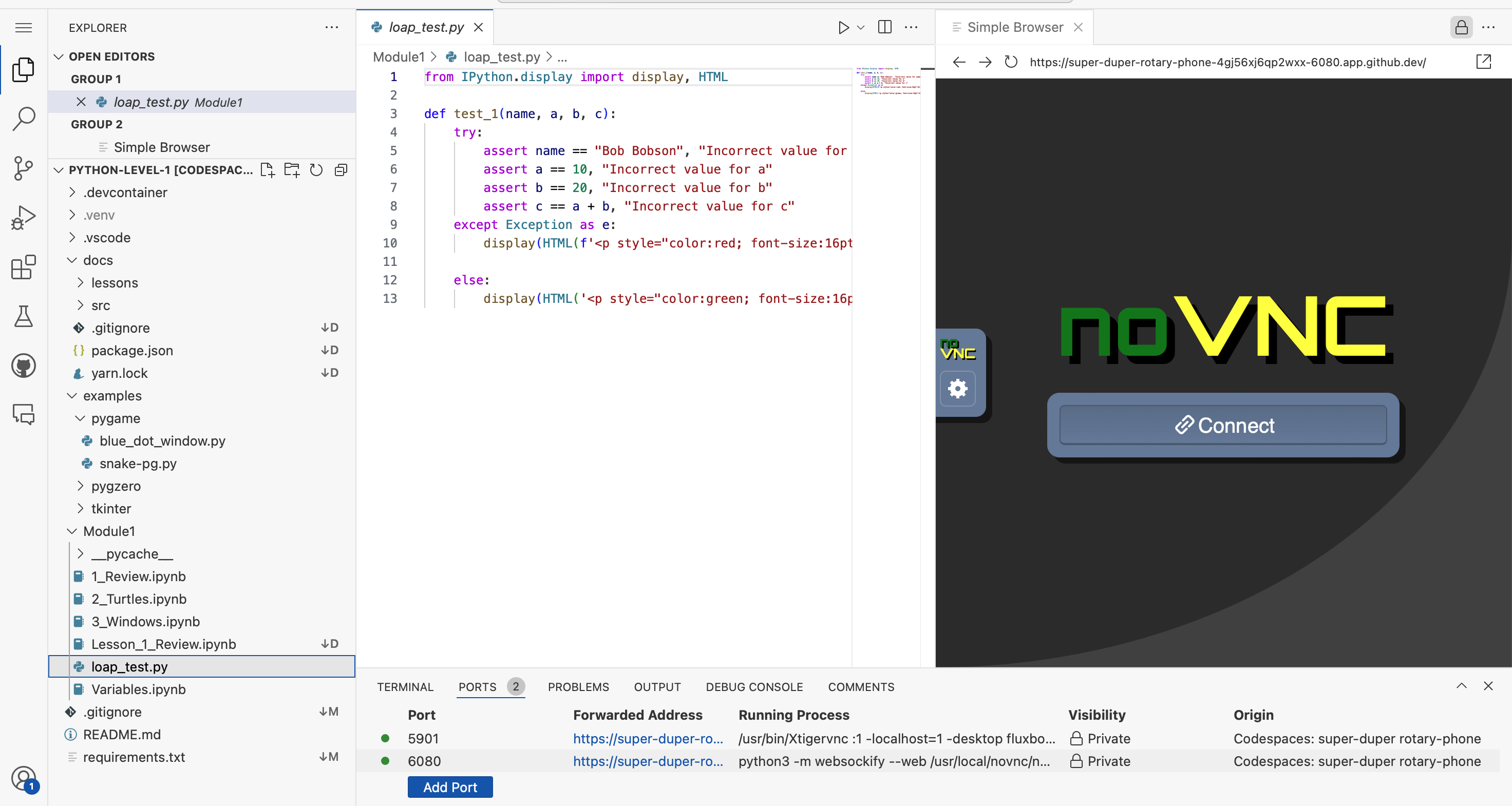
A screenshot of a Python development environment showing a coding editor on the left with file explorer displaying project structure, Python code in the center editor pane showing a test function with assertions and HTML display statements, and a browser preview on the right showing a noVNC interface with a Connect button. This appears to be a Codespaces development setup for a League of Amazing Programmers Python lesson.

A green button or navigation element featuring a code bracket icon and the word "Code" with a dropdown arrow, commonly used in programming interfaces and educational platforms.
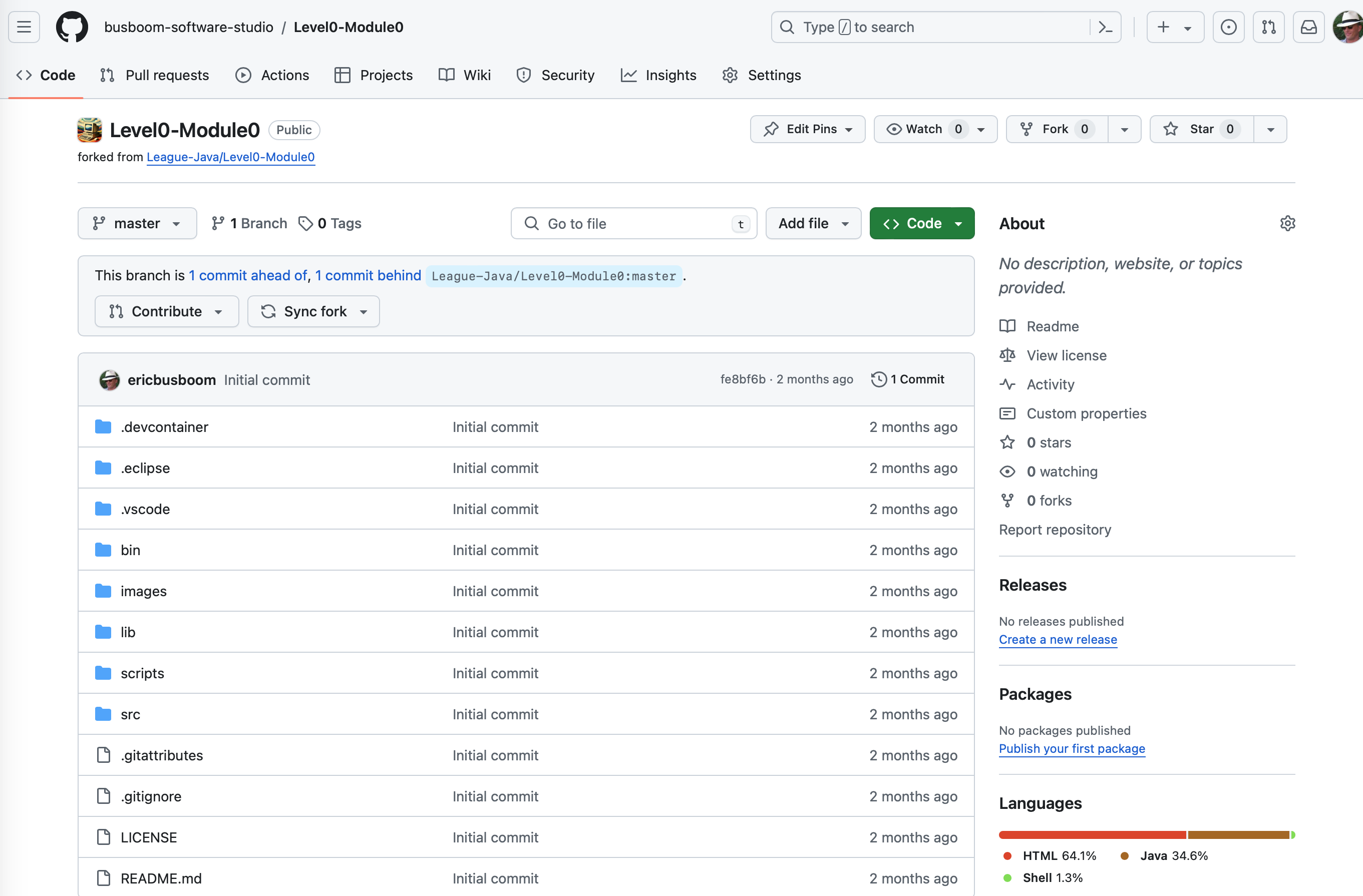
A GitHub repository page showing the Level0-Module0 project from The League's Java curriculum. The screenshot displays the repository structure with various folders (.devcontainer, .eclipse, .vscode, bin, images, lib, scripts, src) and configuration files, forked from League-Java/Level0-Module0. The page shows code repository management interface with branch information and project metadata.
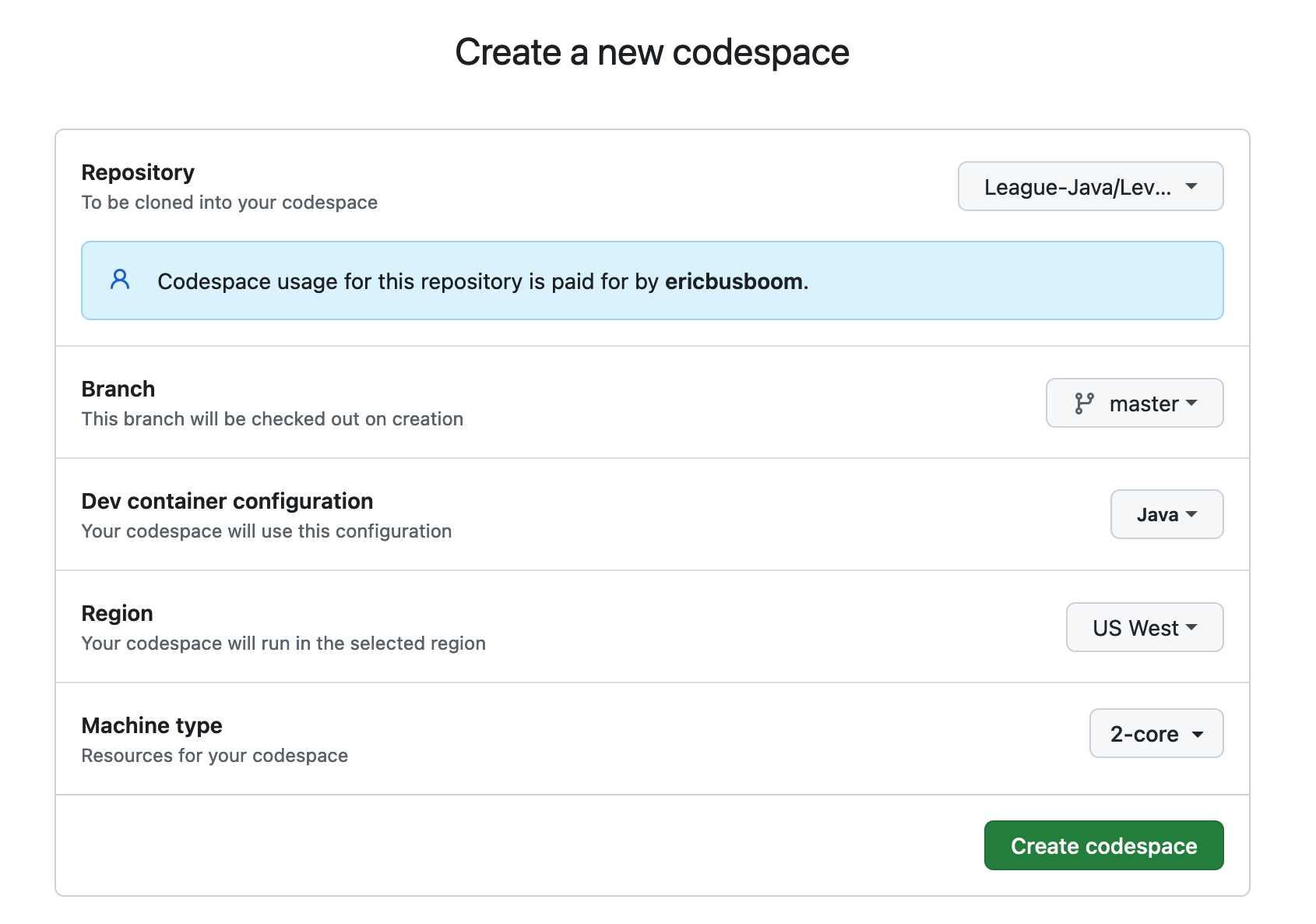
A screenshot of GitHub Codespaces configuration interface for creating a new development environment. The form shows settings for a League of Amazing Programmers Java repository, including repository selection, branch, dev container configuration, region, and machine type options.

A clickable button or banner with an orange background featuring the GitHub logo and text "Open in Codespaces". This is a navigation element for opening a coding project in GitHub Codespaces, commonly used in educational coding platforms.
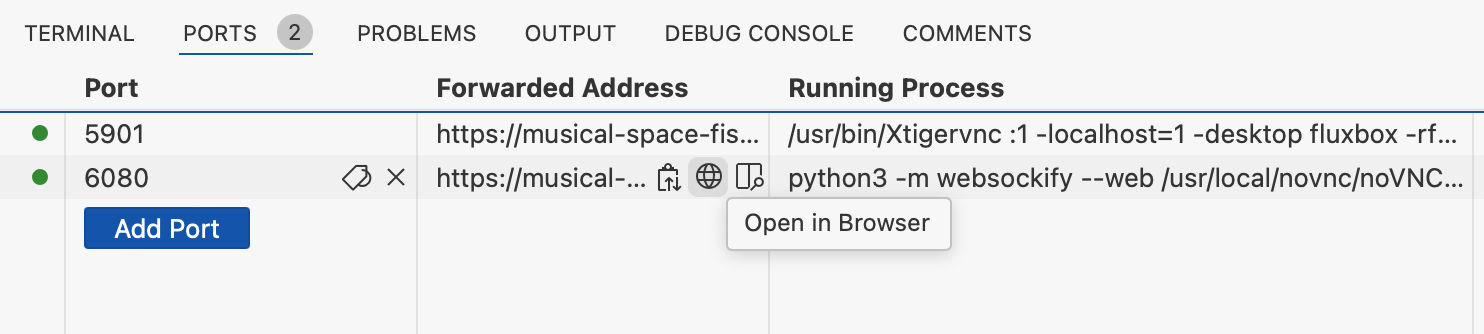
A screenshot of a development environment's Ports tab showing two active port forwards (5901 and 6080) with their associated URLs, running processes, and an 'Open in Browser' button. This appears to be from VS Code or a similar IDE being used for running web applications.

A screenshot of a development environment's port forwarding configuration table showing two active ports (5901 and 6080) with their forwarded addresses, running processes, and visibility settings. The interface displays localhost addresses and Python/VNC processes typical of a coding development environment.
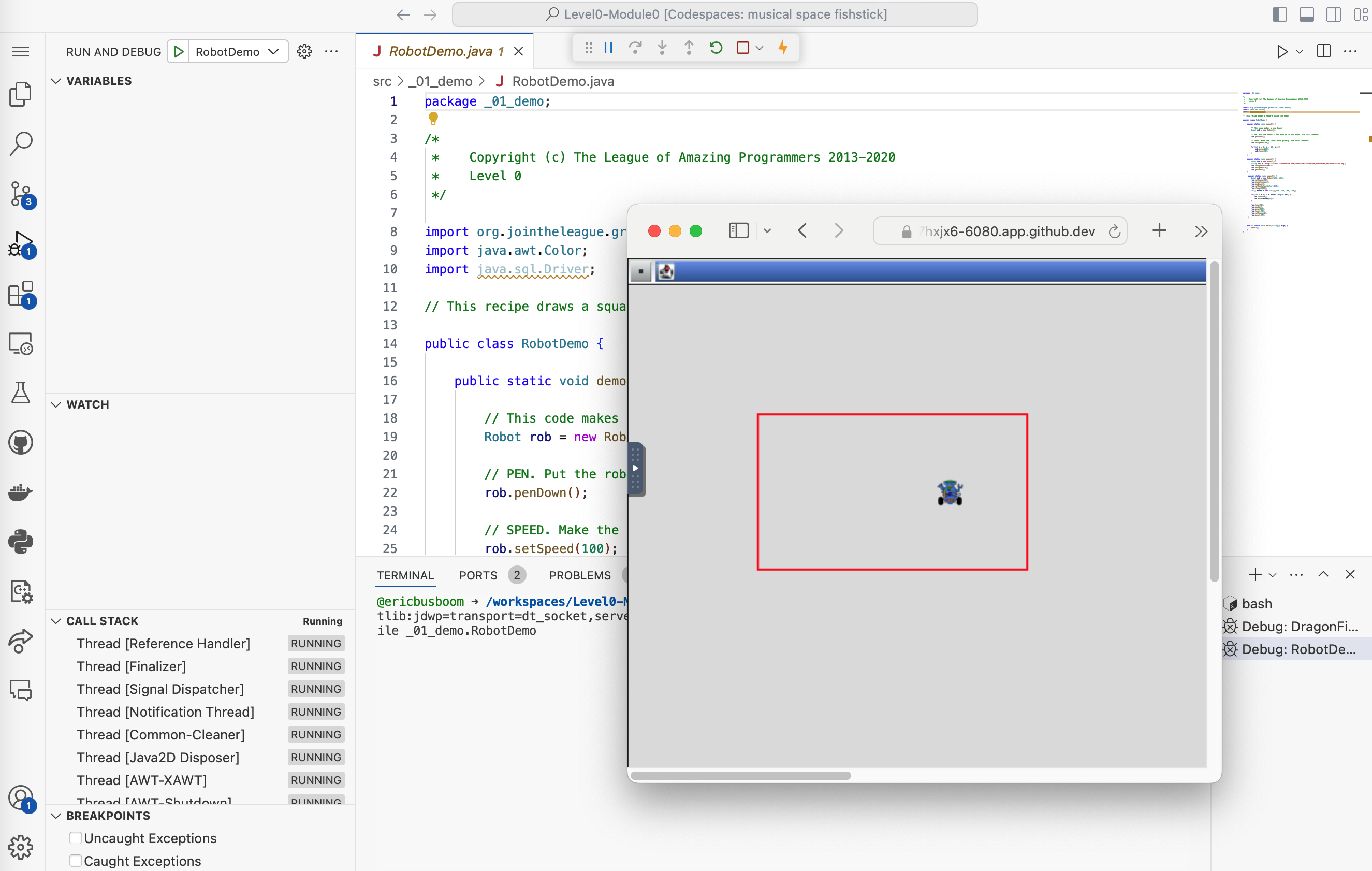
A screenshot of an IDE (Integrated Development Environment) showing Java code from The League of Amazing Programmers. The left side displays the RobotDemo.java source code with copyright notice and imports, while the right side shows a debugging/execution window with a simulated robot visualization in a red-bordered square on a graphical canvas.

A screenshot of a code editor or IDE interface showing a 'Run and Debug' button with a play icon on the left, and a dropdown menu labeled 'DragonFight' on the right. This appears to be part of a coding environment's module navigation interface.
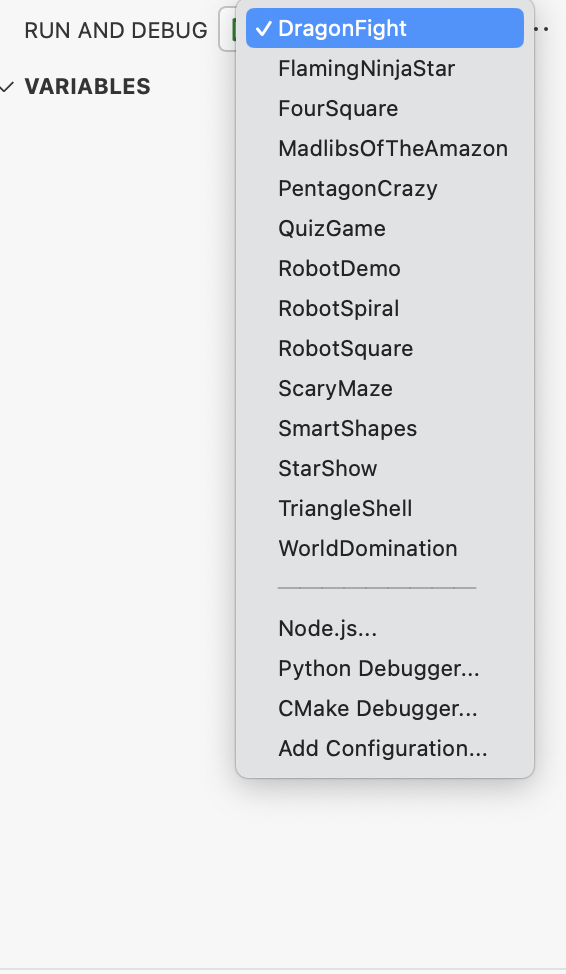
A screenshot of a development environment showing a run and debug configuration dropdown menu. The menu displays various project options like DragonfFight, FlamingNinjaStar, RobotDemo, and others, with DragonfFight currently selected. Below are debugging options for Node.js, Python, and CMake.

Three horizontal button bars with GitHub branding and action text. The left orange button says 'Open in Codespaces', the middle green button says 'Fork Level0-Module0', and the right blue button says 'View Level0-Module0'. These appear to be navigation/action buttons for a coding module interface.

A navigation header showing the GitHub logo alongside text that reads 'View Level0-Module0'. This appears to be a clickable link or button for accessing a specific module in The League's Java curriculum.
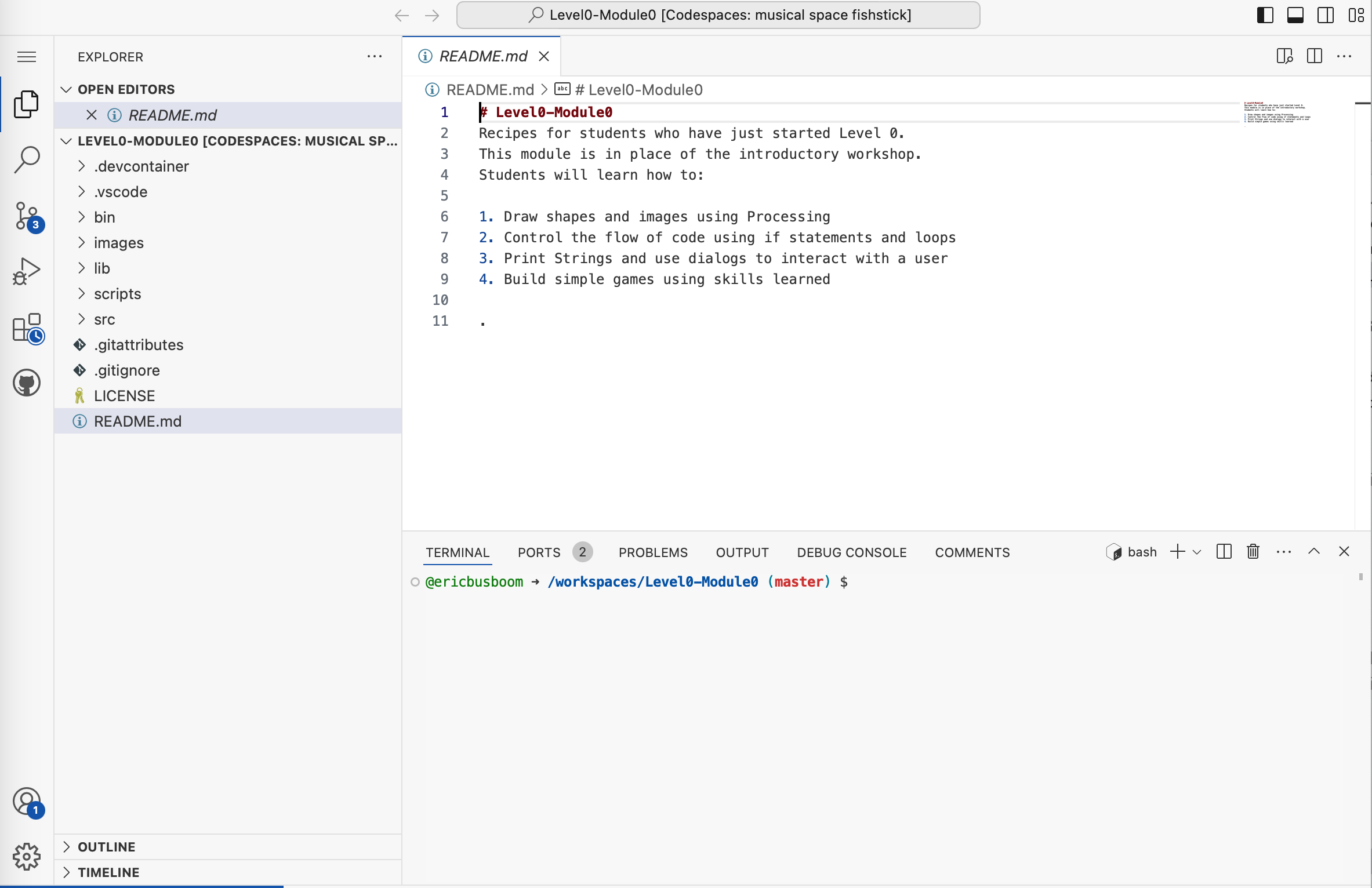
A screenshot of VS Code showing a README.md file for Level0-Module0, which is part of a coding curriculum. The file contains introductory instructions for students learning to draw shapes, control code flow, use dialogs, and build games. The left sidebar displays the project explorer with various files and folders, while a terminal window is visible at the bottom.
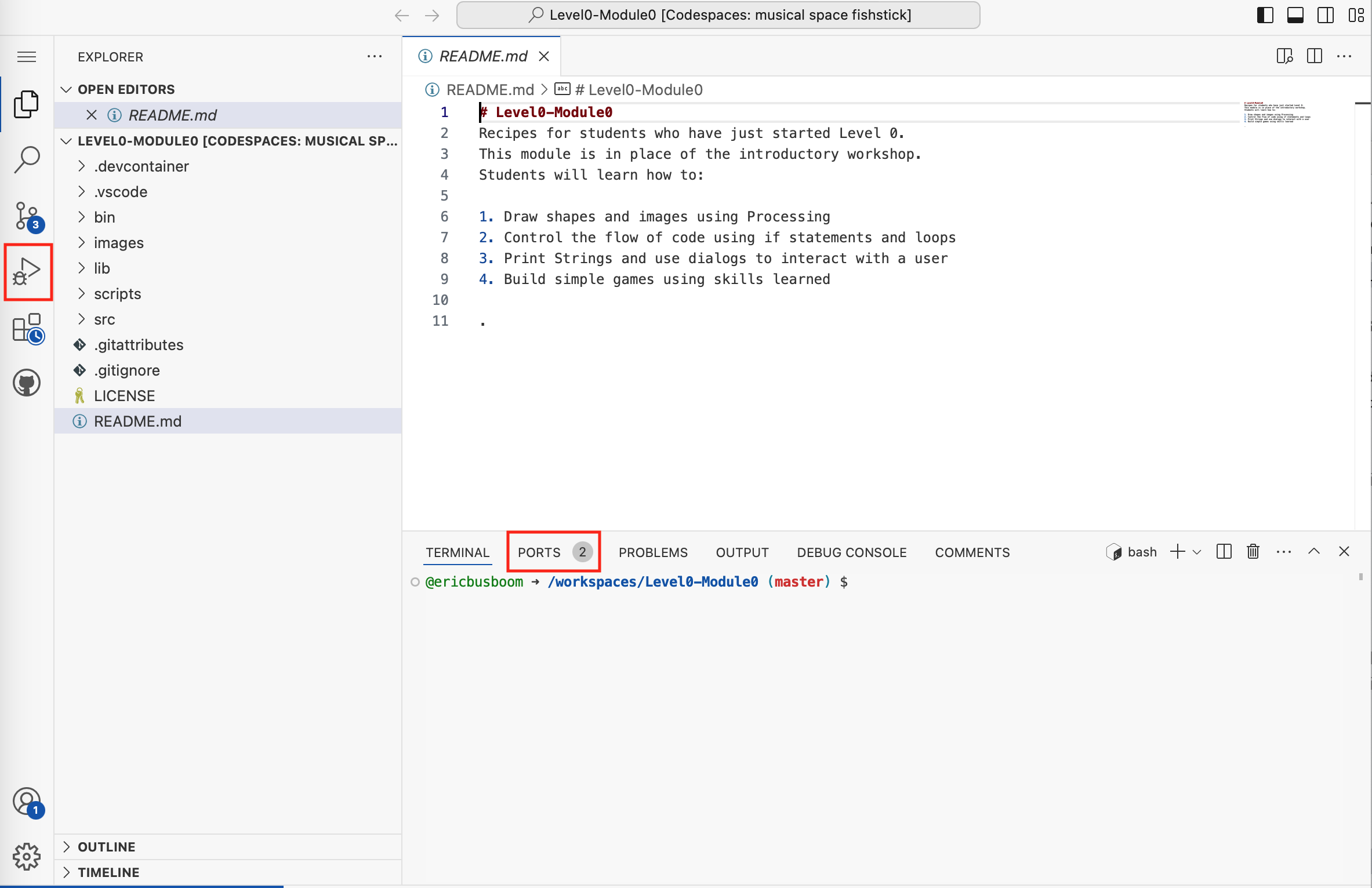
A screenshot of VS Code showing a README.md file for Level0-Module0, which is an introductory coding workshop module. The file displays learning objectives including drawing shapes with Processing, controlling code flow, using strings and dialogs, and building simple games. The left sidebar shows the project file structure with folders like scripts, src, and images.
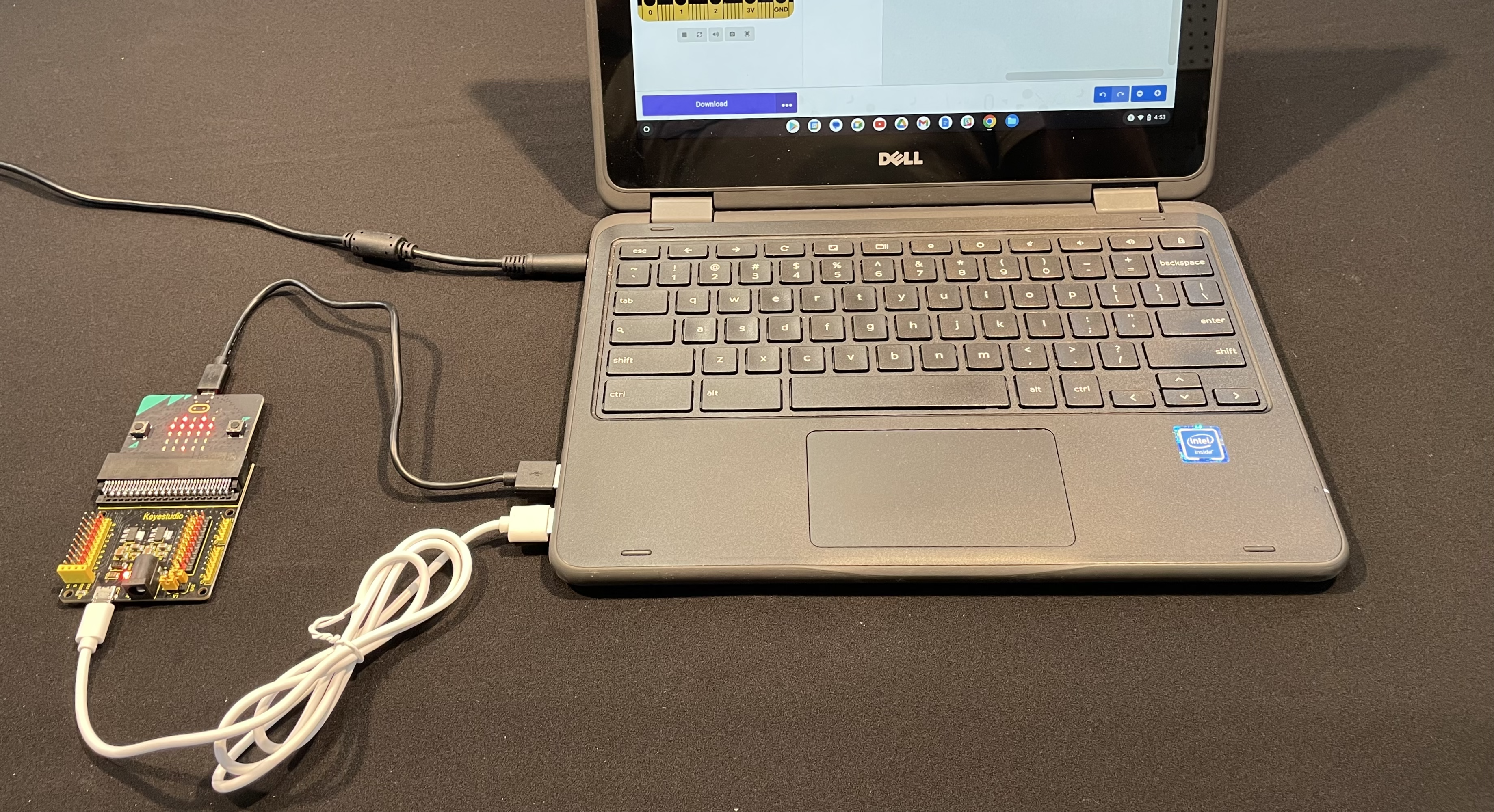
A Dell laptop is connected via USB cable to a microcontroller board (appears to be a micro:bit or similar educational circuit board) with an LED grid visible on top and colorful component headers below. The laptop screen displays what appears to be a programming interface or application. This setup demonstrates a typical hardware-software integration used in youth coding education.

A Dell laptop is connected to a microcontroller board (appears to be a micro:bit or similar educational circuit board) with USB cables. The board features colorful components including an LED matrix display and is positioned on a dark surface next to the laptop. The laptop screen displays what appears to be a programming interface or application window.
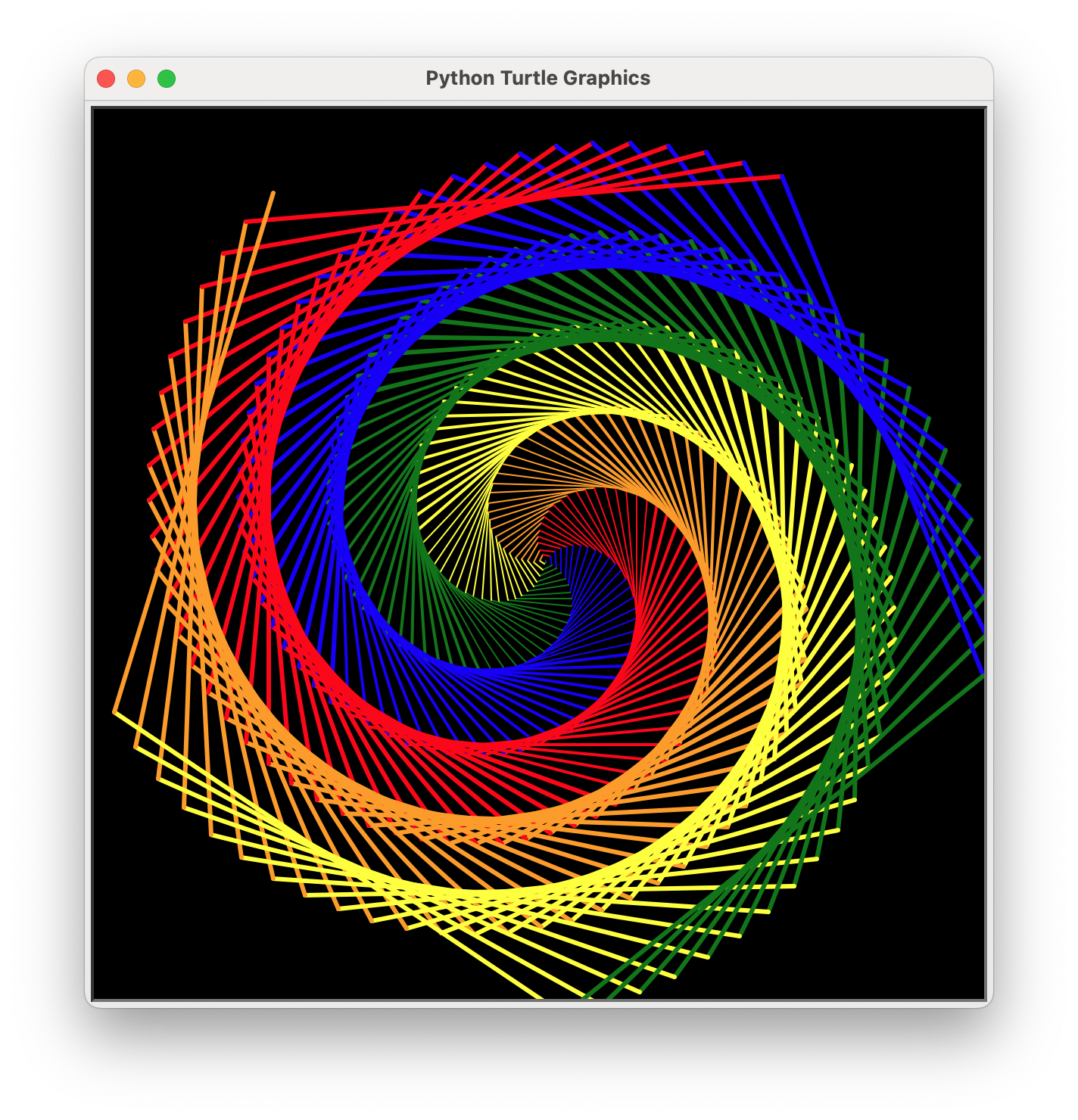
A screenshot of a Python Turtle Graphics program displaying a colorful spiral pattern made of nested geometric shapes in red, blue, green, yellow, and orange lines on a black background. The window title shows 'Python Turtle Graphics' and demonstrates the output of a turtle graphics script commonly used in introductory programming education.
An illustration of a person sitting at a desk working on programming tasks, viewed from behind. The scene shows multiple computer monitors displaying code and programming interfaces on a bright green background, with "PROGRAMMING" as the header and placeholder Lorem Ipsum text below.
A digital illustration showing a laptop computer with code and data visualizations on its screen, surrounded by glowing network icons and connected nodes representing cybersecurity, data flow, and digital connectivity. The image uses a blue and cyan color palette with neon accents to convey technology and programming concepts.
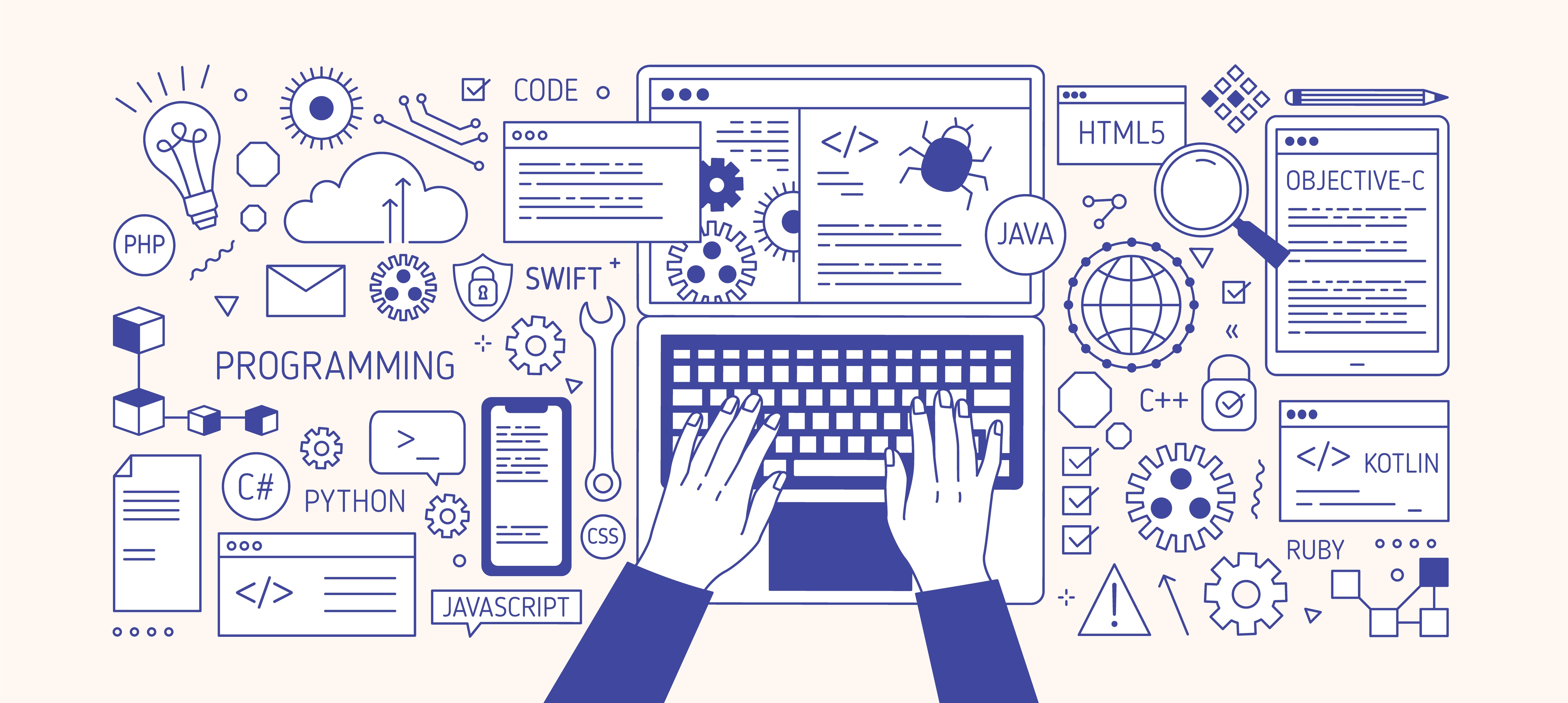
A vector illustration depicting programming and coding concepts, showing hands typing on a laptop keyboard surrounded by various programming language logos (Python, JavaScript, Java, C++, HTML5, Swift, Kotlin, Ruby, etc.), development tools, and tech-related icons like lightbulbs, gears, and code windows.
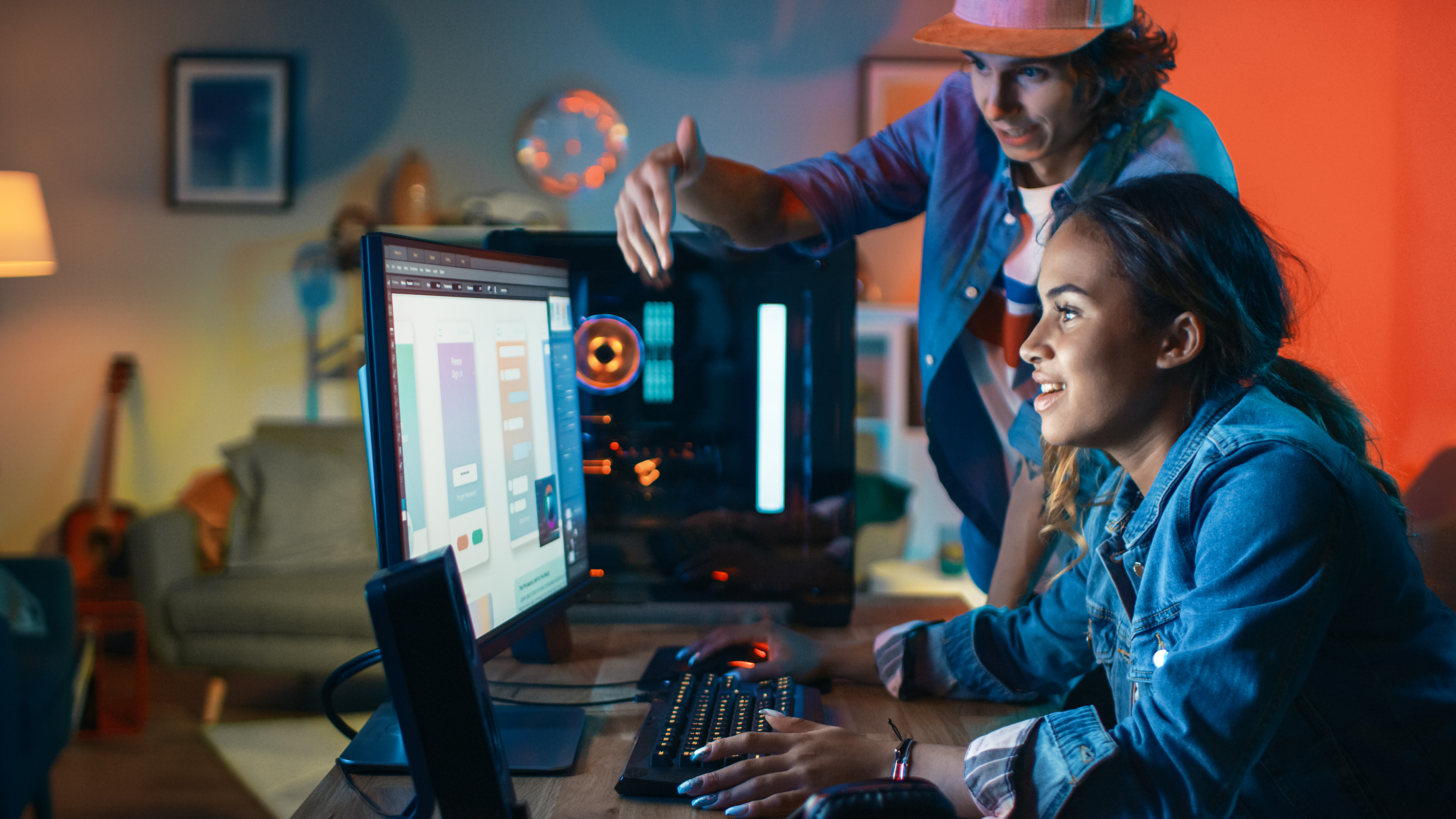
A young woman sits at a desk working on a computer with design software open on the monitor, while a man in a hat stands beside her pointing at the screen in what appears to be a mentoring or collaborative moment. The scene is set in a colorful studio environment with warm orange and cool blue lighting, featuring a guitar and other creative elements in the background. This appears to be a stock photo depicting a tech or design mentorship scenario.
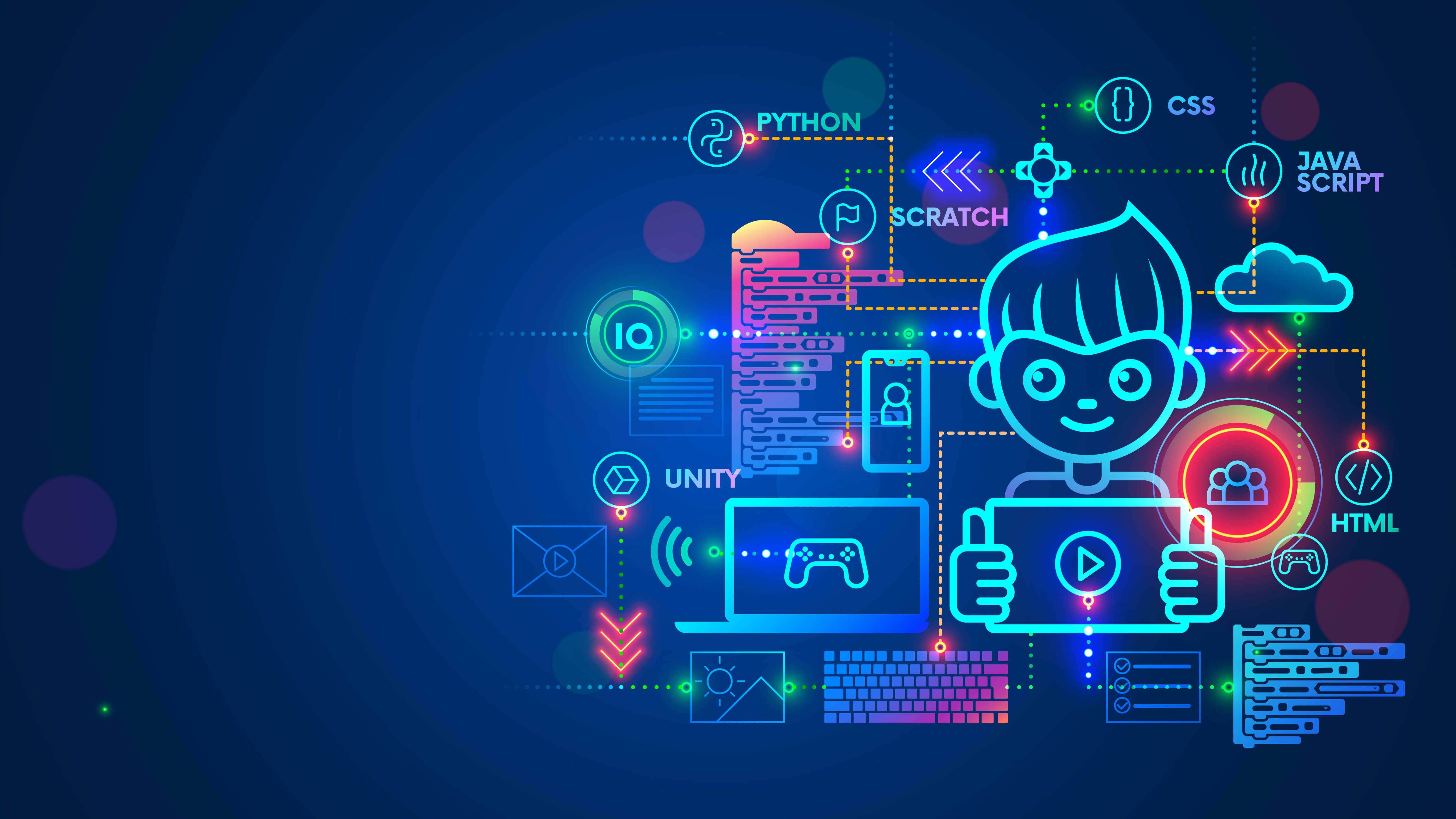
A vibrant neon illustration depicting a young programmer surrounded by various coding languages and technology concepts. The image shows a cartoon character with headphones at the center, connected to programming icons including Python, JavaScript, CSS, HTML, Scratch, Unity, and IQ symbols, along with gaming controllers, laptops, and cloud computing elements. This is a digital illustration representing youth coding education and technology learning.

A young person sits cross-legged on a white floor against a plain white background, working on a laptop computer. They are wearing a blue checkered shirt over a white t-shirt, dark jeans, and white sneakers. A beige messenger bag is visible beside them on the right side.
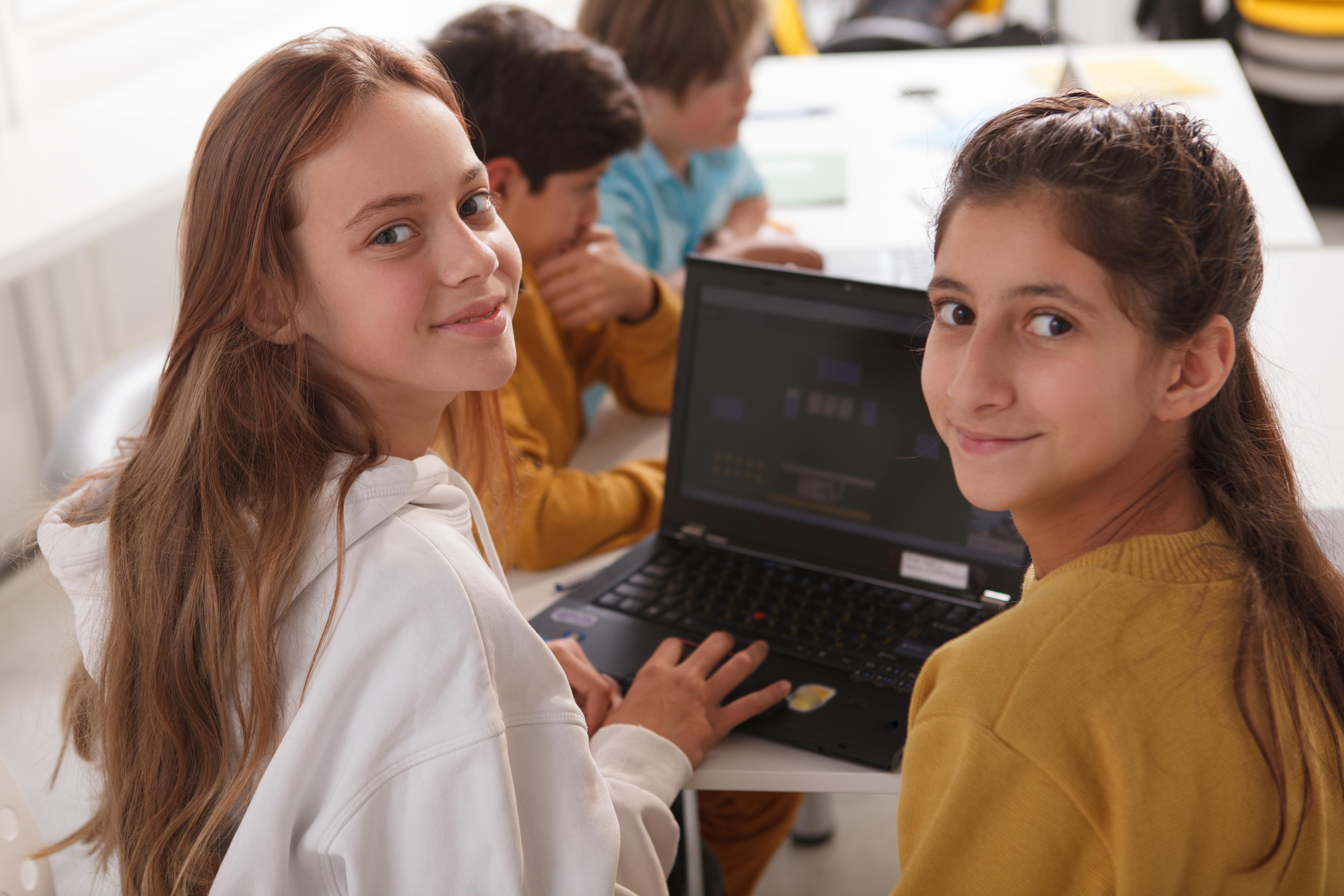
A group of young students are seated at a table during a coding or programming activity. Two girls in the foreground are turned toward the camera with pleasant expressions while working on a laptop, with additional students visible in the background also engaged with computers. The scene appears to be set in a classroom or workshop environment focused on technology education.
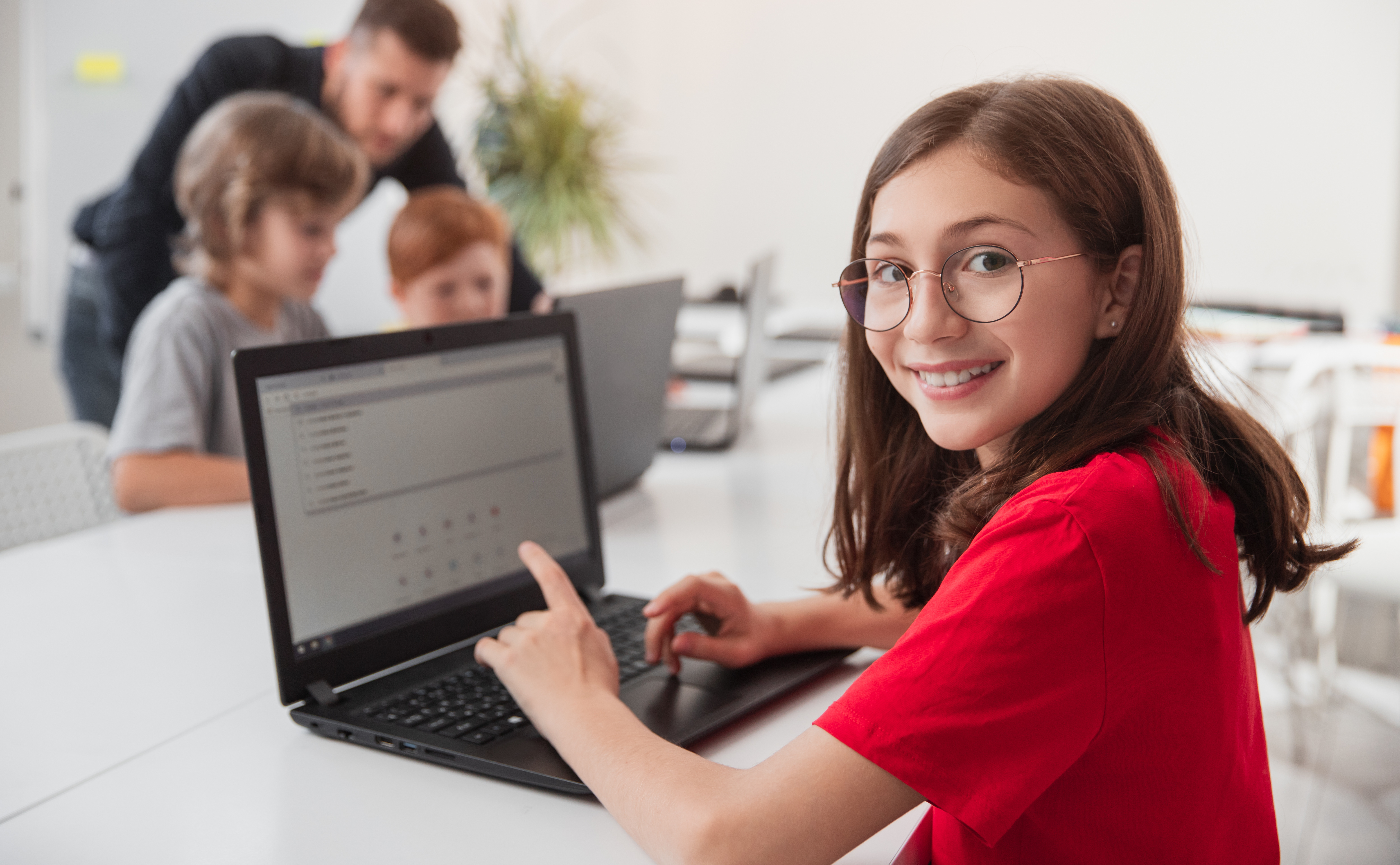
A young girl wearing glasses and a red shirt smiles at the camera while working on a laptop in what appears to be a coding classroom or workshop setting. In the blurred background, an instructor and other students are gathered around a computer, suggesting an educational or training environment focused on programming.

A group of young students sitting at a table working on laptops in a classroom setting. The students are focused on their screens, engaged in what appears to be a coding or computer science lesson. Multiple children of diverse backgrounds are visible, each with their own device, suggesting a tech education or programming class.
An illustrated composition showing a software development workflow with code editor windows displaying C programming code, a file tree structure, and various development-related icons including a lightbulb, gears, magnifying glass, and code brackets on a pink background. The scene depicts a typical programming environment with colorful, stylized UI elements.
An illustrated 3D scene showing programming and development tools against a purple background. The image features multiple windows displaying code editors with C programming language, surrounded by decorative icons including a lightbulb, gears, magnifying glass, folder, cursor, and code brackets symbolizing software development and problem-solving.
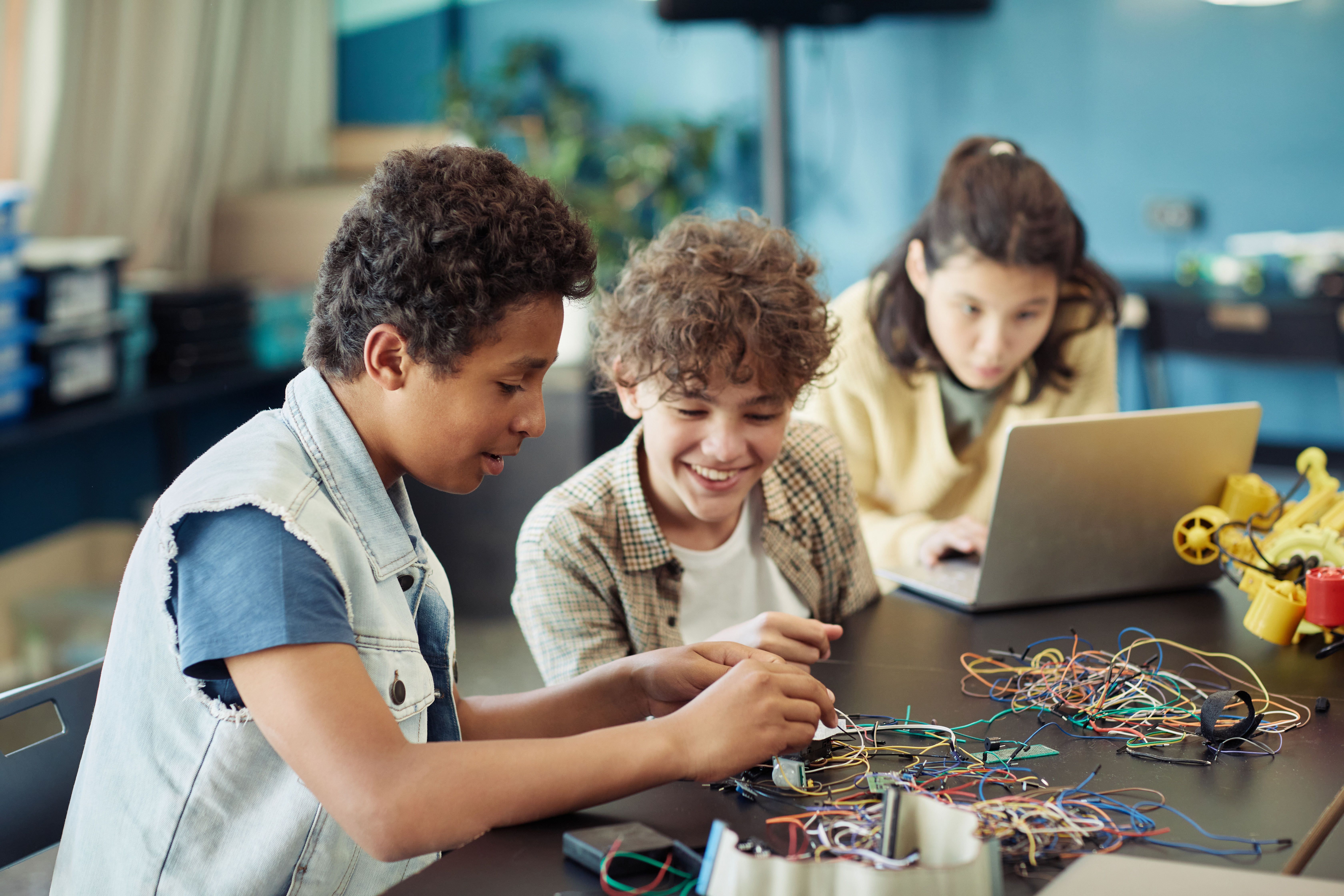
Three young students work together on a coding or robotics project in a bright classroom with blue walls. They are engaged with electronics, wiring, and a laptop, appearing to be collaborating on hands-on STEM learning. The scene captures an active learning environment typical of youth coding programs.
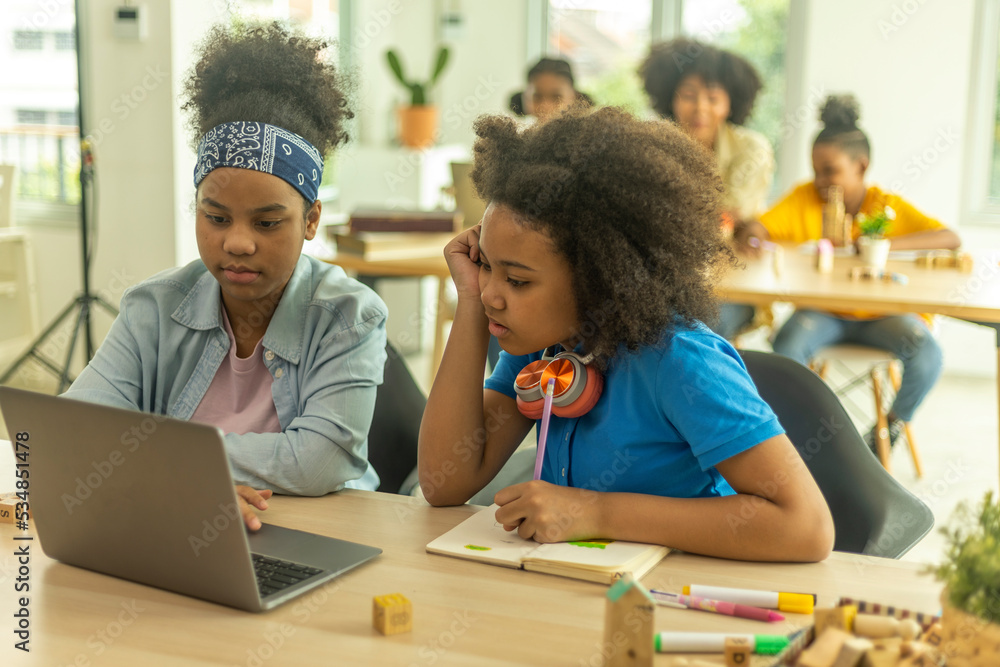
Two young students work together at a table with a laptop in a bright, modern classroom setting. One student wears a blue headset around her neck while the other wears a blue bandana, both focused on the laptop screen. Several other students can be seen blurred in the background at wooden tables, suggesting an active learning environment.

A colorful illustration depicting a young person with red hair and glasses working on a laptop, surrounded by tech-themed elements including gears, circuit boards, code snippets, and speech bubbles. The scene features a vibrant 3D paper-cut art style with a turquoise digital background, clouds, and various programming-related graphics that emphasize coding and technology education.
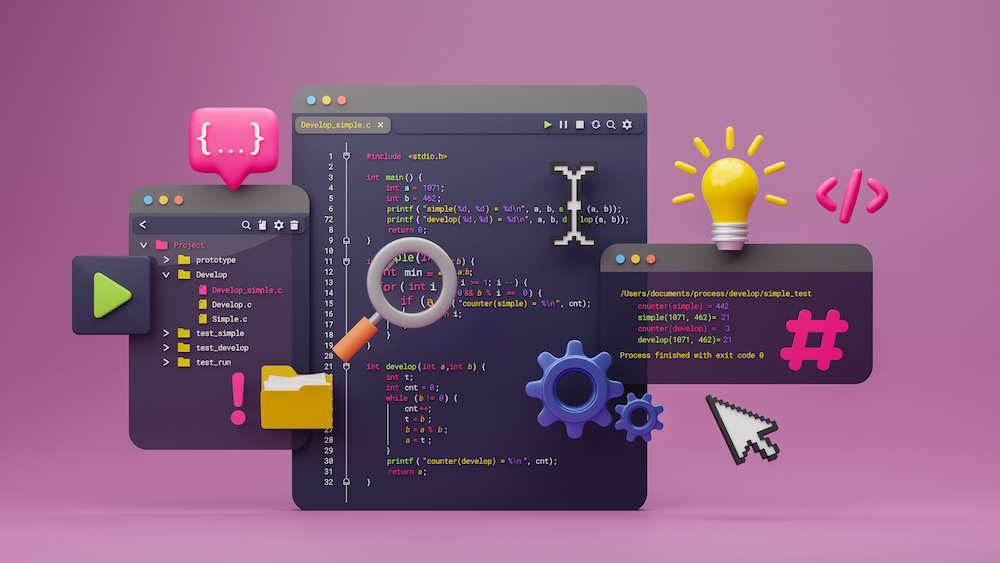
An illustrated composition showing a coding development environment with multiple windows displaying C++ code, surrounded by programming-related icons and symbols like a lightbulb, gears, magnifying glass, cursor, and file folders on a pink background. The image represents software development and programming concepts in a stylized, digital art format.
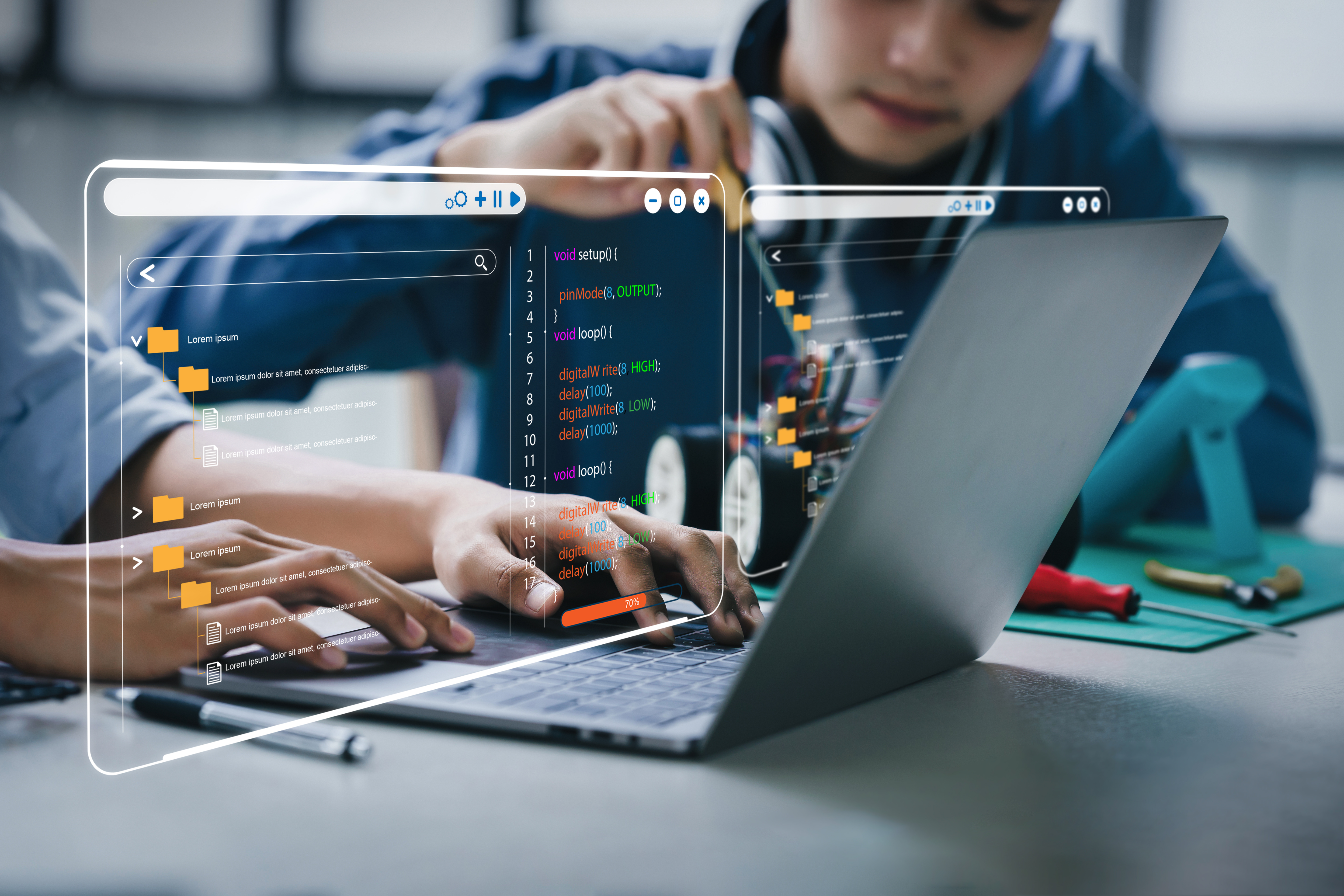
A composite image showing a young person working on a laptop with overlaid digital UI elements displaying code and programming interfaces. The scene includes file browser windows, code editor panels with syntax-highlighted Arduino-style code, and visual programming elements with orange accents. In the background, hands are visible working at the desk with a laptop and what appears to be electronics or hardware components on a turquoise surface.
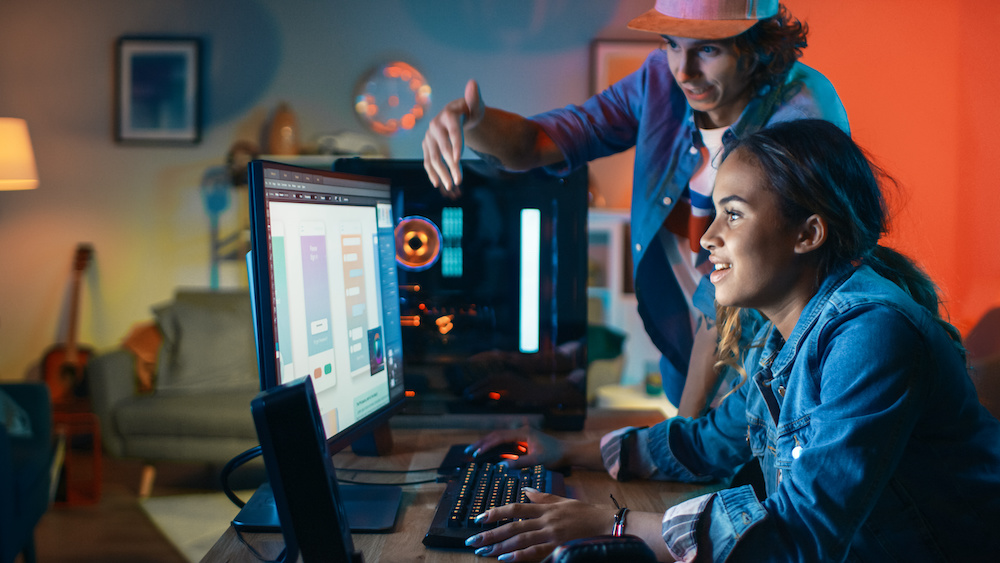
Two young people work together at a computer setup in a colorfully lit room, with one person seated at the keyboard and monitor while another stands beside them pointing at the screen. The scene shows a collaborative coding or design session with hardware visible on the desk, set against a vibrant background with orange and blue lighting. The casual, staged setting with props and dramatic lighting suggests this is a carefully composed stock photograph rather than candid documentation.

A green button or banner with white text that reads 'Create codespace on master'. This appears to be a UI element from Visual Studio Code related to creating a GitHub Codespace.

A green button or label showing the text 'Create codespace on master', which appears to be a UI element from GitHub or VS Code for creating a cloud-based development environment.

A row of VS Code interface icons showing various toolbar buttons and controls, including layout options, navigation arrows, undo/redo, and command palette shortcuts. These are standard UI elements found in the VS Code editor interface.
A screenshot of a user interface showing an 'ACTIONS' section with three buttons: a blue 'Next Lesson' button at the top, and two buttons below it - a green 'Run' button with a play icon and a red 'Stop' button. This appears to be from an educational coding platform's interface.

A screenshot of Python code in Visual Studio Code showing a beginner programming example. The code demonstrates importing the datetime module, getting today's date, creating a string with a message, and printing it. A red arrow annotation points to the import statement at the top.
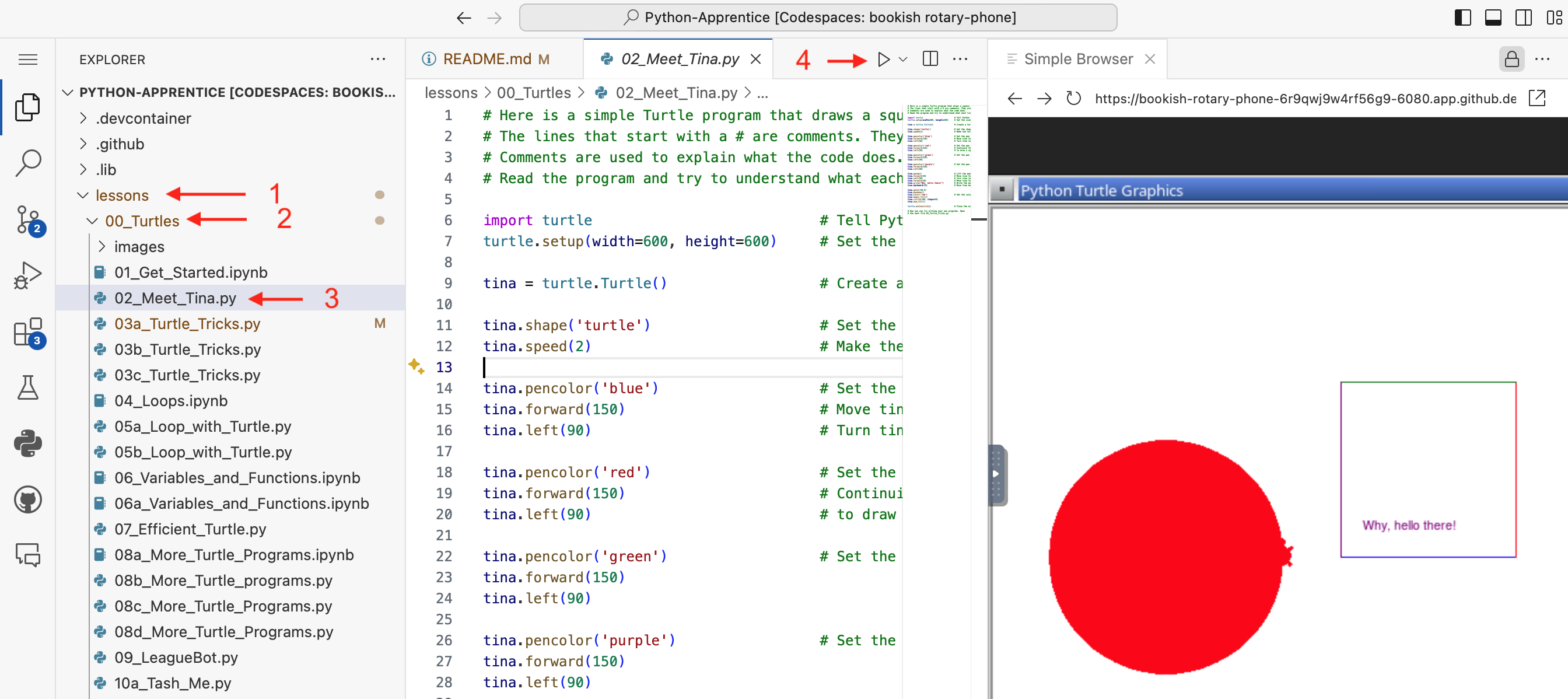
A screenshot of VS Code showing a Python programming lesson from The League's Python-Apprentice curriculum. The left panel displays a file explorer with lesson folders and Python files (including turtle graphics exercises), the center shows Python code for a turtle graphics program with comments, and the right panel displays the output - a red circle drawn by the turtle graphics program with 'Why, hello there!' text.
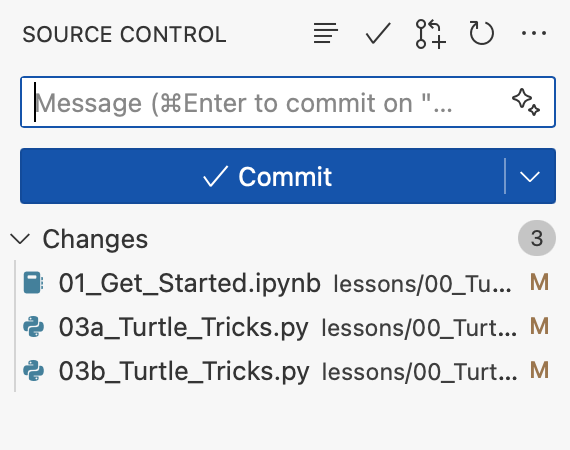
A screenshot of a source control interface in VS Code showing a commit dialog. The interface displays a message input field, a blue "Commit" button, and a list of 3 modified files related to Python lessons including turtle tricks and getting started modules.
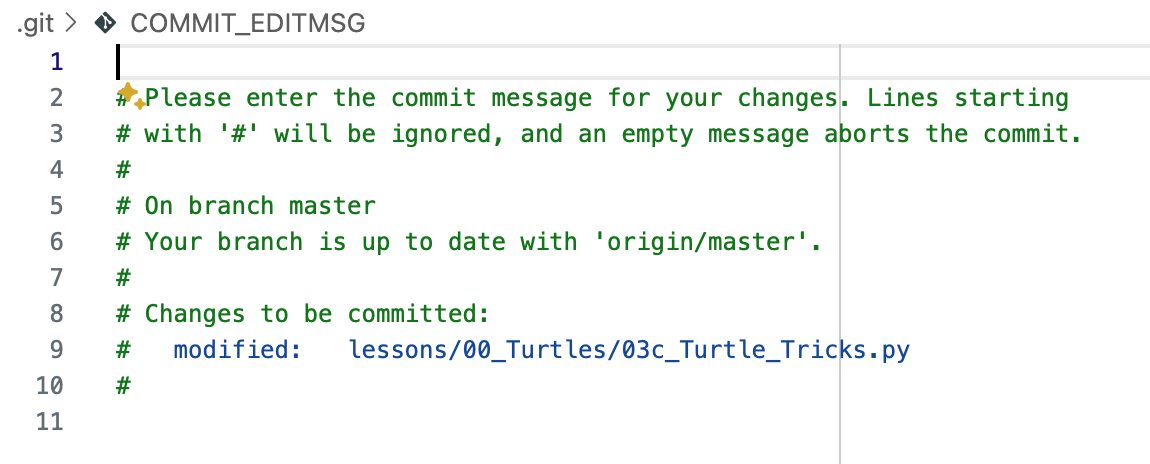
A screenshot of a Git commit message editor in VS Code showing the COMMIT_EDITMSG file. The editor displays default git commit instructions in green text, including a section showing that a file 'lessons/00_Turtles/03c_Turtle_Tricks.py' is modified and ready to be committed.

A screenshot of a VS Code interface element showing a blue header bar with white text that reads 'Sync Changes 1↑', indicating a synchronization feature with one pending change to upload.

A screenshot of a Jupyter kernel selection dialog in VS Code. The interface shows a search box with placeholder text "Type to choose a kernel source" and two options below: "Python Environments..." and "Existing Jupyter Server..."
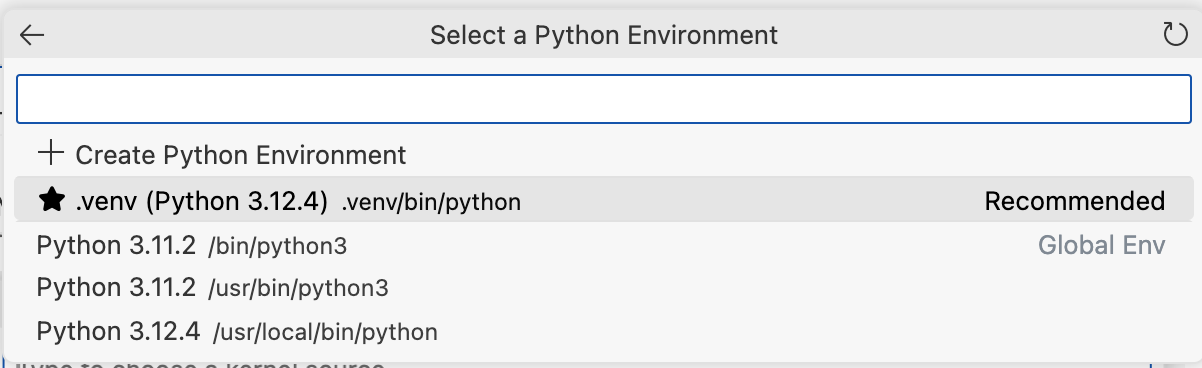
A screenshot of a Python development environment selection dialog in VS Code. The interface shows options to create a new Python environment or select from existing ones, including a recommended .venv (Python 3.12.4) and several other Python installations.
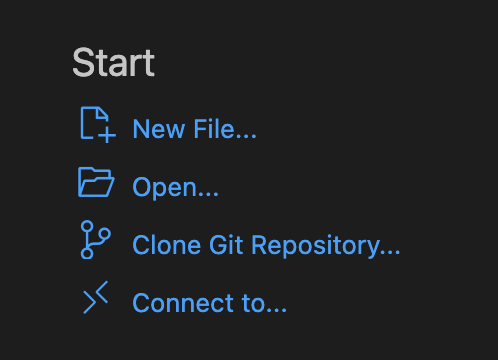
A screenshot of a VS Code Start menu showing options for creating a new file, opening files, cloning a Git repository, and connecting to a remote environment. This appears to be from Visual Studio Code's welcome screen with a dark theme.