Flag: screenshot
84 images with this flag

Two young people are engaged in a coding or design activity at a computer workstation in a vibrant studio environment. An instructor in a pink hat and blue shirt stands behind and points at the screen while a student sits at the keyboard, focused on the monitor displaying what appears to be a design or programming interface. The scene captures an active learning moment with dynamic lighting and an energetic atmosphere typical of a tech education setting.
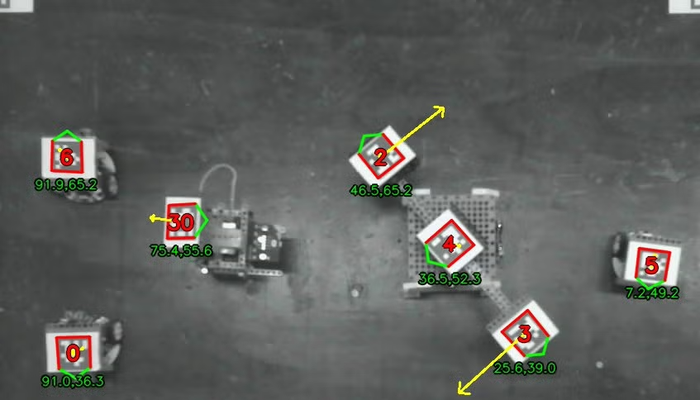
A screenshot showing an overhead map or game view with multiple card icons scattered across a gray textured background. Each card icon displays the number of a card suit and has green text labels with numerical values beneath them, connected by yellow arrow lines indicating movement or relationships between the cards.
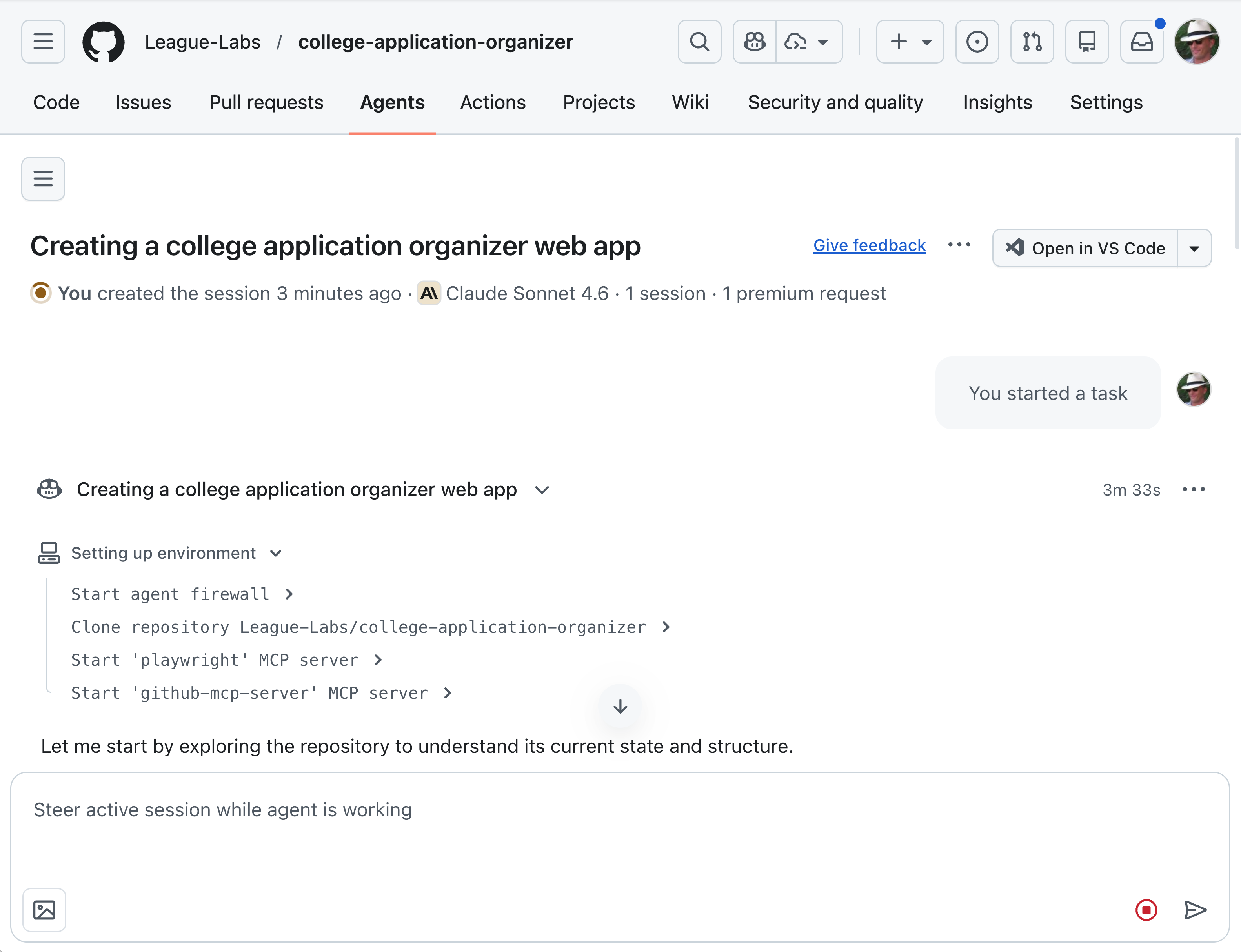
A screenshot of a GitHub repository page for a project called 'college-application-organizer' under the League-Labs organization. The page shows an AI agent (Claude Sonnet 4.6) working on creating a college application organizer web app, with a task breakdown and setup environment steps visible.
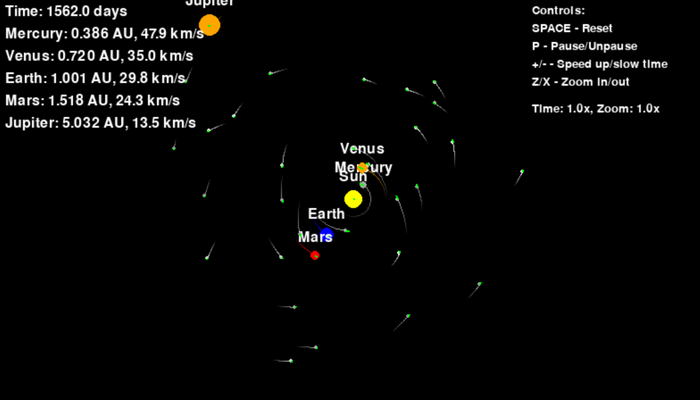
A screenshot of an interactive solar system simulation or educational software showing planetary orbits and positions. The display includes orbital data for Mercury, Venus, Earth, Mars, and Jupiter with their distances in AU and speeds in km/s, along with control options for the simulation.
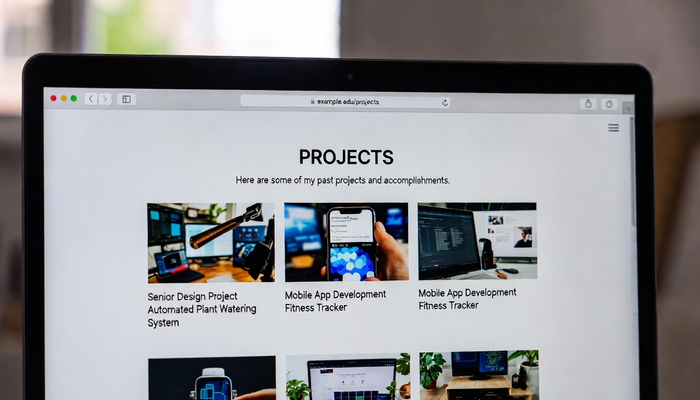
A screenshot of a portfolio website displaying a 'PROJECTS' page with a grid of project cards showing past accomplishments. The page features thumbnails of various tech projects including an Automated Plant Watering System, Mobile App Development projects, and other hardware/software initiatives, typical of what young programmers at The League might create.
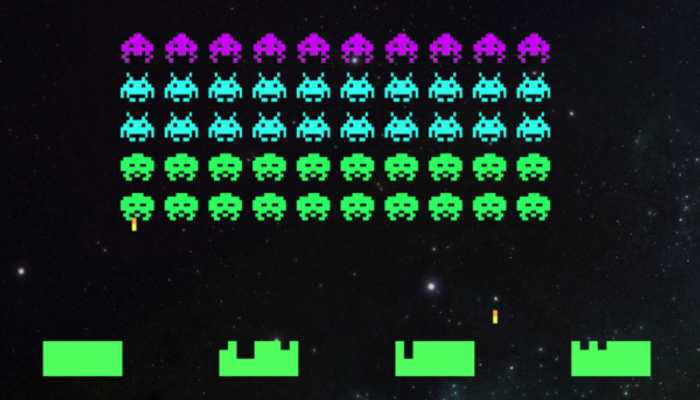
A pixel art screenshot of the classic Space Invaders arcade game, showing rows of colorful enemy aliens in purple, cyan, and green colors descending toward the player's defensive base at the bottom of the screen against a starry black background.
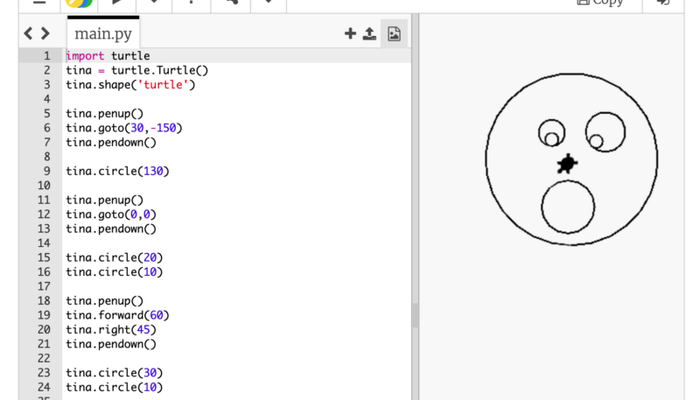
A screenshot of a Python programming environment showing turtle graphics code on the left side and its output on the right. The code uses the turtle module to draw a simple character face with circles and pentagons, resulting in a cartoon-like face with two eyes, a nose, and an open mouth on the right panel.
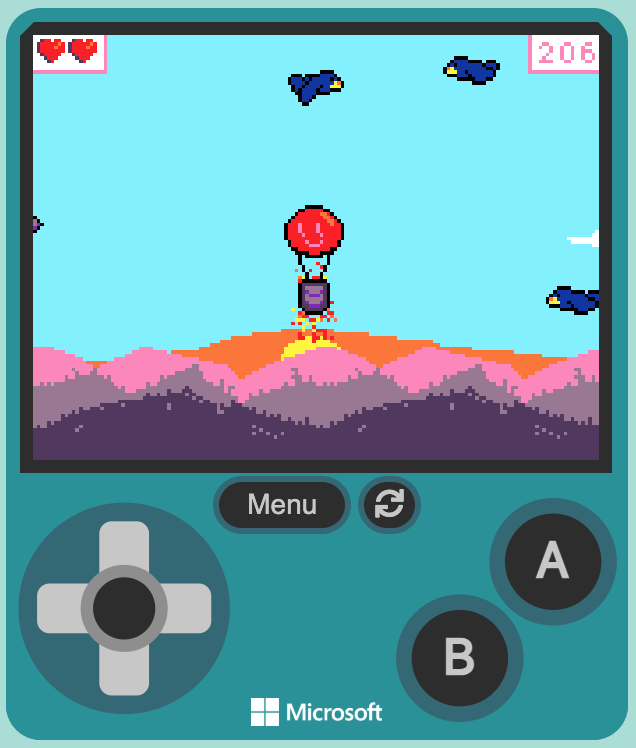
A screenshot of a retro-style pixel art video game displayed on a handheld gaming device interface. The game shows a character with a red balloon floating above mountainous terrain with flying enemies, reminiscent of classic 8-bit games. The device has a teal/turquoise color with a D-pad, action buttons labeled A and B, and a Menu button, styled like a Microsoft handheld gaming device.

A screenshot of an astronomy or space simulation software showing the orbital positions and data for planets in our solar system. The display includes labeled planets (Mercury, Venus, Earth, Mars, Jupiter) with their orbital distances, velocities, and other astronomical data in a dark space background typical of planetarium or educational astronomy software.
A screenshot showing the GitHub 'Actions' feature label with a play button icon. This appears to be a UI element from the GitHub website interface, likely from a repository's navigation or feature menu.
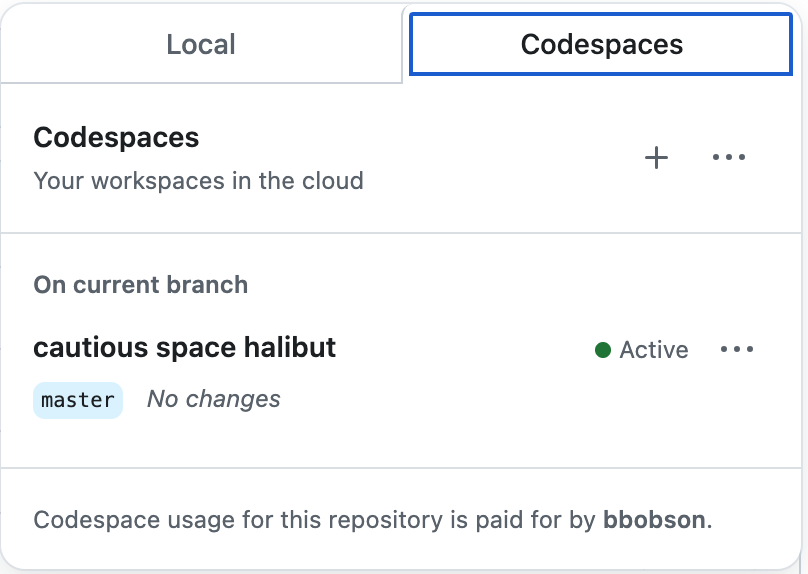
A screenshot of GitHub's Codespaces interface showing cloud-based development workspace options. The page displays a workspace named 'cautious space halibut' on the master branch with an 'Active' status, along with usage information indicating the codespace is paid for by a user named 'bbobson'.

A screenshot of a development environment or IDE interface showing multiple tabs including Terminal, Ports, Jupyter, Problems, Output, and Debug Console. The Ports tab is currently selected and highlighted in blue.
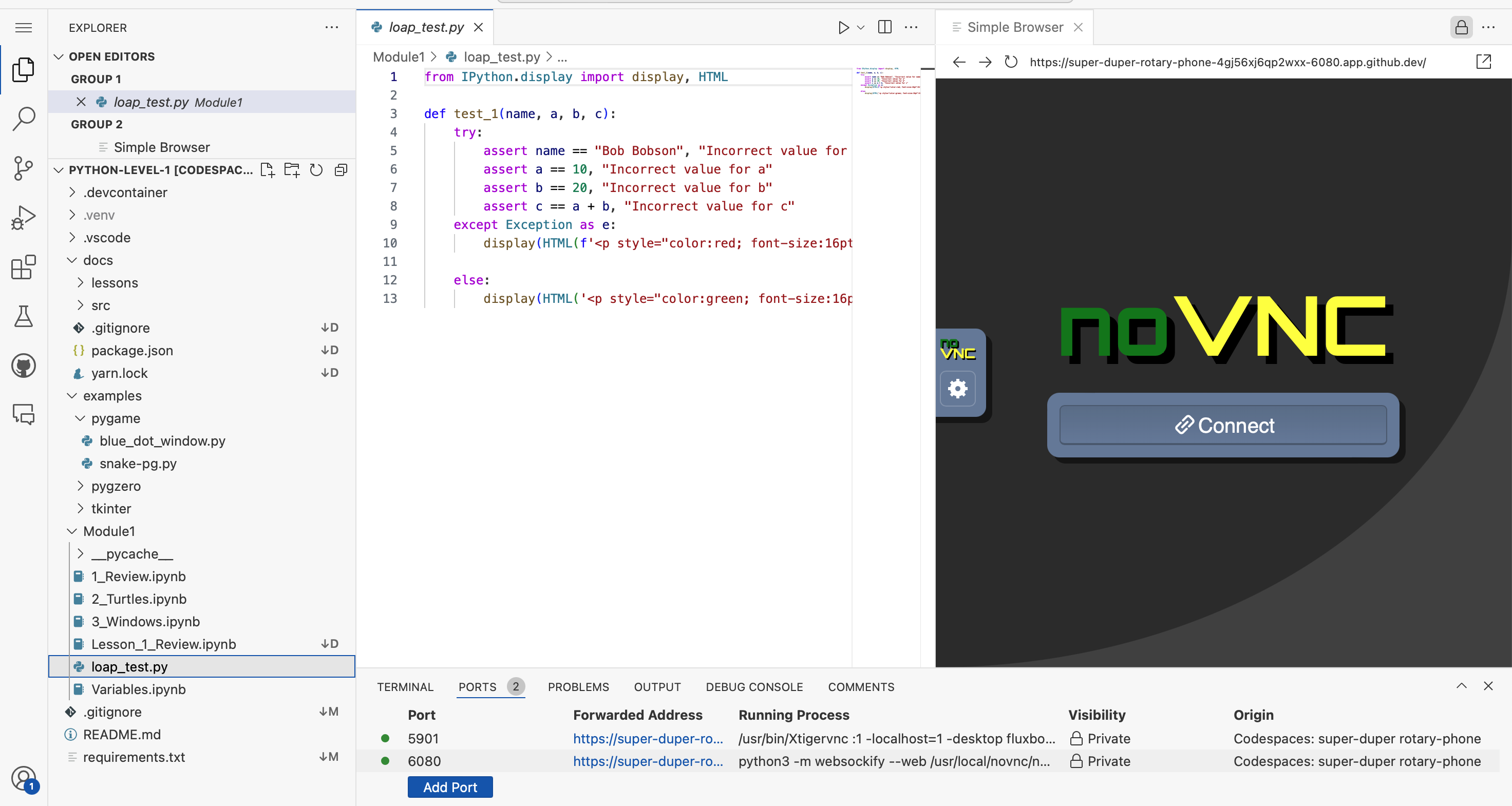
A screenshot of a Python development environment showing VS Code with a coding project open. The left panel displays a file explorer with Python files and folders, the center shows Python test code with imports and assertions, and the right panel displays a web browser showing a noVNC remote desktop interface. The bottom panel shows terminal output with port forwarding information.

A green button with code bracket icons and the word 'Code' followed by a dropdown arrow. This is a GitHub interface element commonly used to access repository cloning and downloading options.

A green button with white text reading "Code" and a dropdown arrow, styled as a GitHub interface element. This is a screenshot of the GitHub website's code download button.
A simple logo or icon showing code brackets (< >) alongside the word 'Code' in bold text. This appears to be a GitHub interface element or button label used to navigate to or access code-related features.
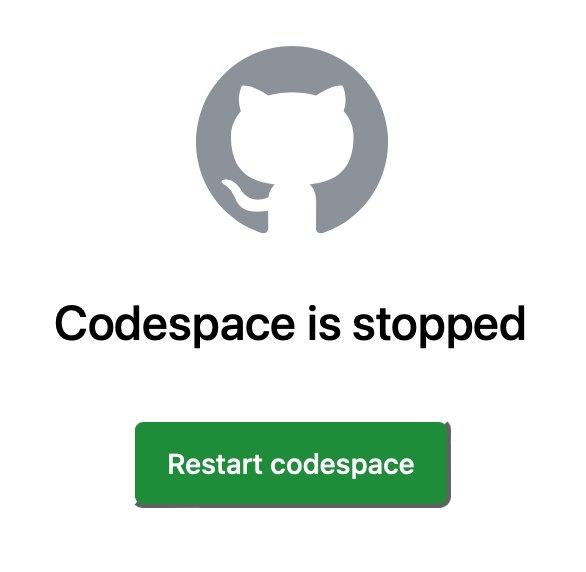
A screenshot of GitHub's Codespace interface showing the GitHub Octocat logo at the top, with a message stating 'Codespace is stopped' and a green 'Restart codespace' button below it.

A green button or interface element with white text that reads 'Create codespace on master', typical of GitHub's codespace creation feature.

A screenshot of a GitHub button with the text 'Create codespace on master' displayed on a green background. This is a UI element from the GitHub website showing the option to create a codespace development environment.

A screenshot of a GitHub button labeled 'Create fork' with white text on a green rounded rectangular background. This is a UI element from the GitHub website used to create a fork of a repository.
A screenshot of a GitHub interface element showing a Fork button with a count of 0. The button displays a fork icon on the left, the text 'Fork', and the number '0' indicating no forks have been made of this repository.
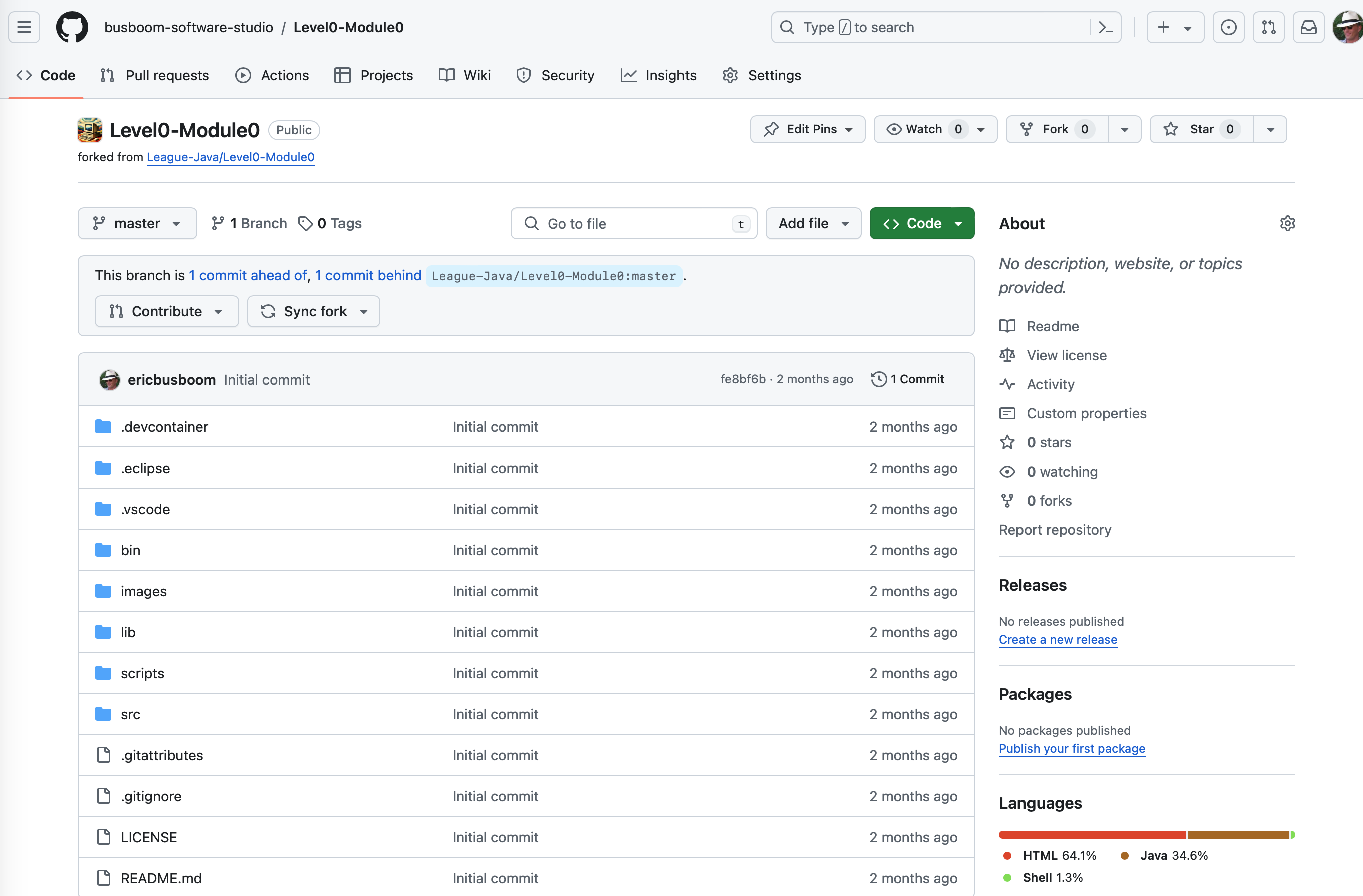
A GitHub repository page showing the Level0-Module0 project forked from League-Java/Level0-Module0. The page displays the repository structure with various folders and files like .devcontainer, .eclipse, .vscode, bin, images, lib, scripts, src, and configuration files. This appears to be a coding project repository for The League of Amazing Programmers.
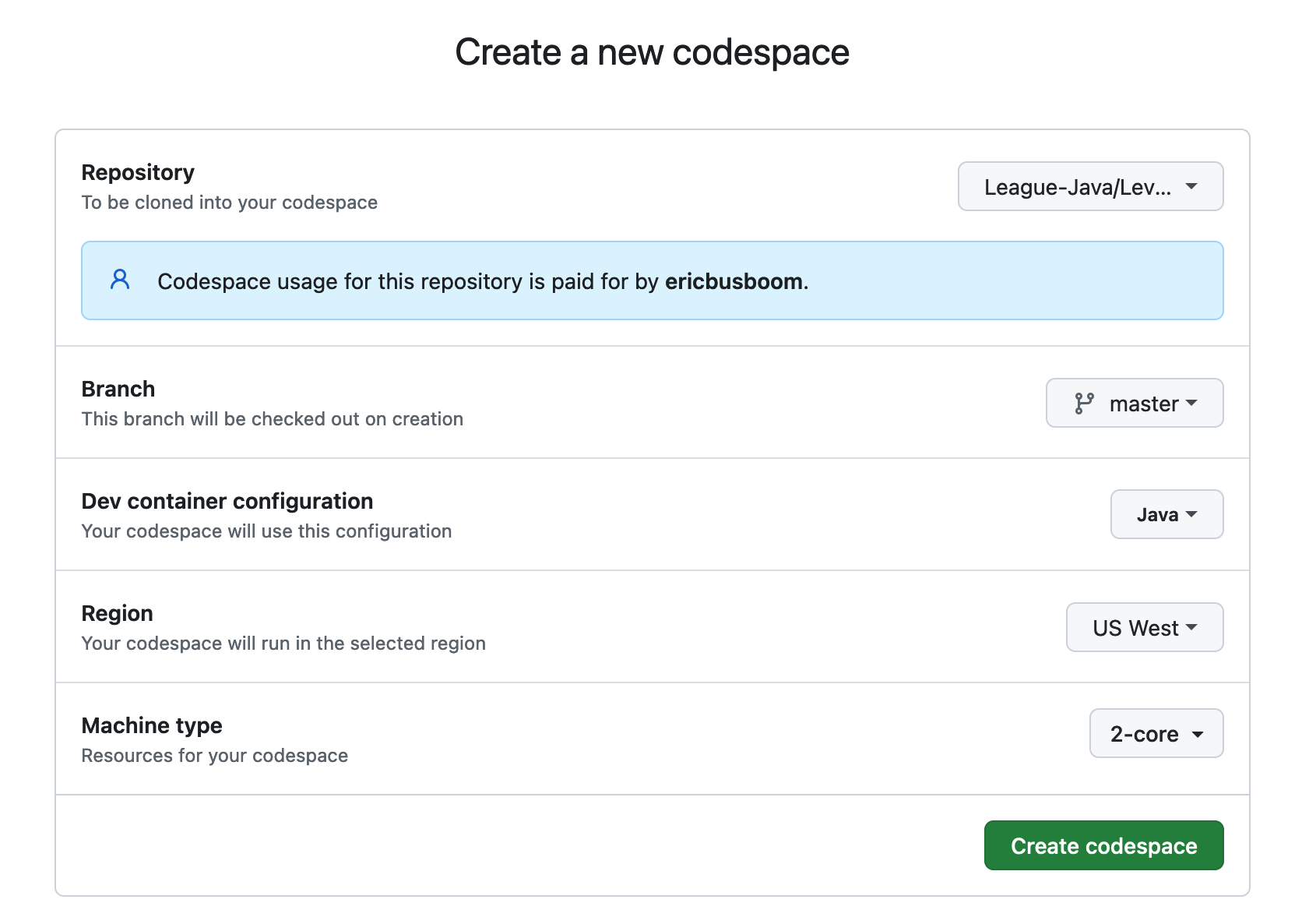
A screenshot of GitHub Codespaces setup form for creating a new codespace. The form shows configuration options including a Java repository from The League (League-Java/Lev...), branch selection (master), dev container configuration (Java), region (US West), and machine type (2-core). A green 'Create codespace' button is visible at the bottom.
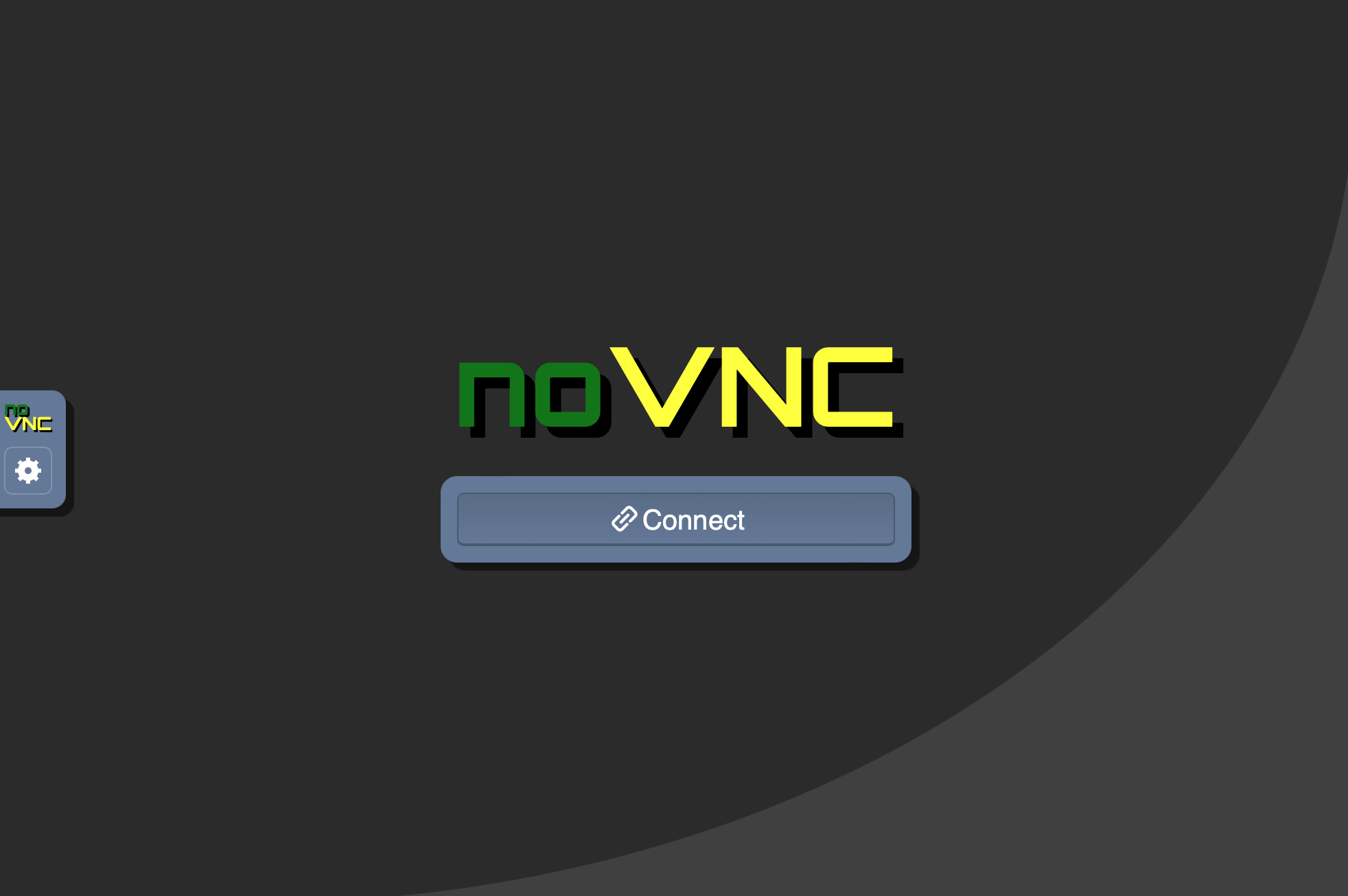
A screenshot of the noVNC application interface showing a connection screen with the noVNC logo displayed prominently in green and yellow text, along with a blue 'Connect' button. The interface has a dark gray background with a curved design element, and a small noVNC icon visible in the top left corner.

A screenshot of a GitHub button or interface element with an orange background displaying the GitHub logo and white text that reads 'Open in Codespaces'. This is a user interface element commonly found on GitHub repositories.
A screenshot showing four minimalist interface icons representing different layout or view options, displayed in white outline style on a dark background. These appear to be UI control buttons for toggling between different display modes or layouts.
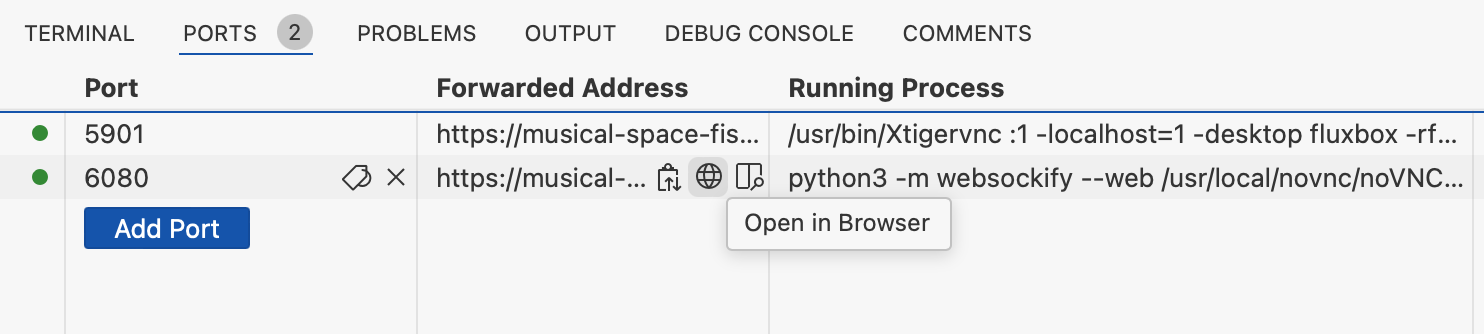
A screenshot of a development environment's Ports tab showing port forwarding configuration. The interface displays two active ports (5901 and 6080) with their associated forwarded addresses and running processes, along with an 'Add Port' button and an 'Open in Browser' option.

A screenshot of a development environment's port forwarding configuration interface, showing multiple ports (5901, 6080) with their forwarded addresses, running processes, and visibility settings. The image displays technical details including URLs, command-line processes, and a 'Preview in Editor' button, typical of a web development or coding workspace setup.
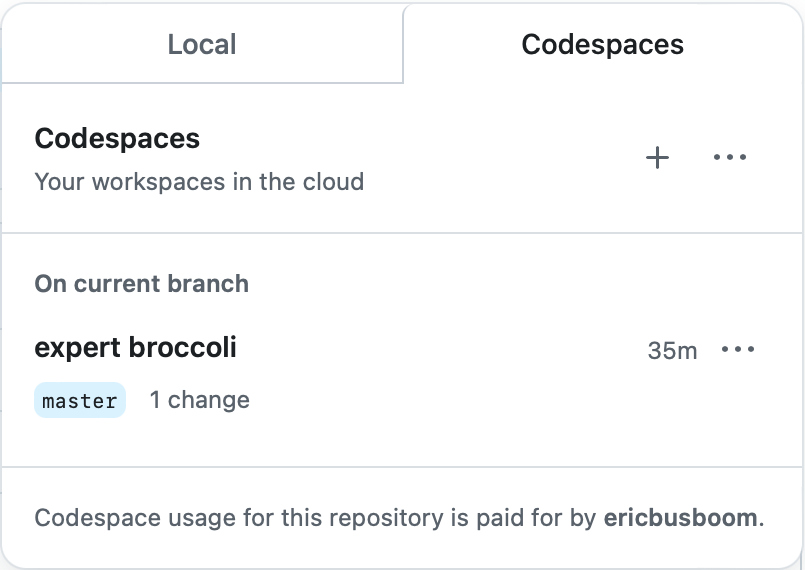
A screenshot of GitHub's Codespaces interface showing the Local and Codespaces tabs. The Local tab displays a codespace named 'expert broccoli' on the master branch with 1 change made 35 minutes ago. The interface includes options to create new codespaces and manage existing ones.

A screenshot showing a GitHub interface element with 'RUN AND DEBUG' text on the left, followed by a play button icon and a dropdown menu labeled 'DragonFight'. This appears to be part of a code editor or IDE debugging toolbar.
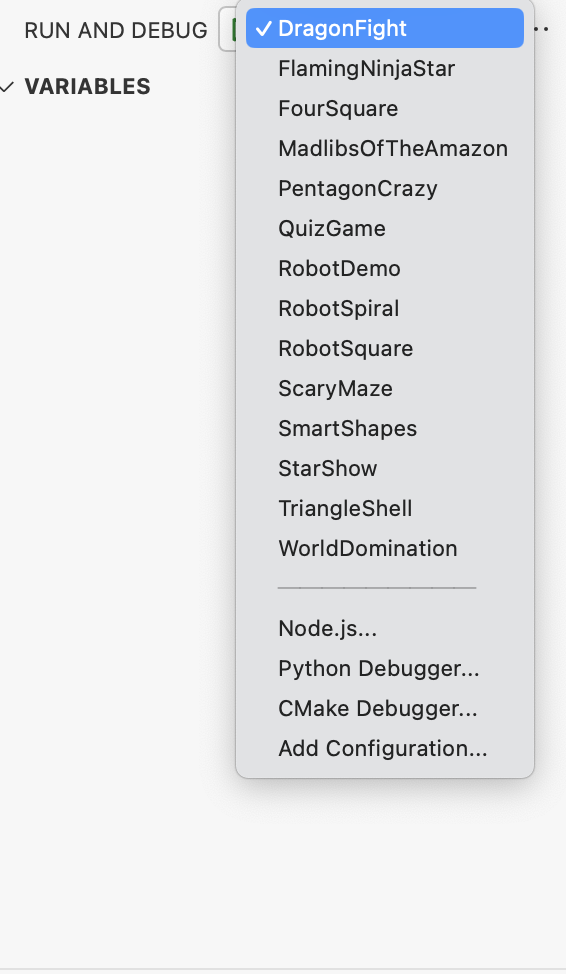
A screenshot of a code editor's Run and Debug configuration dropdown menu, showing various program names like DragonfFight, FlamingNinjaStar, RobotDemo, and others. The menu displays debugging options including Node.js, Python Debugger, and CMake Debugger at the bottom.

A screenshot of a green button or banner with white text that reads 'I understand my workflows, go ahead and enable them'. This appears to be a GitHub interface element, likely from a workflow configuration or enablement dialog.

A green button with white text that says 'Use this template' with a dropdown arrow, typical of GitHub's interface for creating a new repository from a template.
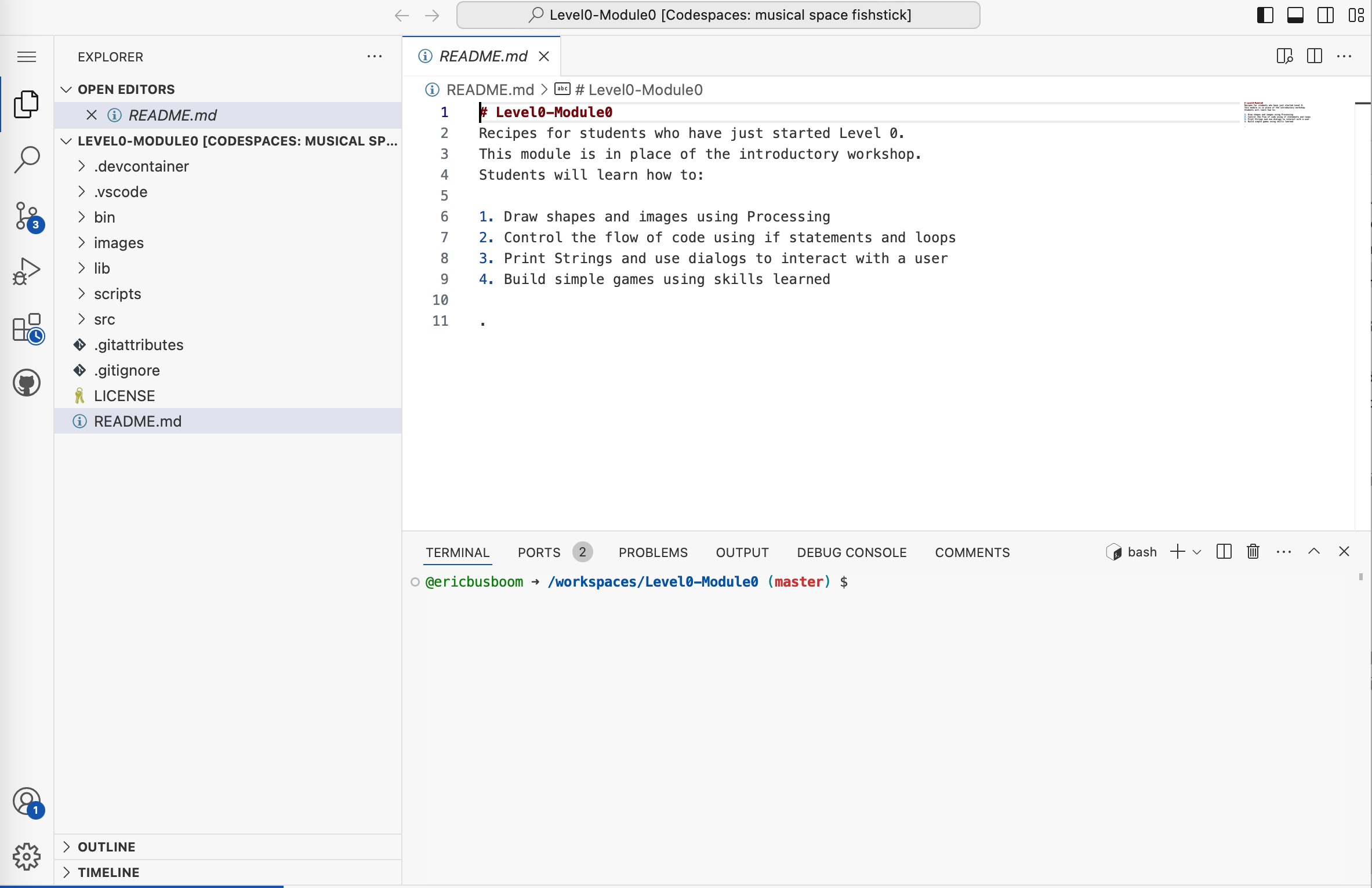
A screenshot of a code editor (VS Code) showing a README.md file for a Level0-Module0 coding course project called 'Codespaces: musical space fishstick'. The file displays introductory course content for students, including learning objectives like drawing shapes in Processing, controlling code flow, and building games.

A pixel art style illustration showing two characters on a green grassy background. The image appears to be from a retro video game or similar pixelated game art style, with a simple, minimalist aesthetic typical of early computer graphics.

A header or label showing the word 'Basic' in blue text next to a grid icon made of blue squares, typically representing the Basic category or section in MakeCode for micro:bit programming.
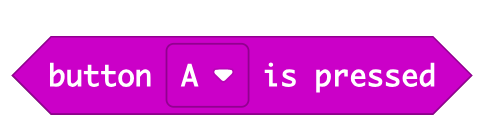
A magenta/purple banner displaying text "button A is pressed" with a small dropdown arrow icon, styled as a MakeCode block used in micro:bit programming. This is a visual representation of an event block from the MakeCode block-based coding interface.
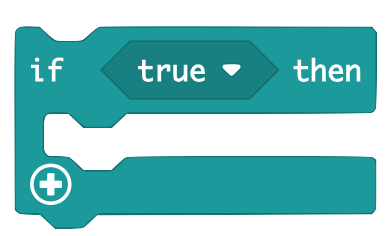
A visual representation of a conditional programming block from MakeCode, showing an 'if true then' statement structure with a plus icon for adding additional code blocks. This is a screenshot of the block-based programming interface used for micro:bit coding.
A simple UI button or interface element showing an upload/import icon with an upward arrow and the text 'Import' next to it. This appears to be a screenshot of a software interface element, likely from the MakeCode platform used for micro:bit programming.

A header or title graphic showing the word "Loops" in green text alongside a green stylized 'C' logo, appearing to be from MicroBit's MakeCode educational platform.
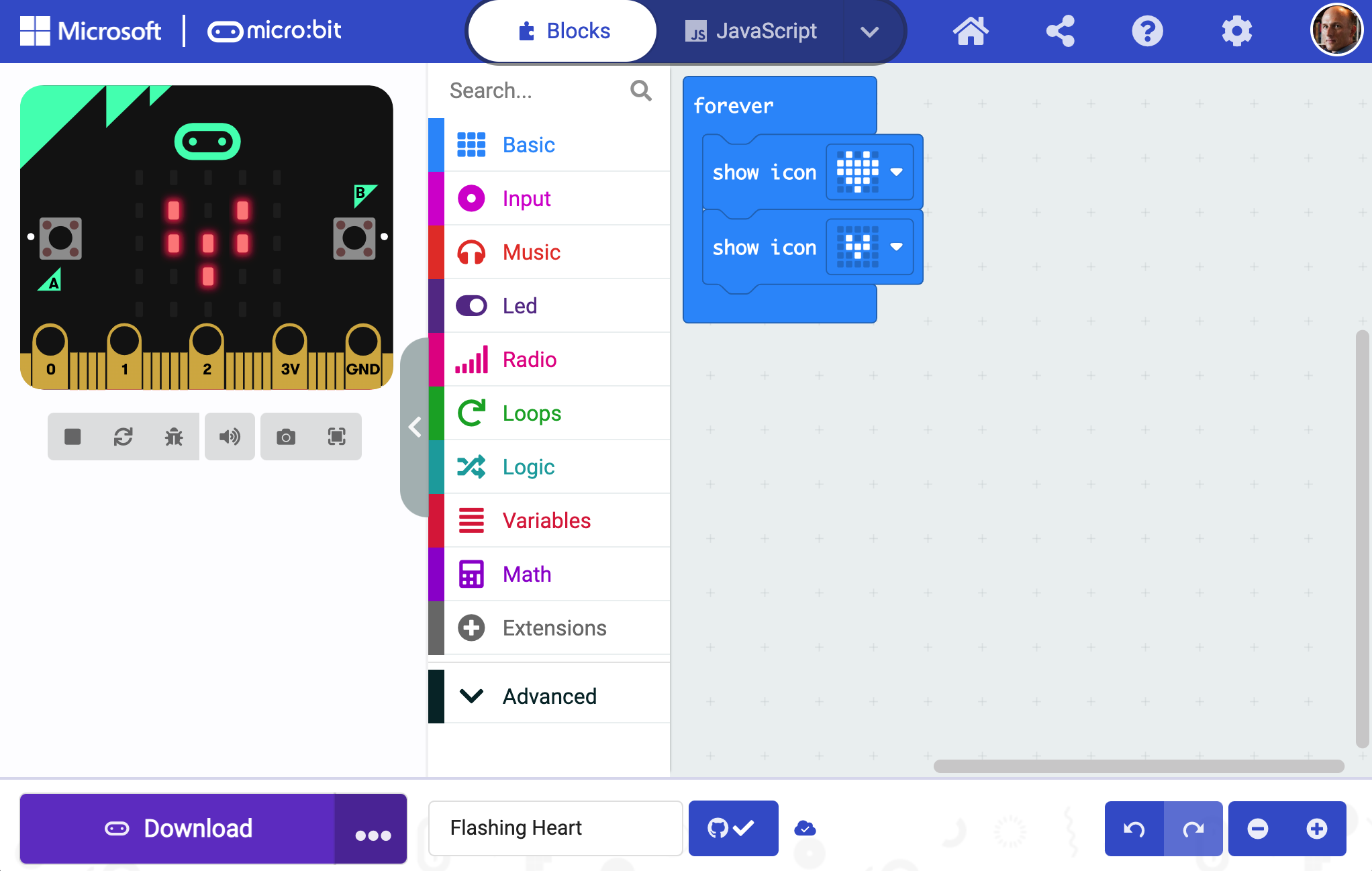
A screenshot of the Microsoft MakeCode interface for micro:bit programming. The screen shows the Blocks editor with a micro:bit device visualization on the left displaying LED patterns, and a color-coded menu of programming blocks (Basic, Input, Music, Led, Radio, Loops, Logic, Variables, Math, Extensions, Advanced) on the left. The main coding area on the right shows a 'forever' loop with 'show icon' blocks.
A sign-in button interface element with the text 'Sign In' accompanied by a user account icon. This appears to be a UI component from a website or application, likely from the MicroBit MakeCode platform.
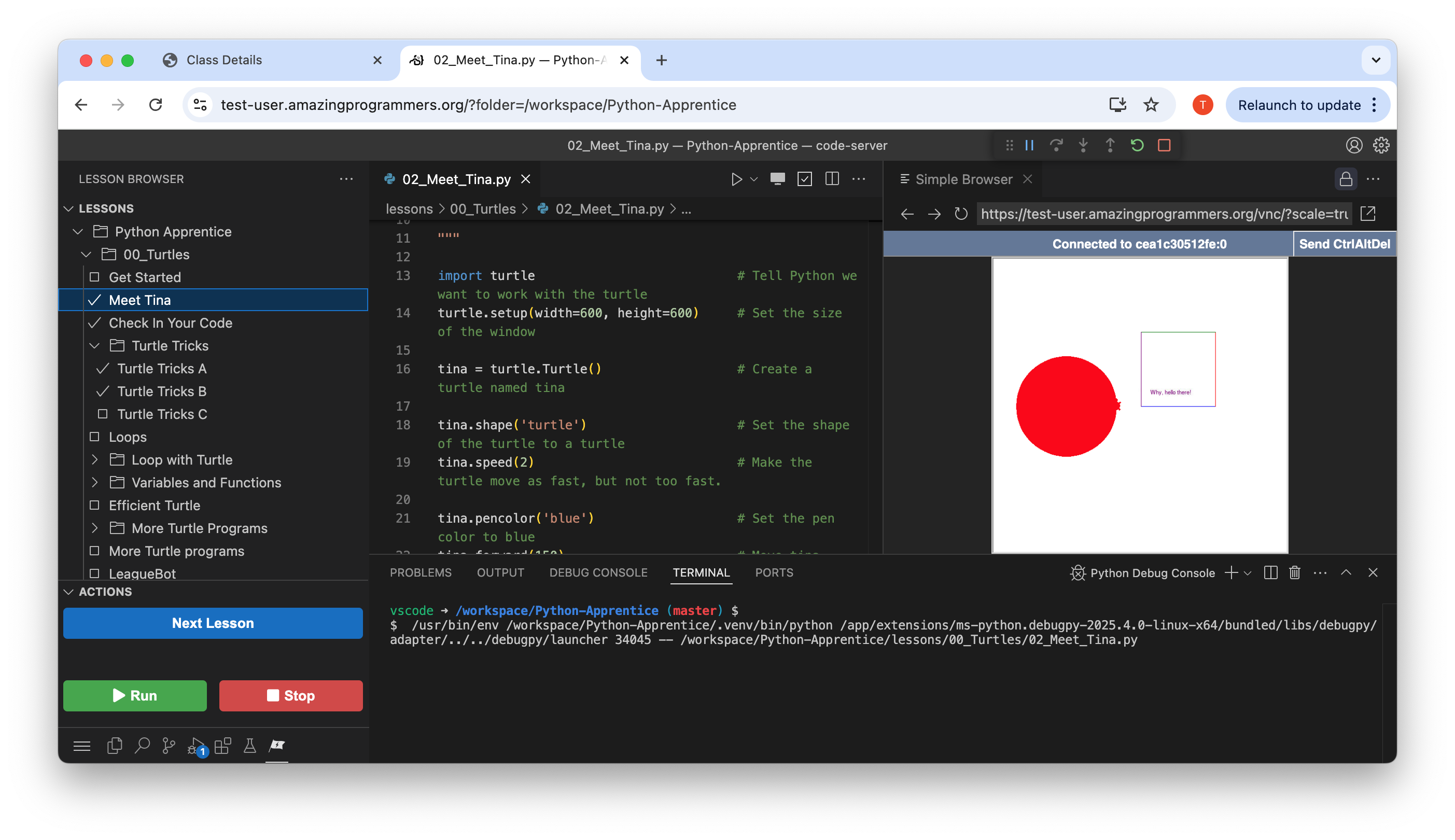
A screenshot of The League of Amazing Programmers' web-based Python learning platform showing a lesson called 'Meet Tina'. The interface displays Python code that creates and manipulates a turtle graphics object, with a live preview on the right showing a red circle being drawn. The left sidebar shows the lesson hierarchy within the Python Apprentice course.

A user interface button or prompt displaying the GitHub logo (Octocat) alongside the text 'Continue with GitHub'. This appears to be a login or authentication interface element commonly used on web applications and websites.
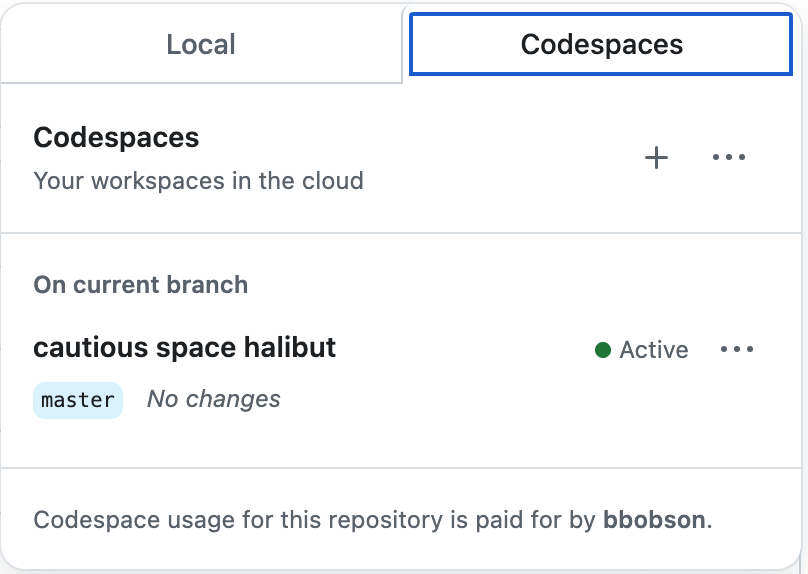
A screenshot of GitHub Codespaces interface showing cloud-based development workspaces. The interface displays tabs for 'Local' and 'Codespaces', with details about an active codespace named 'cautious space halibut' on the master branch with no changes.

A screenshot showing a navigation menu bar with multiple tabs including TERMINAL, PORTS, JUPYTER, PROBLEMS, OUTPUT, and DEBUG CONSOLE. The PORTS tab is highlighted with a blue underline and displays a notification badge with the number 5, indicating there are 5 active ports. This appears to be from a development environment interface.
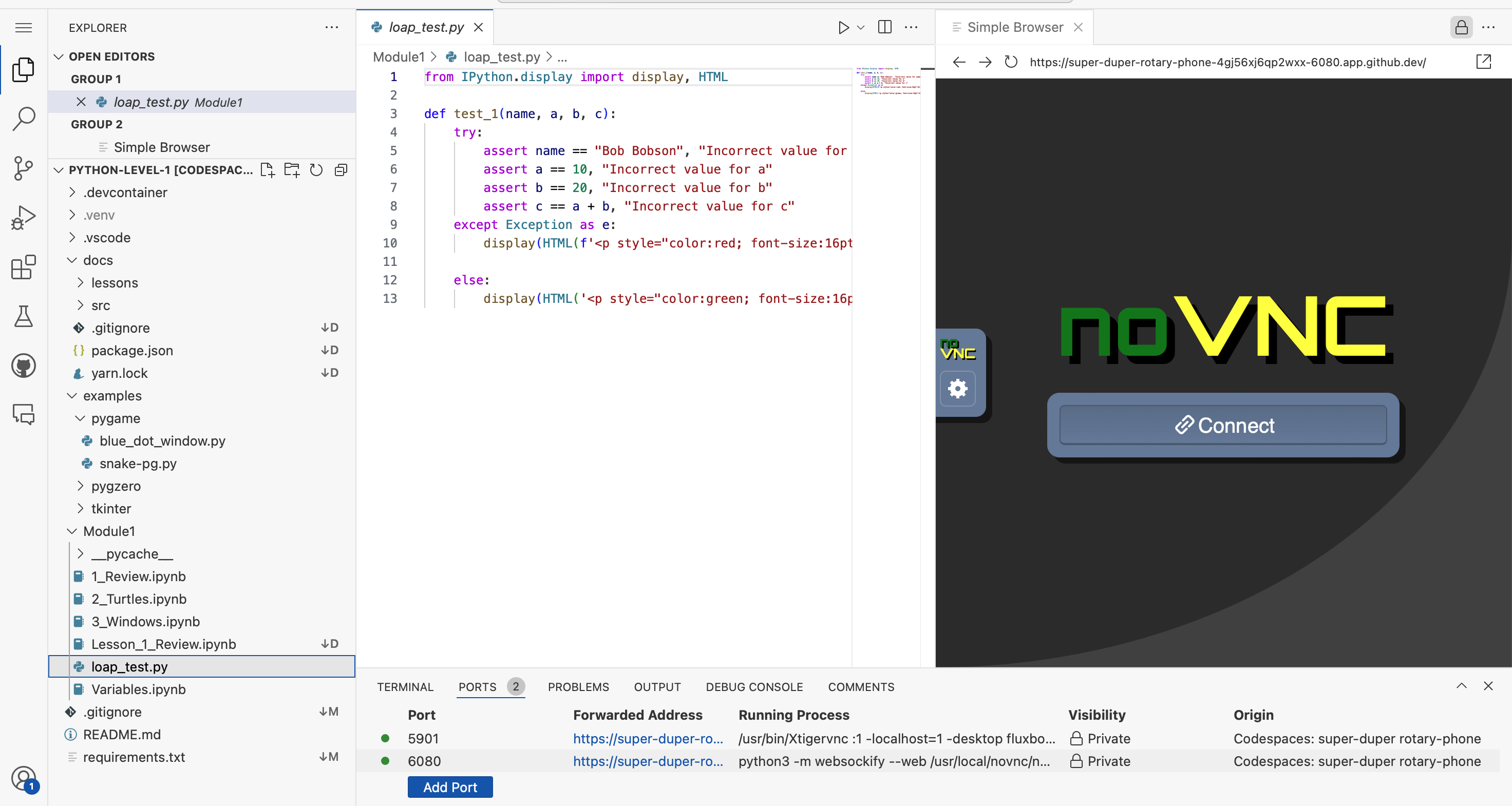
A screenshot of a Python development environment showing a coding editor on the left with file explorer displaying project structure, Python code in the center editor pane showing a test function with assertions and HTML display statements, and a browser preview on the right showing a noVNC interface with a Connect button. This appears to be a Codespaces development setup for a League of Amazing Programmers Python lesson.

A green button or navigation element featuring a code bracket icon and the word "Code" with a dropdown arrow, commonly used in programming interfaces and educational platforms.
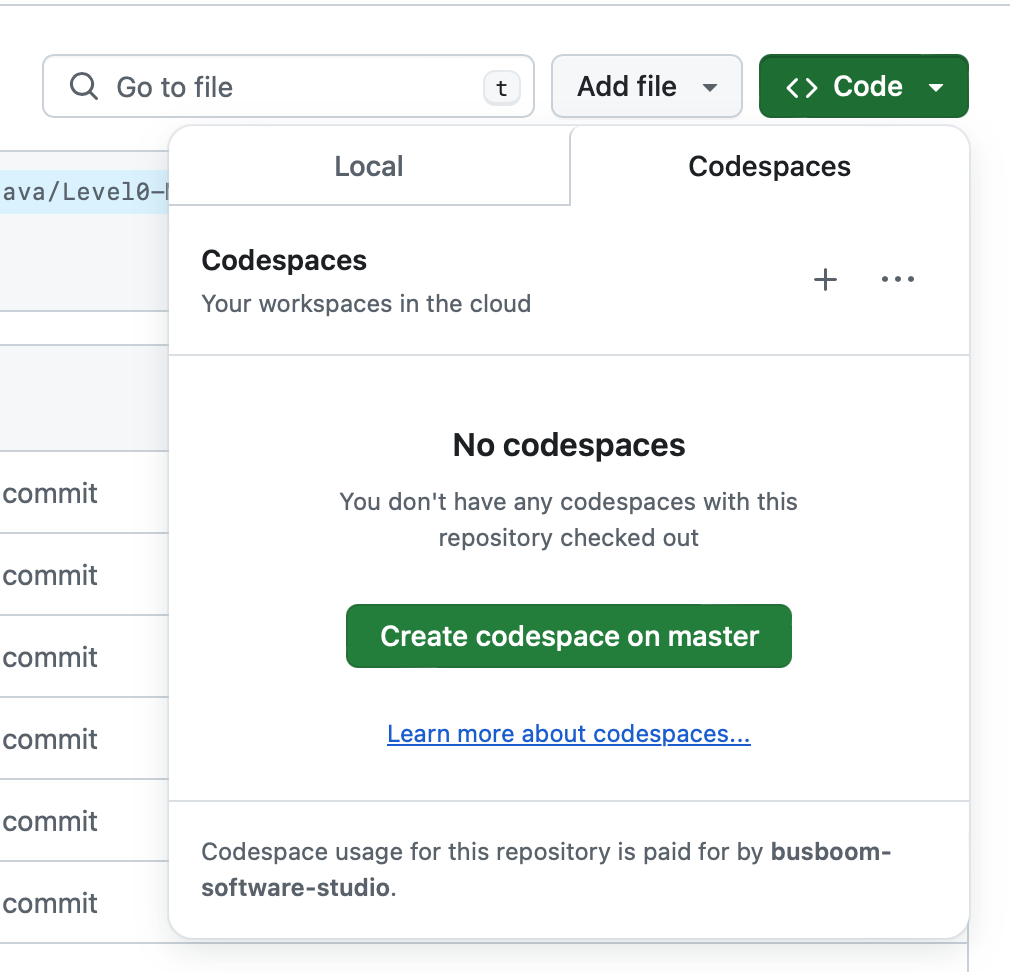
A screenshot of GitHub Codespaces interface showing the Codespaces tab for a repository. The page displays 'No codespaces' with a message indicating no codespaces are currently checked out, along with a green button to 'Create codespace on master' and a link to learn more about codespaces.

A navigation header displaying 'Fork Level0-Module0' with the GitHub logo on a green background. This appears to be part of a web interface for a coding curriculum module.
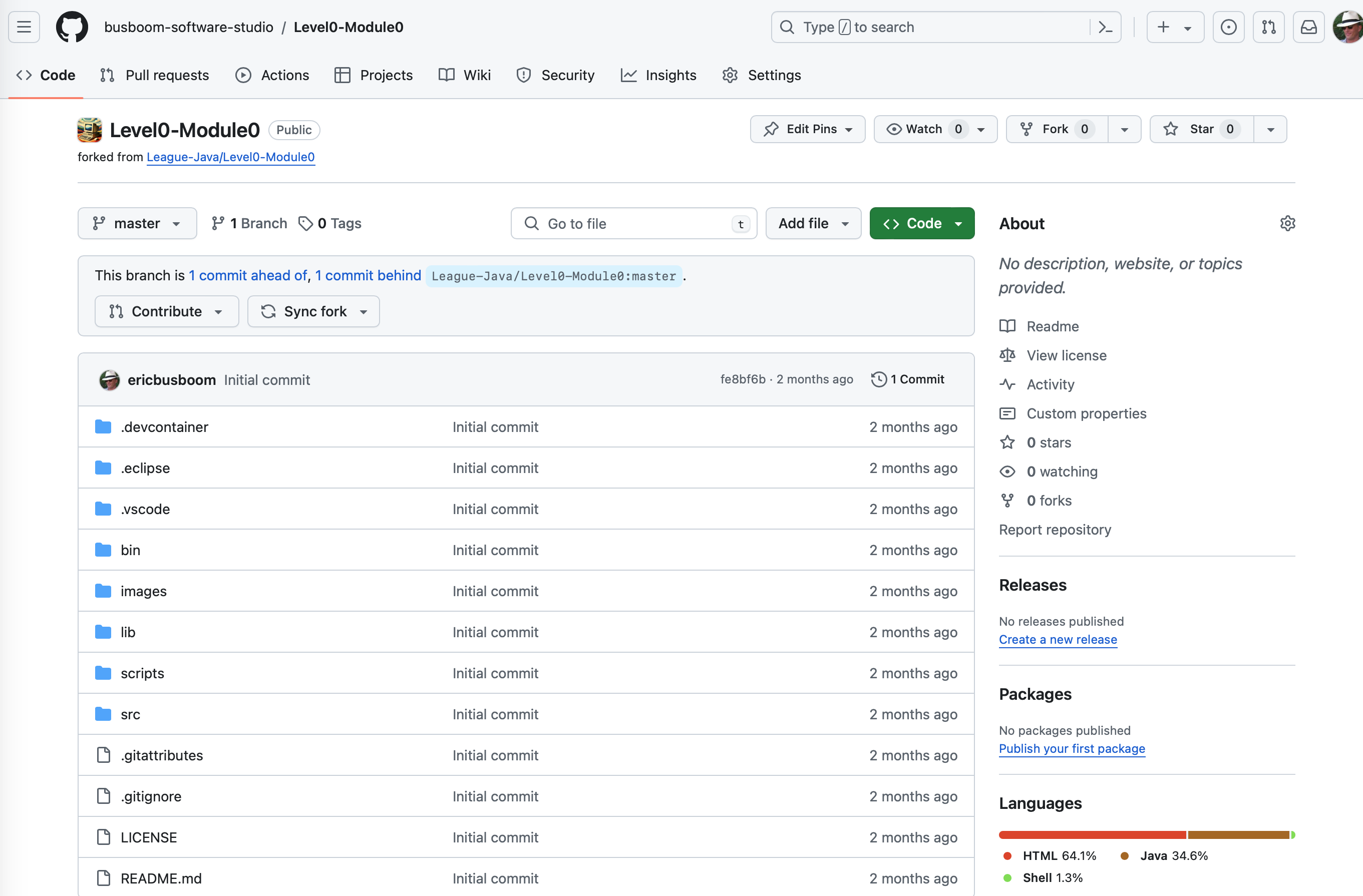
A GitHub repository page showing the Level0-Module0 project from The League's Java curriculum. The screenshot displays the repository structure with various folders (.devcontainer, .eclipse, .vscode, bin, images, lib, scripts, src) and configuration files, forked from League-Java/Level0-Module0. The page shows code repository management interface with branch information and project metadata.
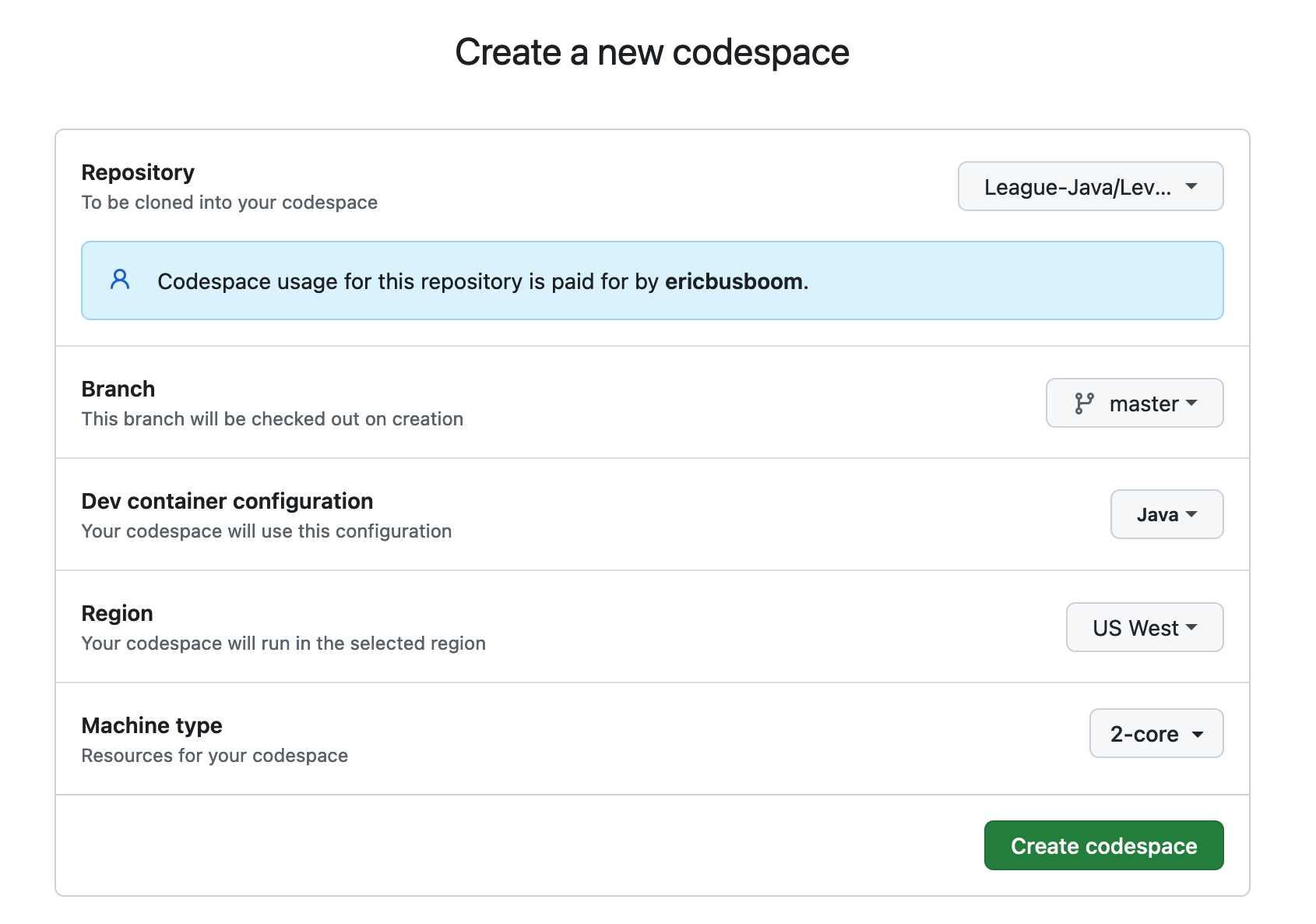
A screenshot of GitHub Codespaces configuration interface for creating a new development environment. The form shows settings for a League of Amazing Programmers Java repository, including repository selection, branch, dev container configuration, region, and machine type options.
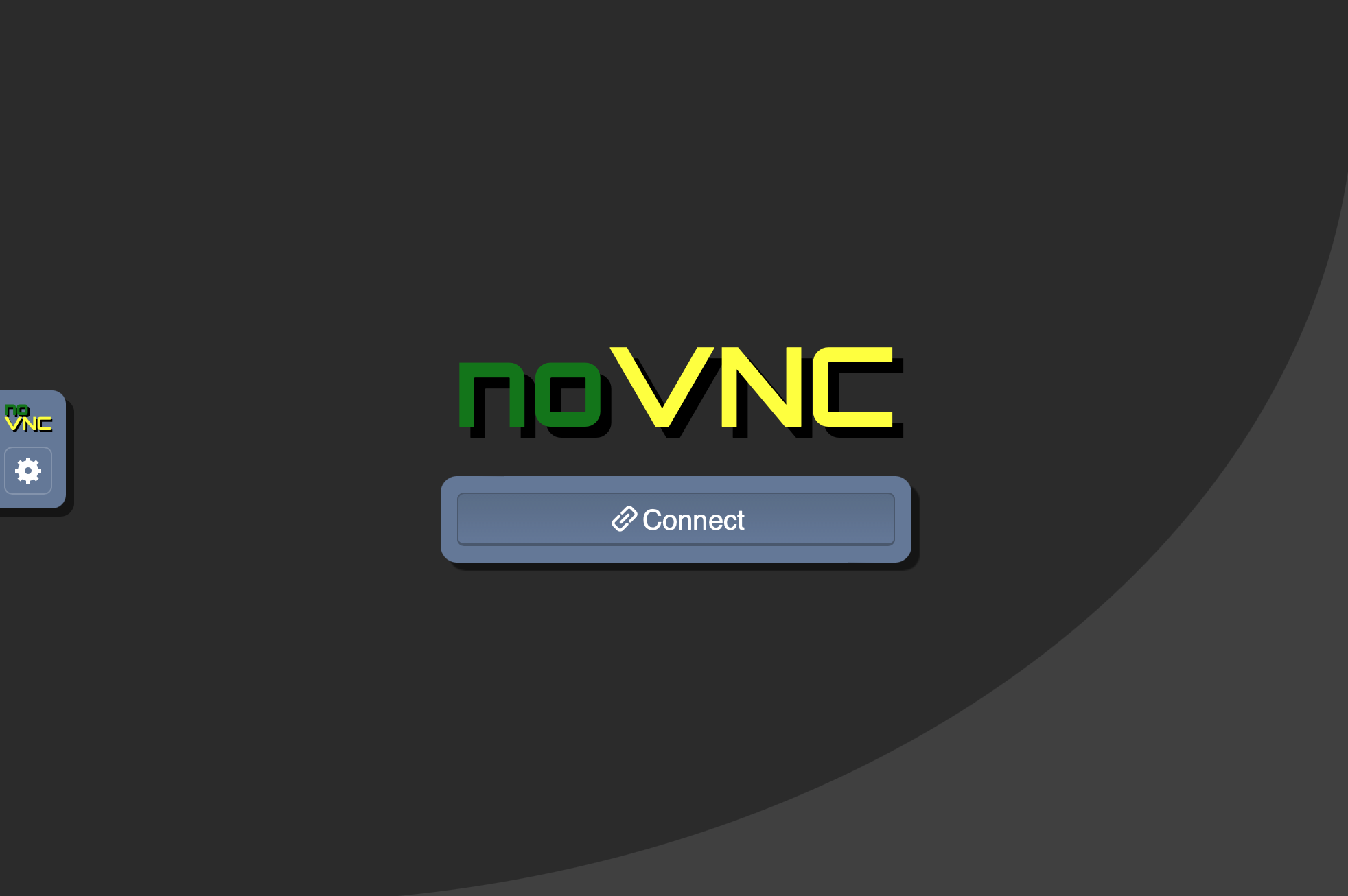
A screenshot of the noVNC interface showing a connection screen with the noVNC logo in green and yellow text and a blue "Connect" button. This appears to be a remote desktop/virtual machine connection interface, likely used for accessing CodeSpaces Motors development environments in The League's Java curriculum.

A clickable button or banner with an orange background featuring the GitHub logo and text "Open in Codespaces". This is a navigation element for opening a coding project in GitHub Codespaces, commonly used in educational coding platforms.
A set of four simple line icons displayed on a dark background, showing different device or layout representations. These appear to be UI navigation icons, possibly representing different view modes or device types (phone, tablet, book/split view, and grid layouts).
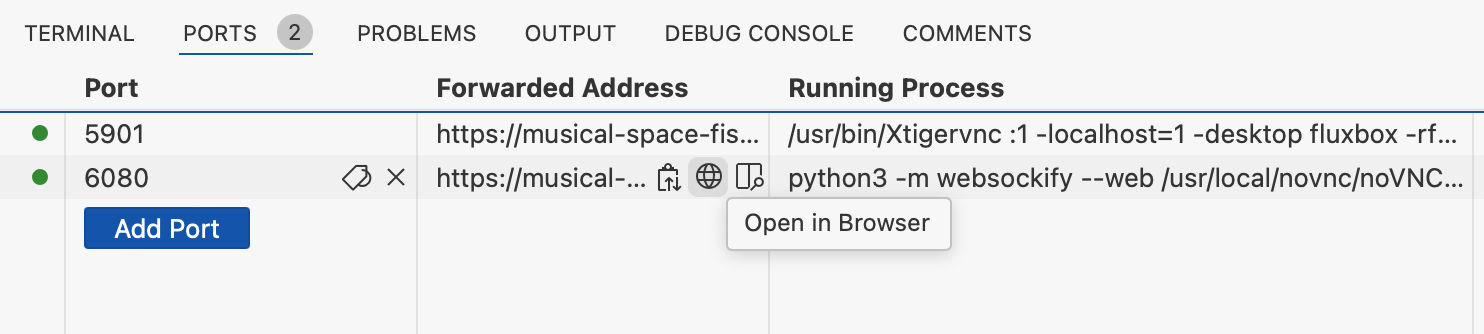
A screenshot of a development environment's Ports tab showing two active port forwards (5901 and 6080) with their associated URLs, running processes, and an 'Open in Browser' button. This appears to be from VS Code or a similar IDE being used for running web applications.

A screenshot of a development environment's port forwarding configuration table showing two active ports (5901 and 6080) with their forwarded addresses, running processes, and visibility settings. The interface displays localhost addresses and Python/VNC processes typical of a coding development environment.
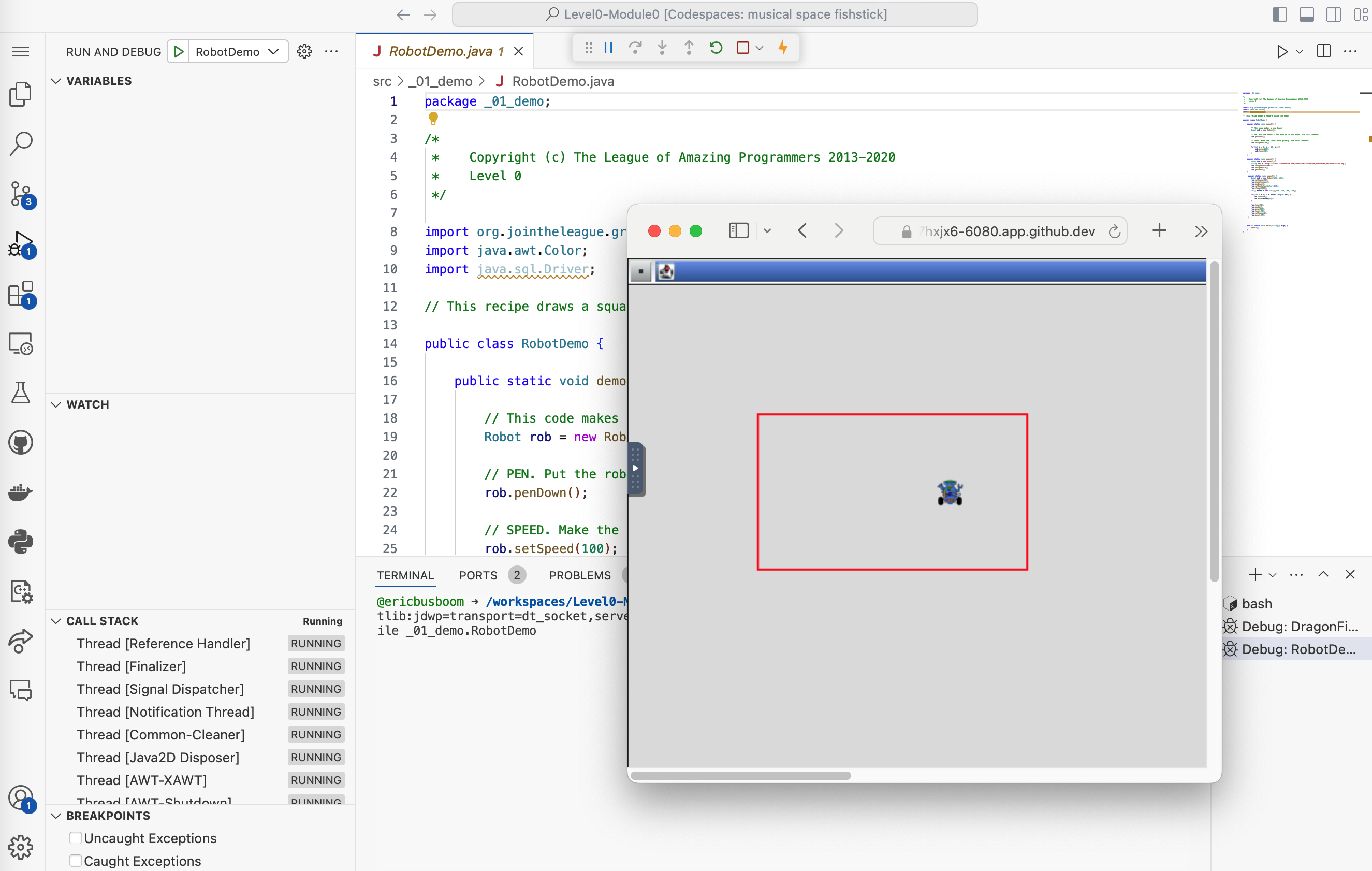
A screenshot of an IDE (Integrated Development Environment) showing Java code from The League of Amazing Programmers. The left side displays the RobotDemo.java source code with copyright notice and imports, while the right side shows a debugging/execution window with a simulated robot visualization in a red-bordered square on a graphical canvas.

A screenshot of a code editor or IDE interface showing a 'Run and Debug' button with a play icon on the left, and a dropdown menu labeled 'DragonFight' on the right. This appears to be part of a coding environment's module navigation interface.
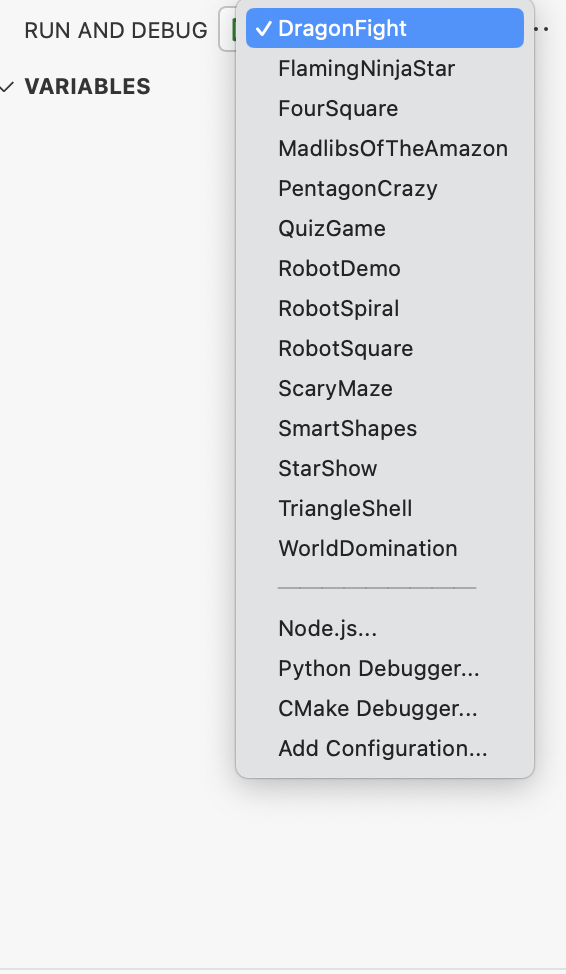
A screenshot of a development environment showing a run and debug configuration dropdown menu. The menu displays various project options like DragonfFight, FlamingNinjaStar, RobotDemo, and others, with DragonfFight currently selected. Below are debugging options for Node.js, Python, and CMake.

A navigation button or link showing the GitHub logo (Octocat) in black alongside the text 'View Source' in orange. This appears to be a UI element for accessing source code, likely part of a coding curriculum interface.

Three horizontal button bars with GitHub branding and action text. The left orange button says 'Open in Codespaces', the middle green button says 'Fork Level0-Module0', and the right blue button says 'View Level0-Module0'. These appear to be navigation/action buttons for a coding module interface.

A navigation header showing the GitHub logo alongside text that reads 'View Level0-Module0'. This appears to be a clickable link or button for accessing a specific module in The League's Java curriculum.
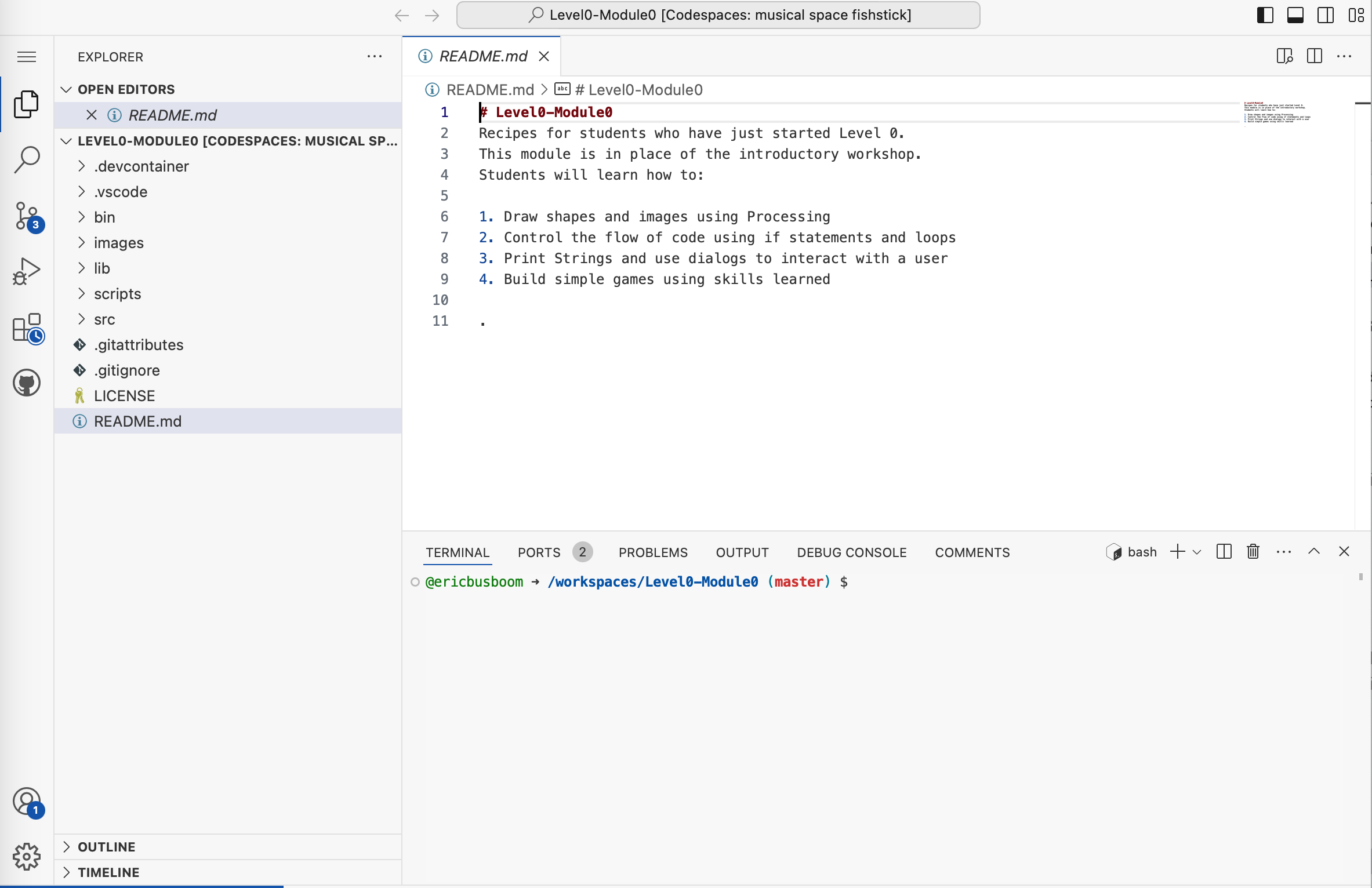
A screenshot of VS Code showing a README.md file for Level0-Module0, which is part of a coding curriculum. The file contains introductory instructions for students learning to draw shapes, control code flow, use dialogs, and build games. The left sidebar displays the project explorer with various files and folders, while a terminal window is visible at the bottom.
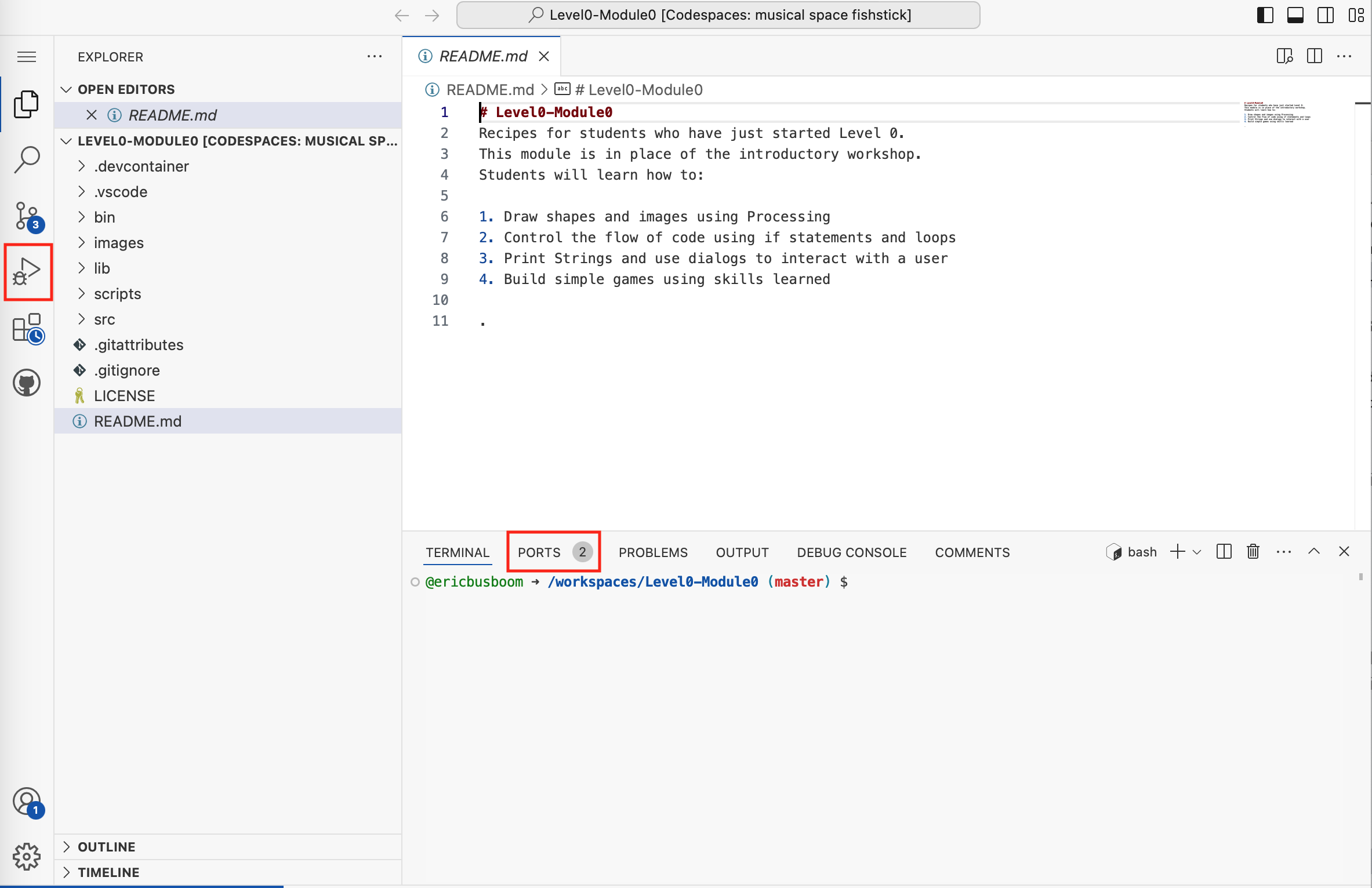
A screenshot of VS Code showing a README.md file for Level0-Module0, which is an introductory coding workshop module. The file displays learning objectives including drawing shapes with Processing, controlling code flow, using strings and dialogs, and building simple games. The left sidebar shows the project file structure with folders like scripts, src, and images.
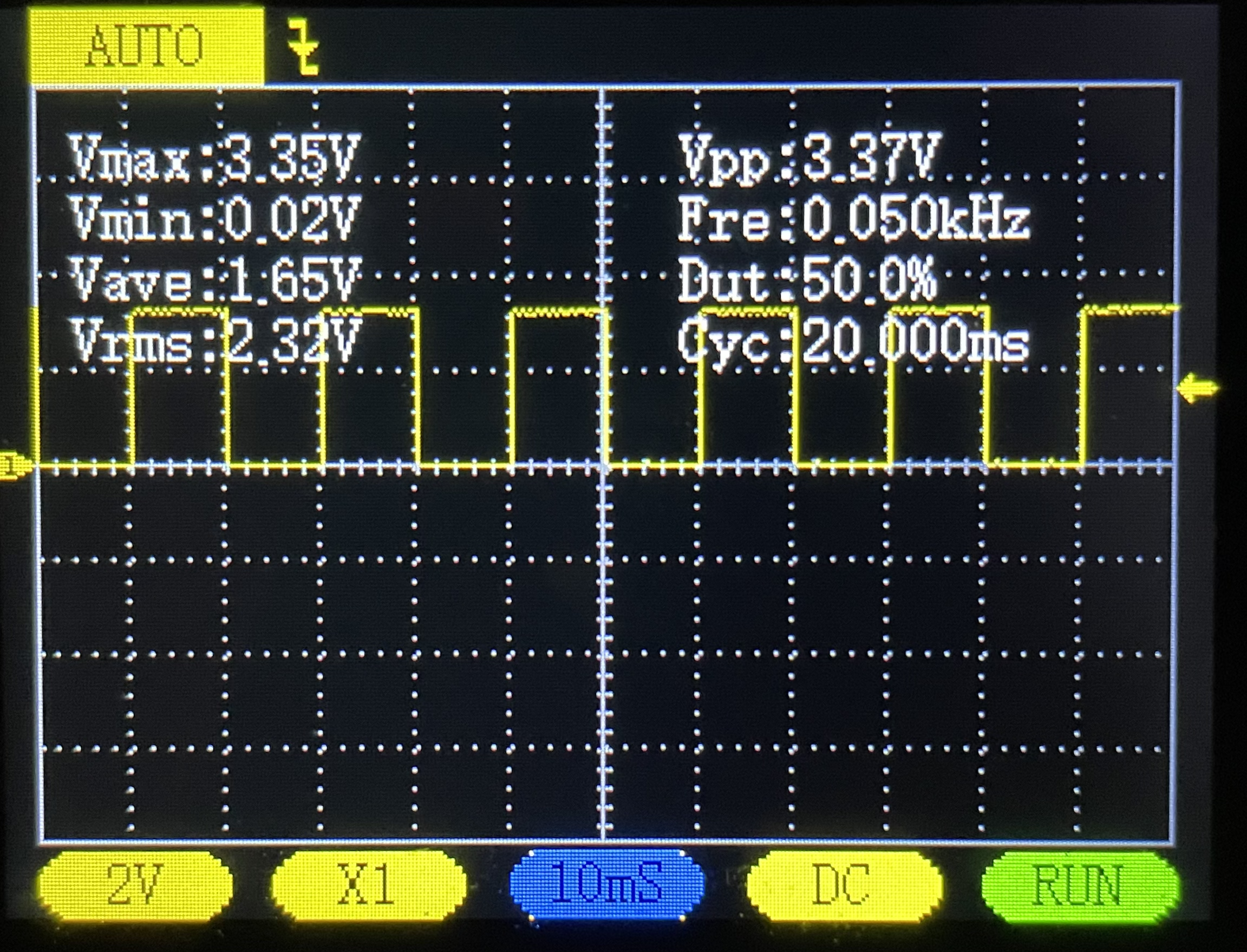
An oscilloscope display showing an electrical waveform measurement with voltage and frequency data. The screen displays a yellow square wave pattern with measurements including Vmax (3.35V), Vmin (0.02V), Vave (1.65V), Vrms (2.32V), Vpp (3.37V), frequency (0.050kHz), duty cycle (50.0%), and cycle time (20.000ms). This is a screenshot of oscilloscope software or hardware used for electronics analysis and measurement.
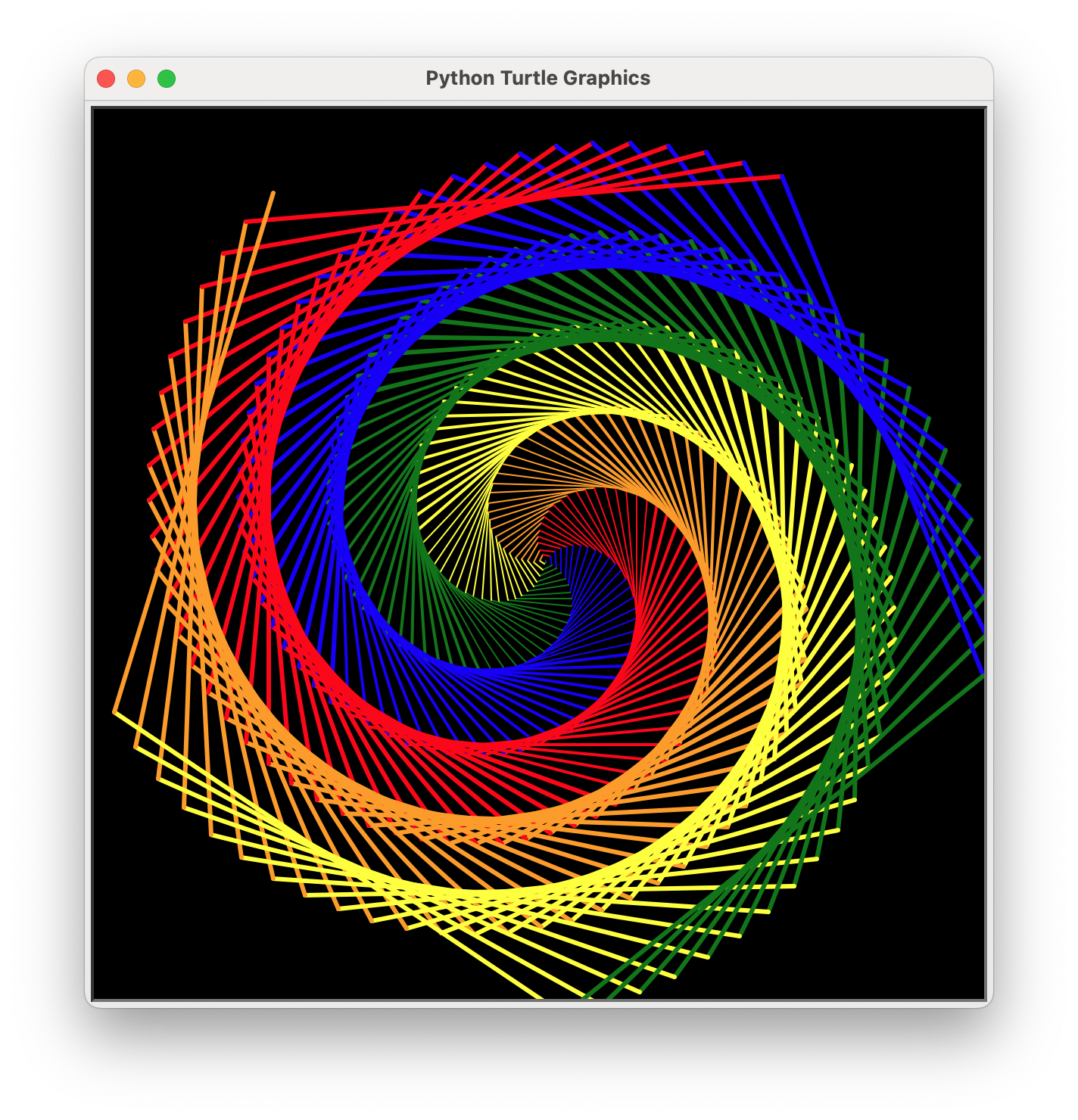
A screenshot of a Python Turtle Graphics program displaying a colorful spiral pattern made of nested geometric shapes in red, blue, green, yellow, and orange lines on a black background. The window title shows 'Python Turtle Graphics' and demonstrates the output of a turtle graphics script commonly used in introductory programming education.

A young woman sits at a desk working on a computer with design software open on the monitor, while a man in a hat stands beside her pointing at the screen in what appears to be a mentoring or collaborative moment. The scene is set in a colorful studio environment with warm orange and cool blue lighting, featuring a guitar and other creative elements in the background. This appears to be a stock photo depicting a tech or design mentorship scenario.
An illustrated composition showing a software development workflow with code editor windows displaying C programming code, a file tree structure, and various development-related icons including a lightbulb, gears, magnifying glass, and code brackets on a pink background. The scene depicts a typical programming environment with colorful, stylized UI elements.
An illustrated composition showing a coding development environment with multiple windows displaying C++ code, surrounded by programming-related icons and symbols like a lightbulb, gears, magnifying glass, cursor, and file folders on a pink background. The image represents software development and programming concepts in a stylized, digital art format.
A composite image showing a young person working on a laptop with overlaid digital UI elements displaying code and programming interfaces. The scene includes file browser windows, code editor panels with syntax-highlighted Arduino-style code, and visual programming elements with orange accents. In the background, hands are visible working at the desk with a laptop and what appears to be electronics or hardware components on a turquoise surface.

A green button or banner with white text that reads 'Create codespace on master'. This appears to be a UI element from Visual Studio Code related to creating a GitHub Codespace.

A green button or label showing the text 'Create codespace on master', which appears to be a UI element from GitHub or VS Code for creating a cloud-based development environment.

A row of VS Code interface icons showing various toolbar buttons and controls, including layout options, navigation arrows, undo/redo, and command palette shortcuts. These are standard UI elements found in the VS Code editor interface.
A screenshot of a user interface showing an 'ACTIONS' section with three buttons: a blue 'Next Lesson' button at the top, and two buttons below it - a green 'Run' button with a play icon and a red 'Stop' button. This appears to be from an educational coding platform's interface.
A screenshot showing a row of VS Code interface icons including a play/run button, dropdown arrow, split editor panel button, and a menu button with three dots.

A screenshot of Python code in Visual Studio Code showing a beginner programming example. The code demonstrates importing the datetime module, getting today's date, creating a string with a message, and printing it. A red arrow annotation points to the import statement at the top.
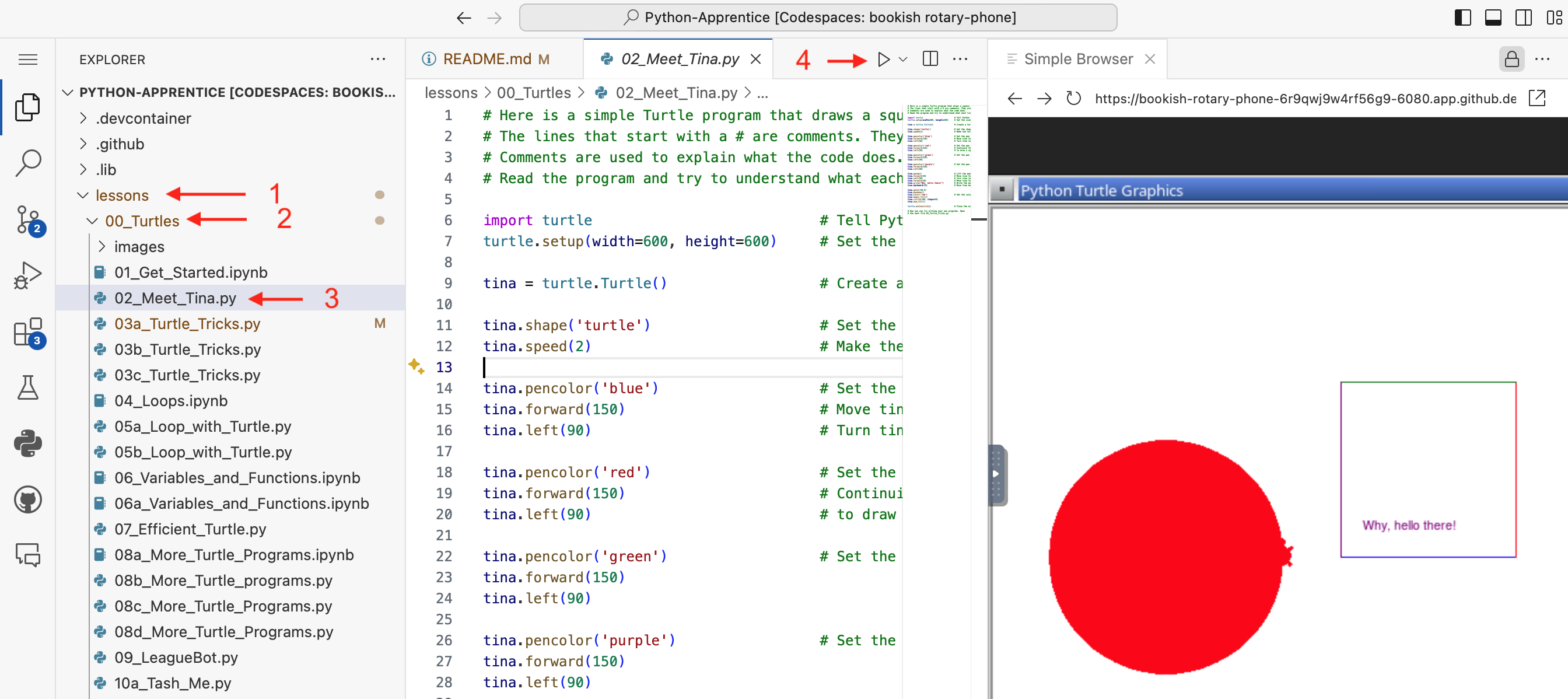
A screenshot of VS Code showing a Python programming lesson from The League's Python-Apprentice curriculum. The left panel displays a file explorer with lesson folders and Python files (including turtle graphics exercises), the center shows Python code for a turtle graphics program with comments, and the right panel displays the output - a red circle drawn by the turtle graphics program with 'Why, hello there!' text.
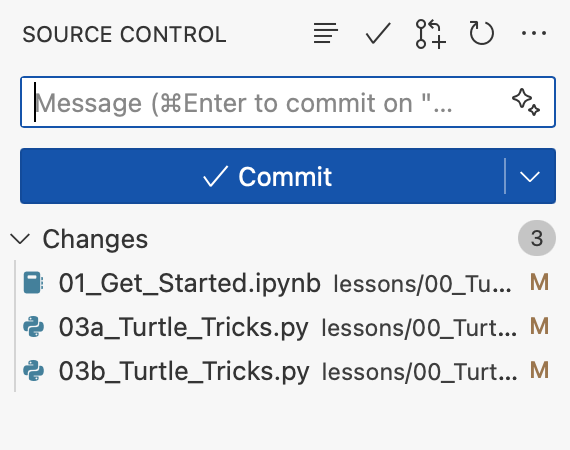
A screenshot of a source control interface in VS Code showing a commit dialog. The interface displays a message input field, a blue "Commit" button, and a list of 3 modified files related to Python lessons including turtle tricks and getting started modules.
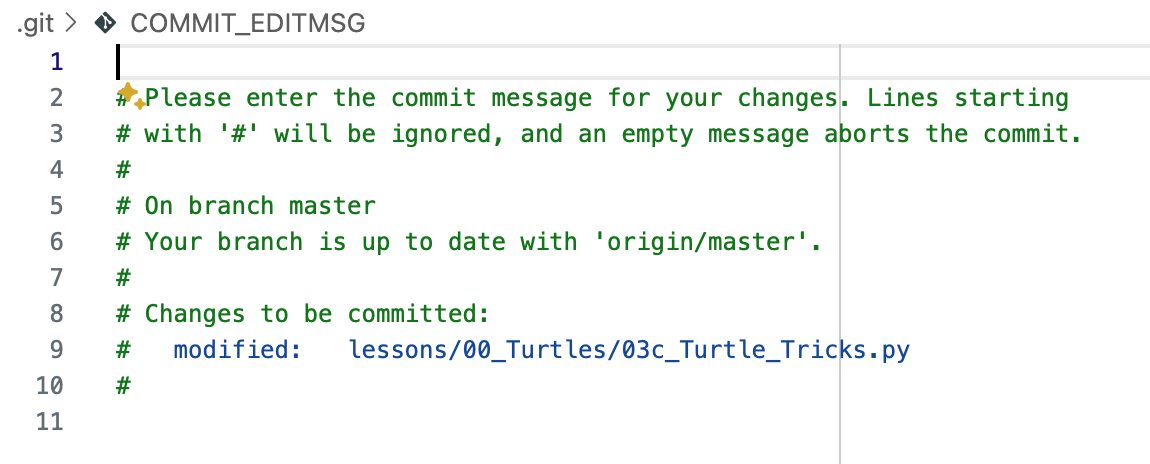
A screenshot of a Git commit message editor in VS Code showing the COMMIT_EDITMSG file. The editor displays default git commit instructions in green text, including a section showing that a file 'lessons/00_Turtles/03c_Turtle_Tricks.py' is modified and ready to be committed.

A screenshot of a VS Code interface element showing a blue header bar with white text that reads 'Sync Changes 1↑', indicating a synchronization feature with one pending change to upload.

A screenshot of a Jupyter kernel selection dialog in VS Code. The interface shows a search box with placeholder text "Type to choose a kernel source" and two options below: "Python Environments..." and "Existing Jupyter Server..."
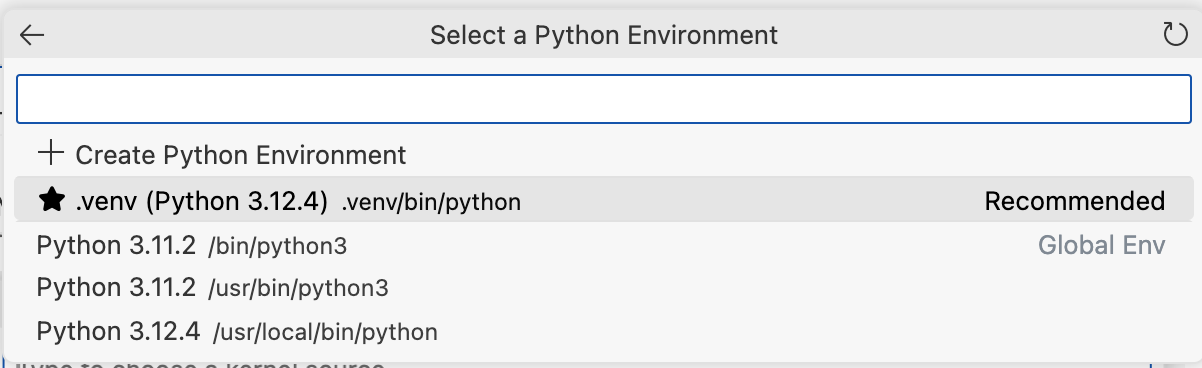
A screenshot of a Python development environment selection dialog in VS Code. The interface shows options to create a new Python environment or select from existing ones, including a recommended .venv (Python 3.12.4) and several other Python installations.
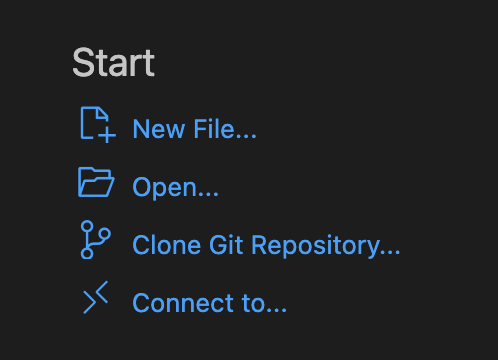
A screenshot of a VS Code Start menu showing options for creating a new file, opening files, cloning a Git repository, and connecting to a remote environment. This appears to be from Visual Studio Code's welcome screen with a dark theme.